
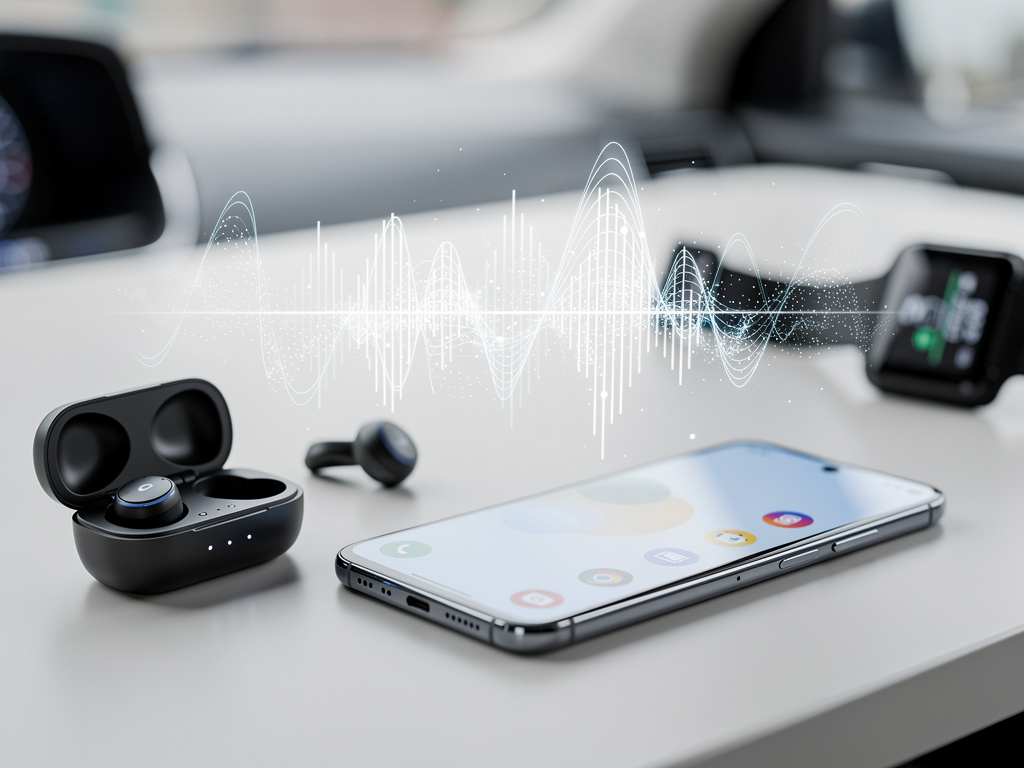
Google has recently expanded the capabilities of its Gboard keyboard app, bringing voice typing functionality to Bluetooth earbuds on Android devices. This update addresses a long-standing gap in how users interact with their phones hands-free. For years, voice typing in Gboard relied solely on the device’s built-in microphone or wired headphones, leaving Bluetooth accessories out of the picture. Now, with this change, people can dictate text using wireless earbuds, making it easier to compose messages, notes, or emails without touching the screen.
The shift comes as part of Google’s ongoing efforts to improve accessibility and convenience in mobile computing. Voice typing has been a core feature of Gboard since its early days, allowing users to speak their thoughts and have them converted into text in real time. This tool uses advanced speech recognition technology powered by Google’s machine learning models, which handle various accents, languages, and even punctuation commands like “period” or “new line.” Before this update, if you wanted to use voice typing while wearing Bluetooth earbuds, the audio would default to the phone’s microphone, often leading to poor quality due to background noise or distance from the speaker’s mouth.
According to reports from Android Authority, the feature rolled out quietly through a server-side update, meaning it became available without needing a full app refresh from the Play Store. Users started noticing the change in late 2023, with compatibility extending to a wide range of Bluetooth earbuds, including popular models like Apple’s AirPods, Sony’s WF-1000XM series, and Google’s own Pixel Buds. To activate it, you simply open an app that requires text input, tap the microphone icon in Gboard, and start speaking. The earbuds’ built-in microphones capture the audio, which Gboard processes and transcribes directly.
This development is particularly useful for scenarios where holding the phone isn’t practical. Imagine jogging with earbuds in, and you need to send a quick text—now you can dictate it without stopping. Or during a commute, drivers can keep their hands on the wheel while responding to messages via voice. It’s a step toward more integrated hands-free experiences, aligning with broader trends in wearable technology and voice interfaces. Google has been refining its voice recognition for over a decade, starting with basic search queries and evolving into full dictation tools. This Bluetooth support builds on that foundation, potentially reducing errors by using higher-quality microphones in earbuds compared to some phone mics.
Testing shows that the feature works across most Android versions from 10 onward, though optimal performance requires the latest Gboard update. Not all earbuds are created equal; those with superior noise-cancellation and beamforming microphones, like the Samsung Galaxy Buds Pro, deliver clearer input, minimizing transcription mistakes in noisy environments. For instance, in a crowded cafe, the earbuds can focus on your voice while suppressing ambient sounds, leading to more accurate text output.
One aspect to consider is privacy. Voice data processed by Gboard is sent to Google’s servers for transcription, but the company emphasizes that it’s anonymized and not linked to user accounts unless explicitly allowed. Users concerned about data handling can review settings in the Google app to manage voice activity storage. This update doesn’t alter those fundamentals but extends the input method, so the same privacy controls apply.
Comparing this to competitors, Apple’s Siri and keyboard on iOS have long supported Bluetooth dictation, giving iPhone users an edge in this area. On Android, alternatives like Microsoft’s SwiftKey offer voice typing, but they’ve also been limited to device mics or wired options until recently. Samsung’s Bixby and other OEM keyboards vary in support, but Gboard’s dominance—installed on billions of devices—makes this update significant for the ecosystem. It could encourage more developers to integrate similar features, fostering a more unified approach to voice input across apps.
From a technical standpoint, enabling Bluetooth for voice typing involves coordinating audio routes between the app, the operating system, and the connected device. Android’s Bluetooth stack handles the connection, but Gboard had to be updated to recognize and prioritize earbud microphones during dictation sessions. This likely required changes in how the app interfaces with Android’s AudioManager API, ensuring that voice input switches correctly without interrupting media playback. For users with multiple Bluetooth devices paired, Gboard defaults to the active one, but you can switch in the system’s Bluetooth settings if needed.
The benefits extend beyond convenience. For individuals with mobility challenges or dexterity issues, this feature enhances accessibility, allowing text entry without precise finger movements. It’s also a boon for multilingual users, as Gboard supports over 100 languages for voice typing, and Bluetooth earbuds can capture nuances in pronunciation better in some cases. Think about professionals like journalists or writers who dictate notes on the go; wireless earbuds free them from cables, improving mobility.
However, there are limitations to note. Battery life could be a concern, as using the earbuds’ mic for extended dictation drains power faster than passive listening. In tests, a full session of 30 minutes reduced battery by about 10-15% on average earbuds. Additionally, not every Bluetooth device is compatible—older models without proper HFP (Hands-Free Profile) support might not work, or they could experience latency issues where the transcription lags behind speech. Google hasn’t officially listed compatible devices, so trial and error might be necessary for some users.
Looking ahead, this could pave the way for more advanced integrations. Imagine combining voice typing with augmented reality glasses or smartwatches, where dictation becomes even more embedded in daily life. Google might expand this to include live captioning or real-time translation during calls via earbuds, building on features like Live Transcribe. The update also ties into Google’s broader push for ambient computing, where devices anticipate needs and provide assistance without explicit commands.
User feedback has been positive overall. On forums like Reddit and XDA Developers, people report smoother workflows, especially in productivity apps like Google Docs or email clients. One user described dictating a shopping list while cooking, with earbuds allowing hands-free operation without the phone nearby. Another highlighted improvements in accuracy during walks, where wind noise previously interfered with phone mics.
To get the most out of this feature, ensure your Gboard is up to date and your earbuds are firmware-current. Pairing is straightforward: connect via Bluetooth settings, then test in a quiet space to calibrate. If issues arise, clearing the app cache or restarting the device often resolves them. For those new to voice typing, Gboard includes tips like speaking clearly and using commands for formatting—saying “question mark” inserts the symbol, for example.
This enhancement reflects Google’s commitment to refining everyday tools. By supporting Bluetooth earbuds, Gboard reduces friction in mobile interactions, making technology feel more natural and less intrusive. As wireless audio devices become ubiquitous, features like this ensure that software keeps pace with hardware advancements. Whether you’re a casual user sending texts or a professional handling documents, the ability to dictate via earbuds adds flexibility that’s hard to overstate.
Expanding on the historical context, voice typing in mobile keyboards traces back to the early 2010s. Google introduced it in Android 2.2, but it was rudimentary, often requiring an internet connection and struggling with complex sentences. Over time, offline processing improved, and neural networks enhanced accuracy. The addition of Bluetooth support is a logical progression, addressing user demands for more versatile input methods.
In terms of competition, Amazon’s Alexa and other assistants offer voice-to-text, but they’re not as tightly integrated into keyboards. Gboard’s strength lies in its ubiquity and customization options, like personal dictionaries for unique words or phrases. This update could influence app developers to optimize for voice input, perhaps leading to more voice-driven interfaces in social media or messaging apps.
Potential challenges include varying audio quality across earbud brands. High-end models with multiple mics perform best, while budget options might introduce echo or distortion. Google could mitigate this through software updates that apply audio enhancements, similar to how it handles noise reduction in video calls.
For enterprise users, this feature supports remote work, enabling dictation in virtual meetings or while multitasking. IT departments might appreciate the added layer of hands-free security, reducing the need to handle devices in sensitive environments.
Overall, the integration of Bluetooth earbuds with Gboard’s voice typing marks a meaningful improvement in Android’s user experience. It bridges a gap that many overlooked but now seems essential, promoting efficiency and inclusivity in how we communicate digitally. As more people adopt wireless lifestyles, expect further refinements to make voice interactions even more reliable and widespread.


 WebProNews is an iEntry Publication