
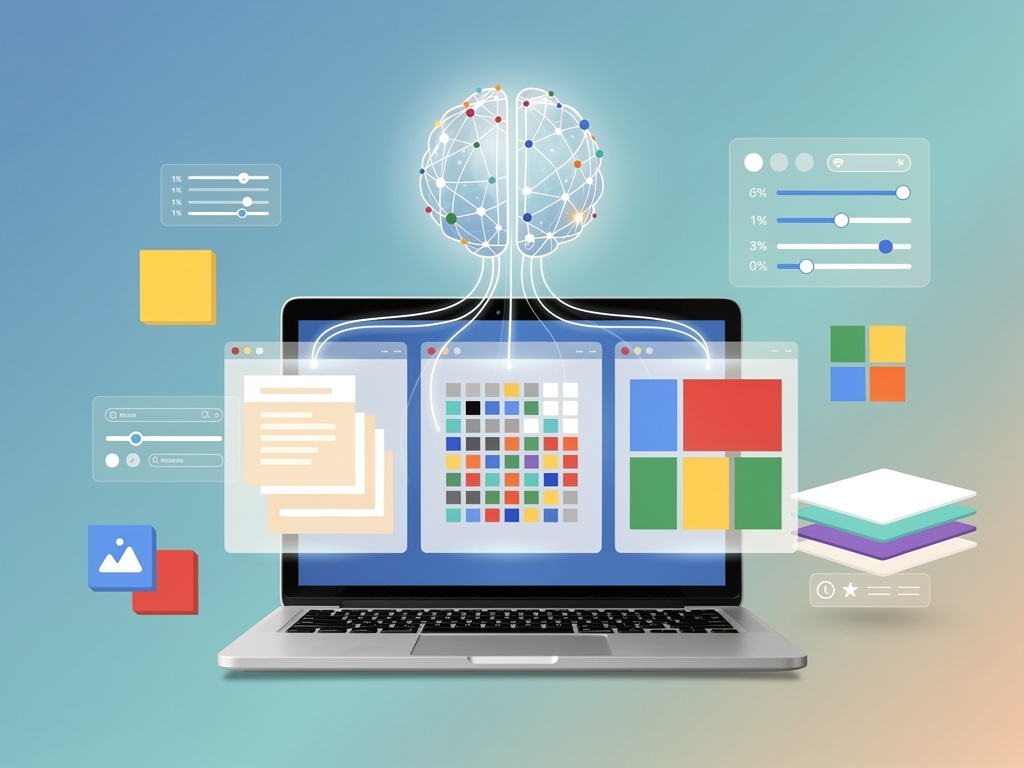
Google is pushing Gemini further into the core of its productivity apps, and this time the changes are more than cosmetic. The company has announced a significant overhaul to how its AI assistant handles document creation and editing inside Google Workspace — specifically in Docs, Sheets, and Slides. The update, first reported by Ars Technica, represents Google’s most aggressive move yet to make Gemini an active collaborator rather than a passive sidebar tool.
The pitch is straightforward: instead of toggling between a chat panel and your document, Gemini now operates inline. It can draft, restructure, and rewrite content directly within the document canvas. No more copy-pasting from a side panel. No more awkward back-and-forth.
Inline AI Editing Comes to Google Docs, Sheets, and Slides
The biggest shift here is architectural. Previously, Gemini in Workspace functioned like a consultant sitting next to your desk — you’d ask it something, it’d respond in its own panel, and you’d manually move its suggestions into your work. That model is dead. Google has rebuilt the integration so Gemini can read the full context of your document and make changes in place, much like a human collaborator with edit access.
In Google Docs, this means users can highlight a paragraph and ask Gemini to tighten it, change the tone, or expand on a point. The AI rewrites the text right there, with tracked changes so you can accept or reject edits. It can also generate entire sections from a brief prompt, pulling in context from the rest of the document to maintain consistency. Think of it less as autocomplete and more as a draft partner that actually understands what you’re working on.
Sheets gets similar treatment. Gemini can now generate formulas, create pivot tables, and build charts based on natural language requests — all executed directly in the spreadsheet rather than suggested in a chat window. For anyone who’s ever Googled “VLOOKUP syntax” for the hundredth time, this is a meaningful quality-of-life improvement.
Slides, arguably the weakest link in Google’s productivity chain, receives perhaps the most dramatic upgrade. Gemini can now generate full slide decks from a text prompt or an existing document, complete with layout choices, speaker notes, and image suggestions. It can also restyle individual slides or restructure a presentation’s flow based on high-level direction.
All of this works within the existing Workspace interface. No new apps. No separate subscriptions beyond what Workspace customers already pay for Gemini access.
Why This Matters for Enterprise Adoption
Google has been locked in an intensifying competition with Microsoft over AI-powered productivity tools. Microsoft’s Copilot, deeply embedded in the Microsoft 365 stack, has had a head start in enterprise environments. Copilot launched with inline editing capabilities in Word and Excel months ago, and Microsoft has been aggressively marketing it to CIOs and IT departments. Google needed to close this gap. Fast.
And the gap was real. According to Ars Technica, early feedback on Gemini in Workspace consistently flagged the sidebar-only model as a friction point. Users found it disruptive to their workflow. Enterprise customers — the ones paying $30 per user per month for Gemini Business or Enterprise tiers — wanted tighter integration, not a chatbot bolted onto the side of their documents.
Google appears to have listened. The new inline model reduces the number of steps between asking for help and seeing results. That matters enormously at scale. When you’re talking about organizations with tens of thousands of users, even small workflow inefficiencies compound into significant lost productivity.
But there’s a deeper strategic play here too. By making Gemini indispensable inside Docs, Sheets, and Slides, Google is raising switching costs. If your team builds habits around AI-assisted editing in Workspace, migrating to Microsoft 365 — or vice versa — becomes harder. Stickiness is the goal.
Google’s VP of Workspace, announced that these features would roll out to all Workspace plans with Gemini access over the coming weeks, with enterprise customers getting priority. The company also hinted at deeper integrations with Gmail and Google Meet later this year, though specifics remain thin.
One detail worth flagging: Google is emphasizing data governance in this rollout. Gemini’s inline editing respects existing sharing permissions and data loss prevention (DLP) policies. The AI won’t surface content from documents a user doesn’t have access to, and all AI interactions are covered under Google’s existing Workspace data processing agreements. For regulated industries — finance, healthcare, government — this is table stakes, but it’s good to see Google addressing it proactively rather than as an afterthought.
The privacy architecture also means Gemini’s suggestions are generated using the context of the current document and the user’s accessible Drive files, not a broader corpus of other customers’ data. Google has been explicit about this boundary, likely in response to ongoing enterprise anxiety about how AI models handle sensitive business information.
The Competitive Picture and What Comes Next
Microsoft isn’t standing still. Copilot continues to gain features, and Microsoft recently expanded its AI capabilities in Excel with natural language data analysis that rivals what Google is now offering in Sheets. The two companies are essentially feature-matching each other at an accelerating pace, which is good news for customers and exhausting news for product teams.
But Google has one structural advantage: its cloud-native architecture. Workspace has always been browser-first, which makes deploying AI features faster and more uniform across devices. Microsoft still has to manage the complexity of desktop Office apps alongside its web versions, and feature parity between those surfaces remains inconsistent.
So where does this leave enterprise buyers? In a genuinely competitive market for the first time in years. The Workspace-versus-365 decision used to hinge on familiarity and legacy infrastructure. Now it increasingly hinges on which AI assistant actually saves your employees time.
Early data is mixed. Neither Google nor Microsoft has published rigorous, independent productivity studies on their AI tools. Most of the evidence so far is anecdotal or self-reported. That should change as more organizations complete full deployment cycles and start measuring outcomes. Until then, IT leaders are largely making bets based on demos and pilot programs.
For Google, this Workspace update is less about a single feature announcement and more about a signal. The company is committed to making Gemini a first-class citizen inside its productivity apps — not an add-on, not a novelty, but a core part of how work gets done. Whether that commitment translates into market share gains against Microsoft depends on execution over the next 12 to 18 months.
The tools are there. The integration is tighter. Now Google has to prove that enterprise customers will actually use them — consistently, at scale, and in ways that justify the per-seat cost. That’s the hard part.


 WebProNews is an iEntry Publication