
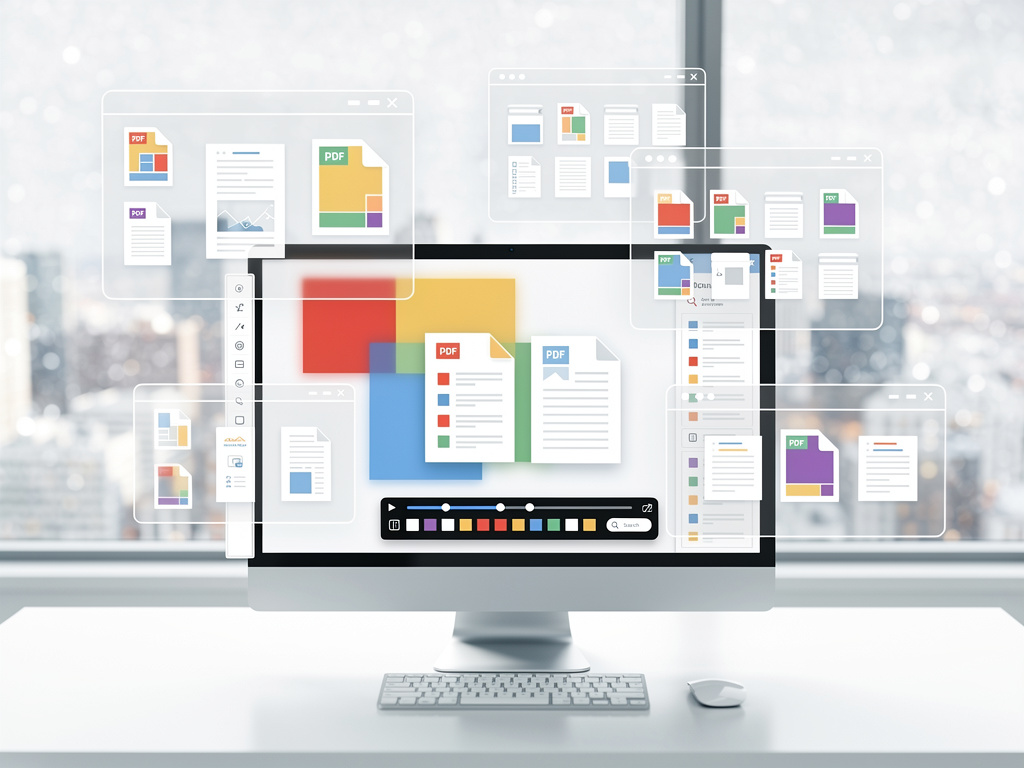
In the ever-evolving realm of cloud storage and productivity tools, Google has unveiled a significant overhaul to its Drive platform, focusing on enhancing how users interact with files, particularly PDFs. This update, rolling out across web and mobile interfaces, addresses long-standing pain points in file navigation and viewing, marking a pivotal shift for professionals who rely on Drive for document management. According to reports from various tech outlets, the changes include a revamped file viewer that introduces intuitive tools for PDFs, such as a dedicated sidebar for tables of contents and thumbnail previews, making it easier to skim through lengthy documents without endless scrolling.
The impetus for this update stems from user feedback highlighting the outdated nature of Drive’s previous file viewer. For years, opening a PDF in Drive meant dealing with a bare-bones interface that forced users to manually scroll or zoom in cumbersome ways, often leading to frustration in fast-paced work environments. Now, as detailed in a recent piece by Android Central, Google has modernized this experience with a cleaner layout, including accessible controls for downloading, printing, and page navigation. This isn’t just cosmetic; it’s a functional leap that aligns Drive more closely with contemporary expectations for digital tools.
Beyond PDFs, the update extends to other file types, such as videos, where a new transcript search feature allows users to locate specific moments by keywords without scrubbing through footage. This is particularly beneficial for industries like education and media, where reviewing recorded content is routine. Sources indicate that the rollout began for rapid-release domains and is expanding to all users, including those with personal accounts and Google Workspace subscribers, ensuring broad accessibility.
Revamping the Core Interface for Efficiency
Industry analysts note that this update comes at a time when remote and hybrid work models demand more seamless digital collaboration. Google Drive, which boasts over a billion users worldwide, has historically lagged behind competitors in certain usability aspects, but these changes signal a commitment to refinement. For instance, the new left sidebar in the PDF viewer not only displays a table of contents—automatically generated where applicable—but also offers thumbnail previews that let users jump to sections instantly, reducing time spent on navigation by up to 50%, based on early user reports shared on platforms like X.
Drawing from additional coverage, a post on the Google Workspace blog elaborates that the modernized interface includes a redesigned app bar and toolbar, streamlining workflows for tasks like sharing or editing. This integration with Google’s broader ecosystem, including AI-powered features like Gemini summaries, positions Drive as a more intelligent hub for file management. Tech enthusiasts on X have praised the update for finally addressing the “clunky” viewer, with one viral thread highlighting how it eliminates the need for third-party extensions that users previously relied on for similar functionality.
Comparatively, rivals such as Microsoft OneDrive and Dropbox have long offered advanced PDF tools, including annotation and search capabilities within documents. Google’s move narrows this gap, potentially swaying enterprise clients who prioritize integration with other Google services like Docs and Sheets. Insiders suggest this could boost adoption in sectors like legal and finance, where handling multipage contracts and reports is daily fare.
Implications for Productivity and User Adoption
Delving deeper, the video transcript search stands out as a game-changer for content-heavy workflows. Imagine a marketing team reviewing hours of focus group footage; now, searching for phrases like “customer feedback” directs them straight to relevant segments. This feature, as reported by TechTimes, leverages Google’s advancements in speech recognition, building on technologies seen in YouTube and Meet. It’s not just about convenience—it’s about unlocking insights faster, which could translate to measurable gains in team efficiency.
For audio and image files, the update brings subtler yet impactful improvements, such as enhanced zoom controls and metadata displays, making Drive feel more like a dedicated media manager. Publications like Chrome Unboxed emphasize that these changes align with Google’s Material Design principles, ensuring a consistent look across its apps. This uniformity is crucial for users juggling multiple tools, reducing cognitive load and fostering a more intuitive experience.
On the business side, Google Workspace customers stand to benefit most, as the update is on by default and requires no additional setup. Early adopters in rapid-release tracks have shared on X that it’s already streamlining project reviews, with one tech consultant noting a drop in time spent on document prep from hours to minutes. However, some users express caution about potential privacy implications, given the AI elements involved in transcript generation, though Google assures compliance with data protection standards.
Historical Context and Competitive Pressures
To appreciate the significance, it’s worth tracing Google Drive’s evolution. Launched in 2012 as a successor to Google Docs storage, Drive has grown into a cornerstone of the Google ecosystem, handling everything from personal photos to corporate archives. Yet, its file viewer remained a weak link, often criticized in reviews for lacking modern navigation aids. This latest refresh, as covered by Android Police, directly tackles those critiques, introducing features that echo user demands voiced over years on forums and social media.
Competitive dynamics play a role here too. With Microsoft’s aggressive push into AI-enhanced productivity via Copilot in OneDrive, Google couldn’t afford to lag. Posts on X from industry watchers highlight how this update counters that by embedding smarter tools directly into Drive, without requiring separate subscriptions. For small businesses, this means cost-effective enhancements that level the playing field against pricier alternatives.
Moreover, the timing aligns with broader trends in digital work, where file overload is a common complaint. A study referenced in tech circles estimates that professionals waste an average of 4 hours weekly on inefficient document handling—time that Google’s new tools aim to reclaim. By making navigation effortless, Drive not only retains users but also attracts those disillusioned with cluttered interfaces elsewhere.
Future Directions and Potential Expansions
Looking ahead, experts speculate that this update could pave the way for more AI integrations, such as automated annotations or real-time collaboration previews. Sources like heise online suggest Google is testing expansions to mobile apps, where touch-based navigation could further enhance usability on the go. This would be a boon for field workers in industries like construction or sales, who often access Drive from smartphones.
User sentiment on X reflects excitement mixed with calls for more: some advocate for customizable sidebars or integration with external PDF editors. Google’s track record of iterative updates—evident in recent additions like folder summaries via Gemini—indicates these requests might soon be addressed. In enterprise settings, IT administrators appreciate the seamless rollout, which minimizes training needs and supports scalable deployment.
The broader impact on Google’s suite is noteworthy. As Drive becomes more robust, it strengthens the appeal of Workspace as a whole, potentially increasing market share in a segment dominated by Microsoft 365. Analysts point to rising subscription numbers, fueled by such enhancements, as evidence of Google’s strategy paying off.
Challenges and User Considerations
Despite the positives, not all feedback is glowing. Some users on X report minor bugs in the initial rollout, like inconsistent thumbnail loading on older browsers, though Google promises quick fixes. Accessibility remains a focus, with the new interface incorporating better screen reader support, addressing past shortcomings highlighted in disability advocacy discussions.
For power users, the update’s depth lies in its extensibility—developers can now build on these features via APIs, opening doors for custom integrations. This developer angle, as noted in tech forums, could spawn innovative apps that leverage Drive’s improved viewer for specialized tasks, like automated report generation in analytics firms.
In essence, this overhaul underscores Google’s push to make Drive indispensable in daily workflows. By prioritizing user-centric design, it not only resolves longstanding issues but also sets a benchmark for how cloud platforms should evolve to meet modern demands.
Broader Ecosystem Integration and Long-Term Value
Integrating with other Google services amplifies the update’s value. For example, pairing the new PDF tools with Google Docs allows seamless editing transitions, a workflow praised in recent reviews. This synergy extends to education, where teachers can now navigate student submissions more efficiently, or in healthcare, where quick access to scanned reports could streamline consultations.
From a security standpoint, the enhancements maintain Drive’s robust encryption standards, ensuring that features like transcript search don’t compromise data integrity. Businesses concerned about compliance will find reassurance in Google’s certifications, which cover global regulations.
Ultimately, this update represents a maturation of Google Drive, transforming it from a simple storage solution into a sophisticated productivity engine. As users adapt, the true measure of success will be in sustained engagement and feedback loops that drive further innovations.


 WebProNews is an iEntry Publication