
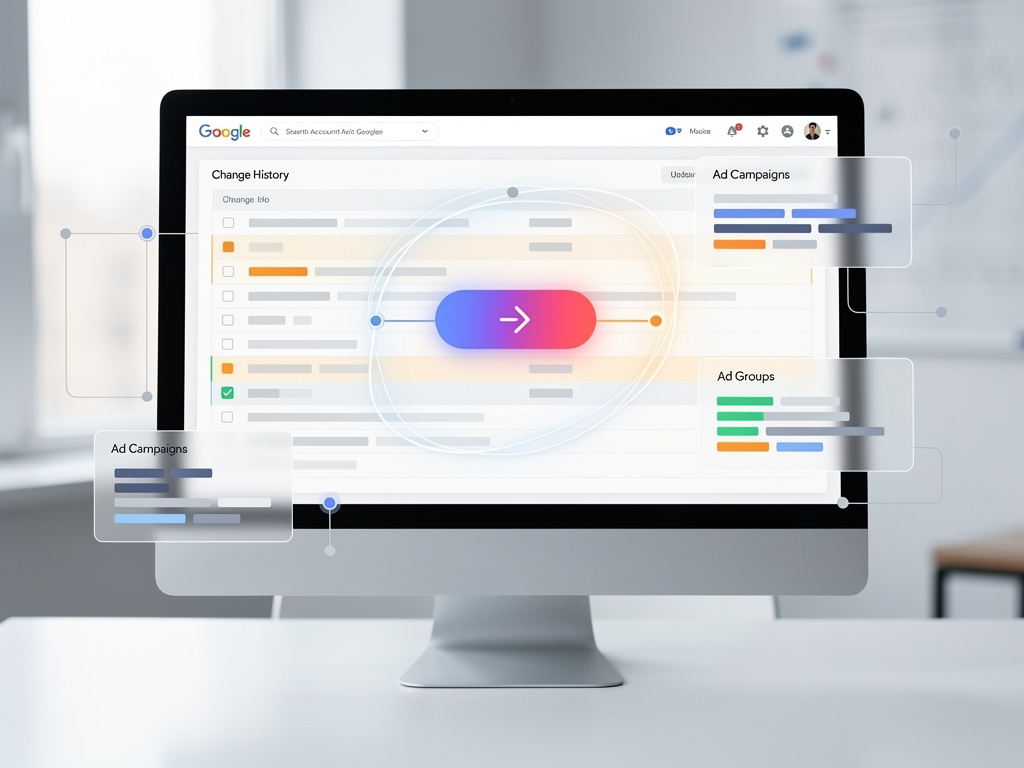
Streamlining the PPC Workflow: Google Ads’ New ‘Go To’ Button Ushers in Smarter Account Management
In the fast-paced world of pay-per-click advertising, where every second counts and data-driven decisions can make or break a campaign, Google has introduced a subtle yet significant enhancement to its Ads platform. The addition of a “Go to…” shortcut button within the Change History report promises to shave precious time off routine tasks, allowing marketers to navigate directly to affected campaigns or ad groups with a single click. This update, rolled out quietly in early 2026, addresses a long-standing pain point for advertisers who frequently audit changes in large-scale accounts.
For those immersed in the intricacies of Google Ads, the Change History tool has long been a cornerstone for tracking modifications over the past two years. It logs everything from bid adjustments to keyword additions, providing a chronological ledger that helps diagnose performance shifts or troubleshoot issues. However, sifting through this history often involved cumbersome navigation, jumping between sections of the platform to locate specific elements.
Industry experts have quickly noted the practical benefits. Hana Kobzová, founder of PPC News Feed, highlighted how the feature “eliminates extra steps in troubleshooting and speeds up navigation, especially when reviewing bulk edits or changes made through scripts or the Google Ads Editor.” This sentiment echoes across the PPC community, where time efficiency translates directly to cost savings and improved campaign outcomes.
A Time-Saving Innovation for Busy Advertisers
The “Go to…” button appears prominently in the Change History interface, enabling users to leap straight from a logged change to the relevant campaign, ad group, or other entity. According to a report from Search Engine Land, this shortcut removes friction from one of the most labor-intensive aspects of account management: pinpointing what changed and where. For teams handling expansive accounts or automating via scripts, these incremental efficiencies accumulate rapidly.
Comparisons to previous workflows reveal the button’s value. Traditionally, advertisers might spend minutes—or longer in complex setups—manually searching for the impacted areas after reviewing the history. Now, with this direct link, the process is streamlined, fostering quicker audits and faster iterations on strategies.
Beyond individual productivity, the update supports collaborative environments. In agencies managing multiple client accounts, where changes could stem from various team members or automated tools, the ability to swiftly contextualize edits enhances accountability and reduces errors. As one PPC specialist noted on social platforms, this could be a “game-changer” for professionals juggling high-volume workloads.
Contextualizing Change History in Google Ads Evolution
To fully appreciate this addition, it’s essential to understand the broader role of Change History in Google Ads. As detailed in Google’s official support documentation on Google Ads Help, the tool captures modifications for up to two years, offering filters by date, user, or change type. This historical data is invaluable for correlating adjustments with performance metrics, such as spikes in click-through rates or drops in conversion volumes.
Recent years have seen Google prioritize user-friendly enhancements amid growing competition in digital advertising. The 2025 updates, as compiled by WordStream, included AI-driven optimizations and expanded targeting options, setting the stage for tools like this shortcut that refine the human element of campaign management.
Feedback from the field underscores its timeliness. Posts on X from industry figures like Barry Schwartz of Search Engine Roundtable describe the button as a “big time saver,” particularly for those reliant on bulk operations. Such endorsements suggest Google is attuned to advertiser needs, responding to subtle frustrations that accumulate in daily use.
Implications for PPC Strategies and Best Practices
Delving deeper, this shortcut aligns with best practices for maintaining robust PPC strategies. Experts recommend regular Change History reviews to ensure alignment with overarching goals, such as seasonal bid adjustments or A/B testing of ad creatives. By facilitating easier access, Google encourages more frequent and thorough examinations, potentially leading to more agile campaign adjustments.
For instance, in scenarios involving Google Ads Editor or API integrations, where bulk changes are common, the button prevents the oversight that can occur when edits are buried in logs. A guide from HawkSEM emphasizes leveraging Change History to understand campaign evolution, and this new feature amplifies that capability by reducing navigational barriers.
Moreover, in an era of increasing automation, human oversight remains crucial. The shortcut empowers advertisers to verify machine-made changes swiftly, blending efficiency with control. As noted in discussions on X, users appreciate how it integrates seamlessly without overhauling the interface, preserving familiarity while adding utility.
Industry Reactions and Real-World Applications
Reactions from the PPC community have been overwhelmingly positive, with many viewing it as a thoughtful nod to user experience. A post on X by Marc LaClear pondered if this efficiency might subtly reinforce reliance on Google’s ecosystem, but overall, the consensus leans toward appreciation. Similarly, insights from PPC News Feed highlight its impact on ad strategy, urging professionals to incorporate it into their routines.
In practical terms, consider a large e-commerce advertiser managing hundreds of ad groups. A sudden performance dip prompts a Change History review; the “Go to…” button allows instant navigation to the altered bid strategy, enabling rapid diagnosis and correction. This scenario, drawn from real-world applications discussed in industry forums, illustrates the button’s role in minimizing downtime.
Comparatively, similar features in other platforms, like Google Ad Manager’s change tracking as outlined on Google Ad Manager Help, have long provided audit trails, but Ads’ new shortcut sets a higher bar for interactivity. It’s a step toward making data navigation as intuitive as possible, aligning with trends in user-centric design.
Potential Drawbacks and Future Enhancements
While the benefits are clear, no update is without potential downsides. Some users might overlook the button initially due to its subtle integration, necessitating awareness campaigns or tutorials. Additionally, for very small accounts with minimal changes, the impact could be negligible, though scalability ensures it’s valuable across account sizes.
Looking ahead, this could pave the way for more advanced features, such as AI-summarized change impacts or predictive analytics tied to the history. Drawing from tools like the AI brief generator mentioned on Markifact, integrating summarization could further enhance usability.
Industry insiders speculate that Google might expand this functionality to other reports, creating a more interconnected platform. As PPC evolves with emerging technologies, such shortcuts will likely become standard, helping advertisers stay competitive in a data-saturated environment.
Elevating Account Management Standards
The “Go to…” button also intersects with broader discussions on productivity in digital marketing. In a field where tools like scripts and editors automate much of the heavy lifting, human efficiency tools like this bridge the gap, ensuring that strategic oversight isn’t bogged down by mechanics.
Testimonials from users on X, including those from Pistakkio and Method and Metric SEO, reinforce its immediate adoption. They describe it as a straightforward yet impactful addition, saving clicks that add up over time. This grassroots enthusiasm suggests Google has hit the mark in addressing core user needs.
Furthermore, for educators and trainers in PPC, this update provides a teachable moment on the importance of iterative improvements. Resources like the comprehensive guide from OutsourceSEM can now incorporate this feature, updating curricula to reflect the latest efficiencies.
Strategic Advantages in Competitive Advertising
Strategically, the shortcut empowers more proactive management. Advertisers can respond faster to market shifts, such as competitor actions or algorithm updates, by quickly referencing and adjusting based on historical data. This agility is particularly vital in volatile sectors like retail or finance, where timing is everything.
Integration with other Google tools amplifies its value. For example, pairing it with performance reports allows for a holistic view, where changes are not just logged but actively linked to outcomes. As Google continues to refine its suite, features like this underscore a commitment to empowering users rather than overwhelming them with complexity.
In the grand scheme, this update reflects Google’s ongoing efforts to make Ads more accessible and efficient, potentially attracting more small businesses while retaining enterprise users. By reducing barriers to effective management, it democratizes high-level PPC tactics.
Long-Term Impact on PPC Professionals
Over the long term, tools like the “Go to…” button could reshape daily workflows for PPC professionals. Time saved on navigation can be redirected toward creative strategy or data analysis, fostering innovation in campaign design. Industry observers predict that as such features proliferate, the skill set for PPC experts will evolve, emphasizing strategic insight over manual drudgery.
Comparisons to past updates, such as those in 2025 chronicled by WordStream, show a pattern of incremental enhancements that collectively transform the platform. This button fits neatly into that trajectory, building on foundations like expanded AI capabilities.
Ultimately, for insiders navigating the intricacies of digital advertising, this seemingly minor addition signals Google’s attentiveness to user feedback, promising a more streamlined future where efficiency drives success. As the PPC realm continues to advance, features like this will undoubtedly play a pivotal role in maintaining momentum.


 WebProNews is an iEntry Publication