
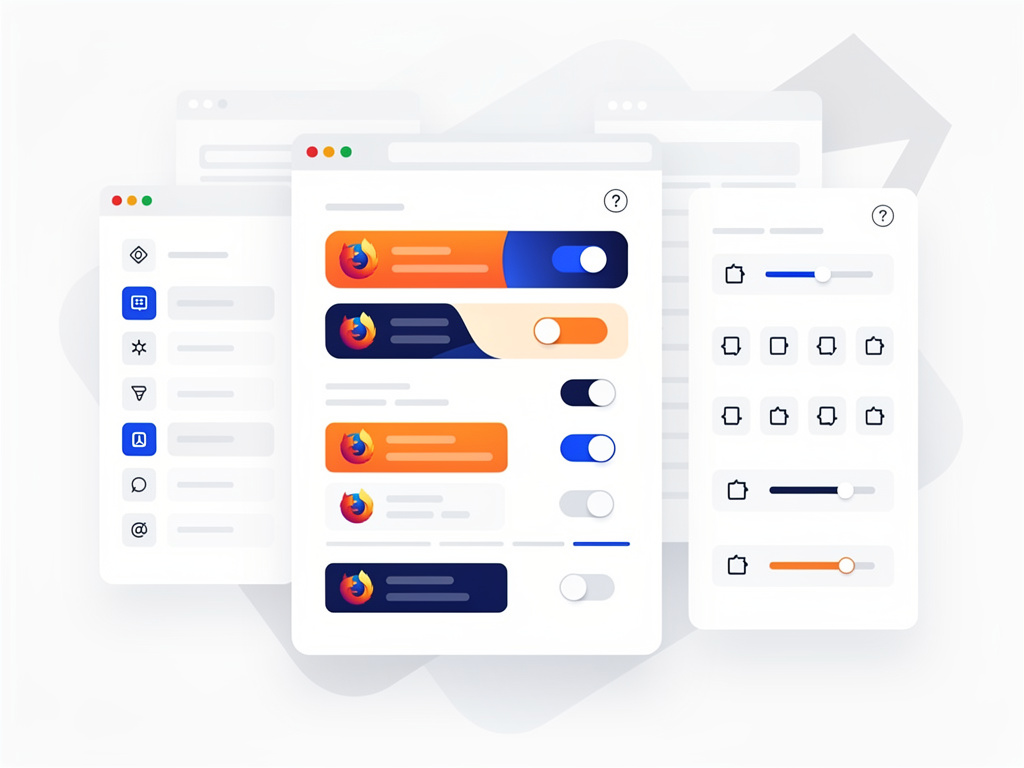
Mozilla just flipped the switch. In the latest Firefox 153 Nightly builds, a redesigned settings interface now loads by default. The change arrives at a moment when browser customization options have multiplied. Privacy toggles, AI features, performance tweaks. They all compete for attention inside one crowded menu.
The Redesign’s Core Goals
Firefox Settings have grown cluttered over years of additions. Research from Mozilla revealed crowded sections, inconsistent labels and controls that users struggled to find. The new version splits content across more pages. Each holds less at once. Groupings feel tighter. Flow between related options improves. Labels and helper text read clearer. A consistent design system now runs throughout. The result? Navigation turns simpler. Management of preferences grows more straightforward. Existing choices stay untouched. The search bar still jumps users to exact items they seek.
But this isn’t mere cosmetics. The underlying architecture shifted too. Future updates to settings should arrive with less friction. Maintenance becomes easier for developers. Evolution of the browser’s control panel no longer fights legacy structure. Mozilla detailed these points in its official announcement. Nightly Blog spelled out the research findings and listed the visible shifts: more pages, clearer groupings, improved text, design consistency.
Phoronix covered the rollout hours after the blog post appeared. Writer Michael Larabel noted the settings now offer “better organized and easier navigation, improved management of settings with better descriptions, better separation between different pages/areas.” The piece highlighted that all AI control settings remain available. Phoronix article also mentioned Mozilla’s hope to land the redesign in Firefox 152 for the release channel.
And the timing matters. Firefox has layered on new capabilities at a steady clip. Split View mode, for instance, gained default enablement in recent Nightly builds. Users can now view two pages side by side inside one window without extra extensions. A new browser.aiwindow.enabled preference surfaced too. It opens an early-stage AI Window. Chat functions there demand a Mozilla Account sign-in. These additions sit alongside the refreshed settings. They underscore why a clearer control center grew necessary. Phoronix reported on the Split View change weeks earlier.
Users who test Nightly will notice the difference immediately. The left-hand navigation feels less dense. Categories stand apart with more breathing room. Descriptions under toggles explain impact without jargon. Search still works as before. Yet power users who memorize about:config flags may wonder if the visual refresh changes their workflow. It doesn’t. The new UI surfaces the same preferences. It simply presents them with less visual noise.
Feedback channels stand open. Mozilla invited comments through Mozilla Connect. The company said it appreciates input received so far and expects to refine further in Nightly before wider release. That iterative approach fits Firefox’s history. The browser long positioned itself as the customizable alternative. This update doubles down on that promise by making customization discoverable again.
Look closer at the AI section. Controls for those features sit better organized now. Previous versions tucked some options deep. The redesign lifts them into clearer view. With AI chat experiments expanding, placement counts. Users can toggle features on or off without hunting. The architecture change promises smoother addition of future AI-related toggles too.
Release plans look aggressive. If all holds, Firefox 152 users on the stable channel will receive the new settings soon. Nightly testers serve as the proving ground. Bugs or confusing labels can surface there first. So far reaction on X appears positive though limited. Early posts from @FirefoxNightly and @phoronix shared the news without major backlash.
Firefox faces pressure on multiple fronts. Chrome dominates market share. Privacy-focused rivals push harder defaults. Yet Mozilla keeps investing in the settings experience. Why? Because settings represent the contract between user and browser. Get them wrong and trust erodes. Get them right and users stay. The new design aims for the latter.
One fragment stands out from the Mozilla post. “Customization has long been a core part of Firefox.” Simple. Direct. True. This redesign honors that history while fixing accumulated technical debt. It doesn’t add features. It makes existing ones usable.
Developers inside Mozilla spent months on research, reorganization and testing. The payoff shows in cleaner pages and consistent visuals. For industry watchers tracking browser UI trends, the move signals a broader recognition. Even mature products need periodic interface resets. Not for novelty. For clarity.
Expect more tweaks in coming Nightly builds. The post promised continued changes. Feedback will shape them. In the meantime, Nightly users can test the update today. Stable users wait for 152. Either way, the settings page that millions interact with just received a meaningful upgrade.
But will it stick? History shows interface changes spark debate. Some users cling to old layouts. Others welcome fresh organization. Mozilla’s data-driven approach, combined with public testing, tilts odds toward success. The proof will emerge in usage metrics once the redesign reaches wider audiences.


 WebProNews is an iEntry Publication