
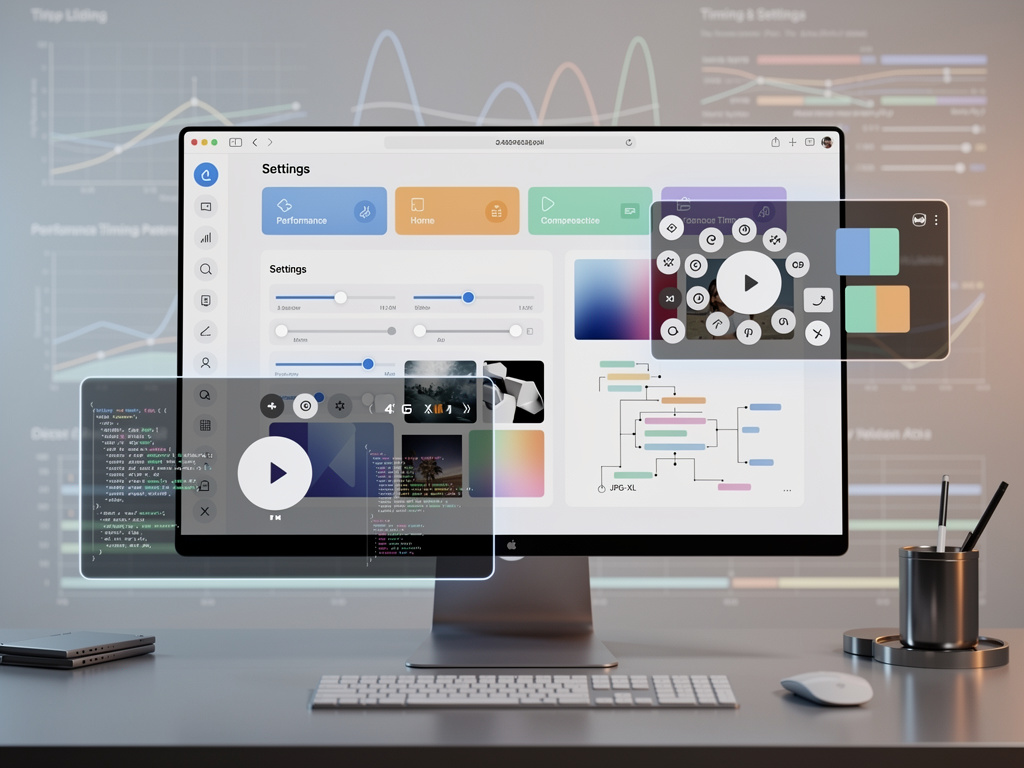
Mozilla shipped Firefox 152 on schedule. The new version brings experimental JPEG-XL image support compiled by default, a complete redesign of the browser’s settings pages, expanded video controls, and dozens of developer-facing improvements. Users can download it now from the official channels.
The timing feels deliberate. Just as competitors push their own image formats and interface tweaks, Mozilla advances a format long discussed in web standards circles. JPEG-XL promises better compression than WebP, JPEG, PNG or GIF. Yet Firefox keeps the feature off by default. Enthusiasts must flip a preference in Firefox Labs.
Phoronix reported that a key change merged during the 152 cycle now builds the JPEG-XL code for beta and release channels. Previously it appeared only in Nightly. The shift lowers the barrier for testing. Still, runtime activation requires manual effort.
That caution reflects Mozilla’s measured approach. The organization wants wider adoption of modern formats. It also avoids breaking sites or surprising users with unexpected decoder behavior. So the support sits ready. Activation remains opt-in.
Settings received the most visible overhaul. The new interface organizes options across more pages with less clutter on each. Groupings feel more logical. Labels and helper text read clearer. Navigation flows better. The underlying architecture should make future updates simpler.
Mozilla’s Nightly blog explained the goals plainly. “The redesign improves navigation and organization, updates labels and descriptions, and uses a new underlying architecture that will make Settings easier to update over time,” it stated. The changes, tested in Nightly, now reach stable users. All previous preferences remain exactly where users expect them. The search bar still works as before.
Video handling sees practical gains. Right-click context menus now expose play, pause, fullscreen, mute and loop options on more sites. Instagram reels and TikTok videos no longer hide these controls behind custom players. The addition removes friction for everyday viewers.
Address bar users gain a quick mute command. Type “mute,” “shush” or “sssh” and Firefox silences itself. Small. Useful. The kind of shortcut power users appreciate.
New Tab page continues its evolution. Widgets expand. Wallpapers add variety. The refreshed layout, introduced in 151, sets the stage for further customization. Private browsing grows smarter too. Tracker blocking no longer breaks sites as often. An infobar appears when issues arise. One click reloads without the strict protections.
Developer tools pick up useful additions. Inspectors can now toggle HTML comment nodes. A “Show comments” option sits in the settings panel. SVG gains the SVGTextPathElement.side property. It reports whether text follows the left or right side of a path.
CSS adds field-sizing. Form controls can now size to their content or stay fixed. PerformanceResourceTiming exposes new timing marks for interim and final HTTP responses. Animation and transition events offer cleaner access to their associated animations.
Notifications receive action buttons and limits. Pointer lock supports raw mouse input without OS acceleration. WebDriver improves error reporting and screenshot dimension limits. Extensions lose the ability to inject scripts into their own moz-extension documents. That capability, deprecated earlier, is now gone.
Experimental features sit behind preferences. WebRTC media capabilities checking. Iterator includes method. Intl.Locale information methods. Text module imports. Each awaits broader testing.
Platform specifics fill out the picture. Linux and Windows users copy links without switching tabs. Zoom steps multiply. Container tabs open from other devices’ context menus. macOS fixes cursor commands and image dragging. Android optimizes pinch zoom and PDF sharing.
MDN’s release notes for developers catalog these changes in detail. The page, last modified June 11, 2026, notes that Firefox 152 ships June 16. Many entries still carry “work in progress” disclaimers. The volume of updates shows steady progress.
Recent coverage echoes the highlights. 9to5Linux detailed the JPEG-XL availability, redesigned settings, video controls and New Tab widgets. It also noted HDR video support on Windows across varied hardware setups. The article appeared hours after the binaries dropped.
Performance gains appear in smaller ways. An in-memory cache for JavaScript compilation results speeds repeated navigation within the same domain. Adaptive address bar autofill suggests specific subpages based on habits. Dismiss unwanted suggestions. These tweaks accumulate.
But. Some removals sting extension developers. The removal of dynamic code execution in moz-extension documents forces new patterns. Runtime message listeners become the recommended path. Trade-offs like this define browser evolution.
And the JPEG-XL story stretches back years. Bug reports and community requests date to 2019. Mozilla moved carefully. Other browsers ship similar support with flags. Firefox now joins them with the code present by default. The step feels incremental. Its impact could prove lasting if sites adopt the format.
Users who download Firefox 152 today will notice the settings changes first. The pages look cleaner. Options feel less buried. Video interactions improve on social platforms. Everything else operates as before. Stability remains the priority.
Next comes 153. Vulkan video decoding sits on the horizon. The pace holds. Mozilla ships a major update roughly every four weeks. Each brings fixes, features and incremental gains. Firefox 152 fits that pattern. It also pushes image handling and interface design forward at once.
Enterprise users on the ESR channel receive corresponding updates. Security patches accompany the new features for supported versions. The browser’s reach spans desktops, laptops and Android devices. Consistency across platforms matters.
So the release lands. Binaries sit ready on Mozilla’s FTP. Release notes fill MDN. Community discussion spreads on X and forums. Some will enable JPEG-XL immediately. Others will explore the new settings. Most will simply receive faster page loads, better media controls and a cleaner preferences experience.
That combination defines modern browser updates. No single feature dominates. Many small advances add up. Firefox 152 delivers exactly that mix.


 WebProNews is an iEntry Publication