
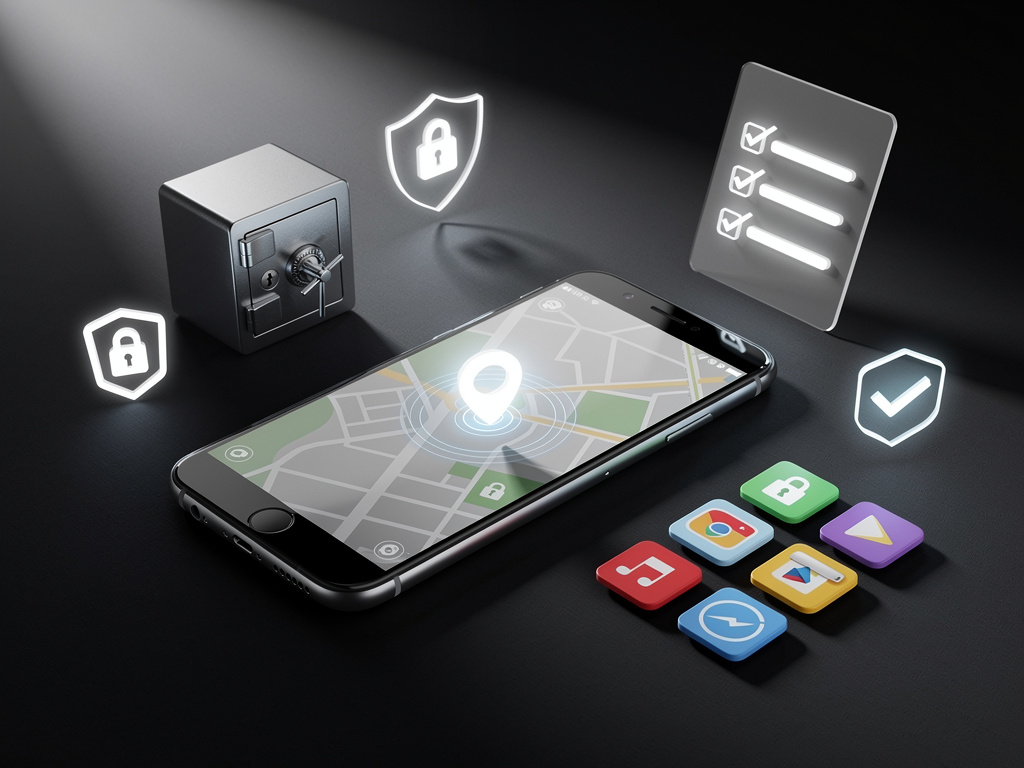
In the ever-evolving world of mobile technology, setting up a new Android phone has become a ritual for millions of users each year. With devices boasting advanced hardware and sophisticated software, the first steps after unboxing often determine the overall experience. Yet, amid the excitement of customizing home screens and syncing accounts, one free app stands out as an absolute must-install before diving deeper. According to a recent piece from MSN, tech enthusiasts and everyday users alike are adamant about prioritizing Google’s Find My Device app right from the start. This isn’t just about convenience; it’s a foundational layer of security in an era where phone theft and loss are rampant.
The rationale is straightforward but profound. Find My Device allows users to locate a misplaced phone on a map, play a sound to find it nearby, or even remotely lock and erase data if it’s stolen. In 2025, with Android’s ecosystem more integrated than ever, this app leverages Google’s vast network of devices to enhance tracking accuracy. Recent updates have introduced features like offline finding and integration with Bluetooth trackers, making it indispensable. Without it, a new phone is vulnerable from the moment it’s activated, especially in public Wi-Fi hotspots or crowded urban environments where risks are heightened.
Beyond security, the app ties into broader Android functionalities, such as seamless integration with Wear OS watches and other connected devices. Industry insiders note that failing to install it first can lead to overlooked setup prompts, complicating later configurations. As one expert put it in discussions on X, formerly Twitter, “It’s the digital equivalent of locking your front door before leaving the house.” This sentiment echoes across tech forums, where users share stories of recovered devices thanks to timely app installation.
The Security Imperative in Modern Android Setup
Diving deeper, the emphasis on Find My Device reflects a shift in how we perceive mobile security. In a report from PCMag, antivirus and security tools are highlighted as critical for Android users, with malware threats on the rise. While dedicated antivirus apps like those from Bitdefender or Norton are recommended, Find My Device serves as the first line of defense without the need for subscriptions. It’s free, native to Google, and doesn’t drain battery excessively, unlike some third-party alternatives.
Statistics from recent cybersecurity analyses underscore this need. Phone theft incidents have surged by 15% in major cities over the past year, per data shared in posts on X. Users often recount how enabling the app’s features, such as secure device locking, prevented data breaches. For industry professionals, this app isn’t optional; it’s a baseline requirement, especially for enterprise users managing fleets of devices where remote wipe capabilities can mitigate corporate espionage risks.
Moreover, the app’s evolution in 2025 includes AI-driven predictions for device location, drawing from user patterns. This innovation, as detailed in reviews from Android Authority, positions it among the top apps of the year. Insiders appreciate how it integrates with Google’s ecosystem, offering peace of mind that extends to family sharing features, where parents can track children’s devices without invasive monitoring.
Essential Companions: Building a Robust App Foundation
While Find My Device takes precedence, a well-rounded Android setup involves a curated selection of free apps that enhance productivity and usability. For instance, as outlined in a guide from How-To Geek, apps like Bitwarden for password management are non-negotiable. This open-source tool securely stores credentials across devices, addressing the common pitfall of weak passwords in a post-password-manager era.
Another staple is a reliable file manager, such as Solid Explorer, which offers intuitive navigation and cloud integration. Tech writers on X frequently praise it for simplifying data transfers during phone migrations, a process that can be cumbersome without the right tools. Pairing this with a note-taking app like Google Keep ensures seamless organization, with voice-to-text features that cater to on-the-go professionals.
In the realm of communication, apps like Signal provide end-to-end encrypted messaging, a step up from default options in an age of increasing privacy concerns. Reviews from TechRadar on Google’s best apps of 2025 highlight Signal’s reliability, especially for international users dodging data throttling. These selections aren’t random; they’re informed by years of user feedback and expert testing, ensuring they complement Android’s core strengths without overwhelming system resources.
Productivity Boosters for the Power User
For those in tech-heavy roles, productivity apps form the next layer. Microsoft’s SwiftKey keyboard, often cited in lists from Android Central, adapts to typing styles with AI predictions, reducing errors in fast-paced emailing. Insiders value its multilingual support, crucial for global teams.
Task management shines with Todoist, a free tier app that syncs across platforms. As per insights from 9to5Google, it’s among the year’s standouts for its natural language processing, allowing users to add tasks via simple commands. This efficiency is vital for developers and managers juggling deadlines.
Entertainment and media apps round out the essentials. Spotify’s free version offers personalized playlists, while apps like VLC handle diverse file formats. Posts on X emphasize VLC’s offline capabilities, ideal for travelers. These tools transform a new phone into a multimedia hub, aligning with Android’s flexible media ecosystem.
Customization and Performance Optimization
Customization enthusiasts swear by launchers like Nova Launcher, which allows deep personalization of home screens. Detailed in recommendations from Tom’s Guide, it supports gesture controls and icon packs, appealing to designers and UI experts seeking a tailored interface.
Performance-wise, Greenify helps manage battery life by hibernating unused apps. This is particularly relevant in 2025, with devices pushing higher refresh rates. X users share tips on combining it with built-in Android optimizations for extended usage.
For health and fitness tracking, Google Fit integrates seamlessly, offering activity insights without premium fees. As noted in various tech roundups, its data syncing with wearables makes it a go-to for wellness-focused professionals.
Navigating Privacy and Data Management
Privacy remains paramount, with apps like DuckDuckGo Privacy Browser providing ad-free searching. This counters the data collection prevalent in default browsers, as discussed in security-focused threads on X.
Data backup is handled by Google One’s free tier, ensuring photos and files are safe. Experts from industry panels stress its importance during device switches, preventing data loss.
Additionally, apps like Authy for two-factor authentication add layers of security, complementing Find My Device. Reviews highlight its offline token generation, a boon for areas with spotty connectivity.
Emerging Trends in App Integration
Looking ahead, 2025 sees apps increasingly integrating AI. Google’s Gemini app, for instance, offers conversational assistance, evolving from basic queries to complex task handling. This trend, as per PCMag’s picks, signals a shift toward smarter ecosystems.
Social and networking apps like LinkedIn’s mobile version keep professionals connected, with features for job hunting and networking. X posts reveal how users leverage it for real-time industry updates.
Finally, utility apps such as IFTTT automate routines, linking services for custom workflows. This automation is a game-changer for efficiency, as echoed in tech communities.
The Broader Implications for Android Users
Adopting these apps isn’t just about functionality; it’s about crafting a personalized digital environment. Insiders note that starting with Find My Device sets a secure tone, influencing subsequent choices.
Community feedback on platforms like X underscores the value of free apps in democratizing advanced features, making high-end experiences accessible.
As Android continues to dominate global markets, these essentials ensure users maximize their devices’ potential, from security to creativity.
Innovations Shaping Future Setups
Innovations like foldable-specific apps are emerging, with tools optimizing for larger screens. This adaptability is key for professionals in dynamic fields.
Battery health monitors, such as AccuBattery, provide insights into longevity, helping users maintain device health over time.
Voice assistants beyond Google Assistant, like Amazon’s Alexa app, offer alternative integrations for smart homes.
Sustaining Long-Term Device Health
Long-term, apps for system cleaning, like CCleaner, prevent performance degradation. Experts advise regular use to clear cache without risking data.
Update managers ensure apps stay current, mitigating vulnerabilities. This proactive approach is crucial in a threat-heavy environment.
User education through apps like Duolingo for tech literacy—though not core—can enhance overall proficiency.
Reflections on User Empowerment
Ultimately, empowering users with these free tools fosters independence. The insistence on Find My Device as the first install encapsulates this ethos.
Industry veterans predict even tighter integrations in coming years, blurring lines between apps and OS features.
By prioritizing these essentials, new Android owners position themselves for a seamless, secure mobile journey.


 WebProNews is an iEntry Publication