
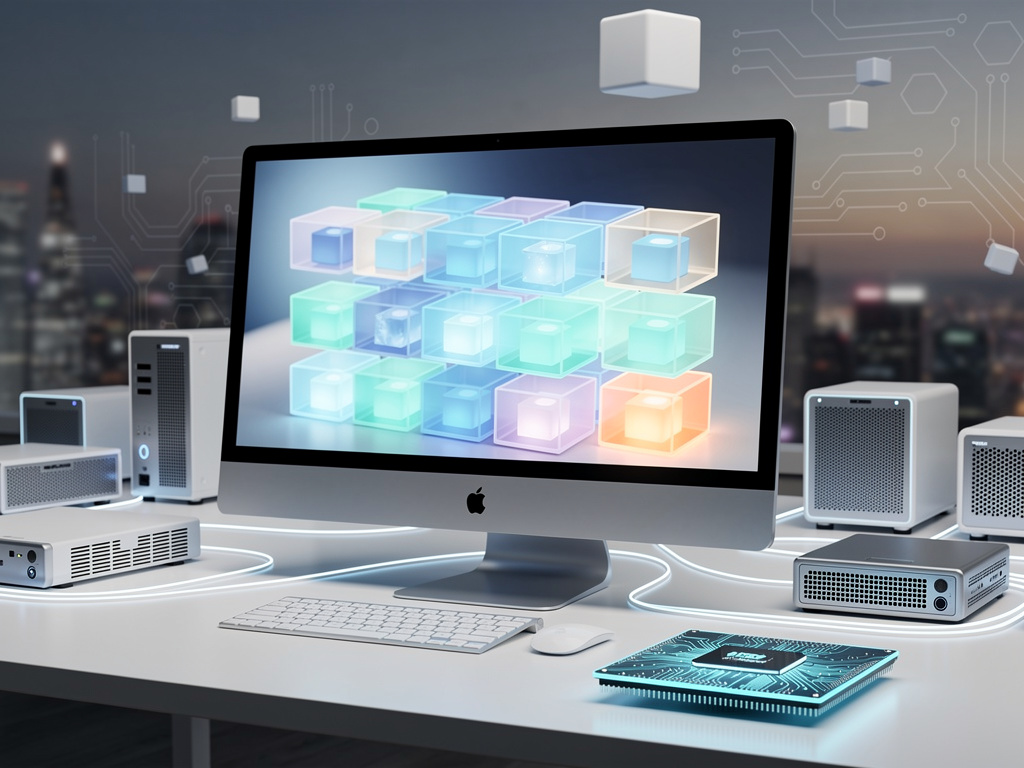
Unlocking macOS Efficiency: How Docker Transforms Application Development on Apple Hardware
In the fast-paced world of software development, where consistency across environments can make or break a project, Docker has emerged as a pivotal tool for macOS users. This containerization platform allows developers to package applications and their dependencies into lightweight, portable units, ensuring they run uniformly regardless of the underlying system. For Mac enthusiasts and professionals alike, Docker bridges the gap between local development and production deployment, mitigating common pain points like compatibility issues and setup discrepancies. As Apple continues to innovate with its silicon chips, integrating Docker into the macOS ecosystem offers a streamlined path to efficiency.
At its core, Docker operates by creating containers—isolated environments that encapsulate everything an application needs to run. Unlike traditional virtual machines, which emulate entire operating systems and consume significant resources, Docker containers share the host’s kernel, making them faster and more efficient. On macOS, this means developers can spin up environments for testing, debugging, and scaling without the overhead of full virtualization. Recent advancements, such as support for Apple’s M-series processors, have further optimized Docker’s performance, allowing seamless integration with native hardware acceleration.
For industry insiders, the appeal lies in Docker’s ability to foster collaboration. Teams can share container images via repositories like Docker Hub, ensuring every member works from the same baseline. This reduces the infamous “it works on my machine” syndrome, a perennial frustration in development workflows. Moreover, Docker’s ecosystem includes tools like Docker Compose for orchestrating multi-container applications, which is particularly useful for complex setups involving databases, web servers, and microservices.
The Evolution of Containerization on macOS
The journey of Docker on macOS hasn’t been without hurdles. Early versions relied on a Linux virtual machine to function, given macOS’s lack of native support for Linux containers. This introduced performance lags, especially in file system interactions and networking. However, updates from Docker Inc. have addressed these, with the latest Docker Desktop leveraging Hypervisor.framework for better efficiency on Apple silicon. Developers report up to 2-10 times faster file operations, as highlighted in discussions on platforms like X, where users praise alternatives like OrbStack for even greater speed gains.
Drawing from real-world applications, consider how Docker enables running legacy software on modern Macs. For instance, an app designed for an older Linux distribution can be containerized and executed flawlessly on a MacBook Pro, bypassing compatibility woes. This is especially relevant for enterprises migrating to Apple hardware, where Docker acts as a compatibility layer. According to a guide from AppleInsider, getting started involves simple steps: downloading Docker Desktop from the official site, installing it, and verifying the setup with a basic “hello-world” container.
Beyond basics, Docker’s integration with macOS tools like Terminal and Visual Studio Code enhances productivity. Extensions allow developers to manage containers directly from their IDE, streamlining workflows. Insiders note that for web development, Docker can replicate production environments locally, complete with specific versions of Node.js or Python, reducing deployment surprises.
Benefits for Developers: Speed, Security, and Scalability
One of Docker’s standout advantages on macOS is its role in accelerating development cycles. By isolating dependencies, it prevents conflicts between projects—imagine switching between a Ruby on Rails app and a Java-based service without reconfiguration. Performance benchmarks from recent tests show that on M3 chips, container startup times rival native apps, a boon for iterative coding. Posts on X from developers like those emphasizing consistent environments underscore this, with users sharing how Docker eliminates setup variances across team machines.
Security is another critical facet. Containers provide sandboxing, limiting an application’s access to the host system, which is vital in an era of rising cyber threats. On macOS, Docker Desktop includes features like vulnerability scanning in images, helping developers catch issues early. For regulated industries, this compliance-friendly approach ensures audits are straightforward, as containers can be versioned and tracked.
Scalability extends Docker’s utility beyond local machines. Developers can prototype cloud-native apps on their Macs, then deploy to services like AWS or Kubernetes with minimal changes. This portability is a game-changer for startups and enterprises alike, allowing rapid scaling without rewriting code for different infrastructures.
Overcoming Common Challenges in macOS Docker Deployments
Despite its strengths, Docker on macOS isn’t flawless. File system performance has long been a gripe, with macOS’s APFS sometimes slowing down volume mounts compared to Linux hosts. Recent innovations, such as those in OrbStack 1.6, promise near-native speeds, addressing complaints echoed in X threads where developers compare macOS experiences unfavorably to Linux or WSL. Strategies like using mutagen for file syncing or optimizing Dockerfiles can mitigate these issues.
Networking complexities also arise, particularly with container-to-host communication. macOS users often configure custom networks or use tools like Docker’s built-in VPN support to handle this. For advanced setups, integrating with macOS’s firewall requires careful permission management, as detailed in Docker’s official documentation on permission requirements.
Resource management poses another challenge. Containers can consume significant CPU and memory, especially on laptops. Best practices include setting resource limits in Docker Desktop settings and monitoring usage via the dashboard. Insiders recommend periodic image pruning to free up space, preventing the bloat that plagues long-term users.
Advanced Setup and Customization Techniques
Diving deeper, setting up Docker on macOS begins with system compatibility checks. As per the installation guide from Docker Docs, ensure your Mac runs at least macOS 12 or later, with sufficient RAM. Post-installation, customizing the daemon settings—such as enabling Kubernetes or adjusting CPU cores—tailors the experience to your needs.
For power users, scripting Docker workflows with bash or integrating with CI/CD pipelines elevates efficiency. Tools like GitHub Actions can build and test containers automatically, a workflow praised in developer communities for reducing manual errors. On X, posts highlight how Docker-OSX projects enable running macOS VMs inside containers, useful for cross-platform testing.
Customization extends to building efficient Dockerfiles. Layering instructions optimally minimizes image size, crucial for macOS where storage is premium. Techniques like multi-stage builds strip unnecessary artifacts, ensuring lean containers that deploy quickly.
Real-World Case Studies and Industry Applications
Examining case studies, many tech firms leverage Docker on macOS for microservices architectures. A notable example is in web app development, where containers manage front-end and back-end services separately, allowing independent scaling. According to a Medium article by Nisha Kumari, beginners can start with simple Dockerfiles to containerize apps, progressing to complex orchestrations.
In the realm of data science, Docker facilitates reproducible environments for machine learning models. Mac users can containerize Jupyter notebooks with specific library versions, ensuring experiments are replicable. This is particularly valuable in research settings, where consistency across collaborators is paramount.
Enterprise adoption is evident in sectors like finance, where Docker secures sensitive applications. By isolating trading algorithms in containers, firms reduce breach risks, aligning with regulatory demands. Feedback from X users, including critiques of Docker’s GPU passthrough limitations on Macs, points to workarounds like using external accelerators for AI workloads.
Emerging Trends and Future Prospects
As container technology evolves, alternatives like Podman and containerd are gaining traction, offering rootless operations that appeal to security-conscious macOS users. A DEV Community post explores why these might supplant Docker by 2026, citing reduced daemon vulnerabilities. Yet, Docker’s mature ecosystem keeps it dominant, with ongoing updates enhancing macOS compatibility.
Integration with Apple’s ecosystem is advancing. Rumors from recent news suggest deeper ties with Swift-based tools, as seen in discussions about Apple Container as an open-source alternative. This could simplify container management for iOS developers, blending Docker’s principles with native macOS frameworks.
Looking ahead, the push for sustainable computing influences Docker’s role. Efficient containers reduce energy consumption in data centers, a trend macOS developers contribute to by optimizing local builds. Industry insiders anticipate AI-driven enhancements, like automated Dockerfile generation, further streamlining workflows.
Pushing Boundaries: Innovative Uses Beyond Basics
Venturing into niche applications, Docker empowers hobbyists to run home servers on Macs, containerizing media services like Plex. This democratizes advanced computing, allowing non-experts to manage complex setups via user-friendly interfaces.
For security research, projects like Docker-OSX on GitHub enable virtualized macOS environments within containers, facilitating safe experimentation. Credits to contributors highlight community-driven improvements, making it a staple for researchers.
In education, Docker simplifies teaching environments. Instructors can distribute pre-configured containers for courses, ensuring students focus on learning rather than setup. This approach, echoed in X sentiments, underscores Docker’s versatility across skill levels.
Strategic Advice for Optimal Docker Integration
To maximize Docker on macOS, adopt best practices like regular updates to Docker Desktop, which incorporate bug fixes and performance boosts. Monitoring tools integrated into the app provide insights into container health, aiding proactive management.
Collaborative workflows benefit from version-controlled Dockerfiles in Git repositories, ensuring team alignment. For large-scale projects, combining Docker with orchestration tools like Swarm mode scales effortlessly.
Finally, community resources are invaluable. Forums, X discussions, and official docs offer troubleshooting tips, from resolving permission issues to optimizing for Apple silicon. By staying engaged, developers can harness Docker’s full potential, transforming macOS into a powerhouse for application innovation.


 WebProNews is an iEntry Publication