
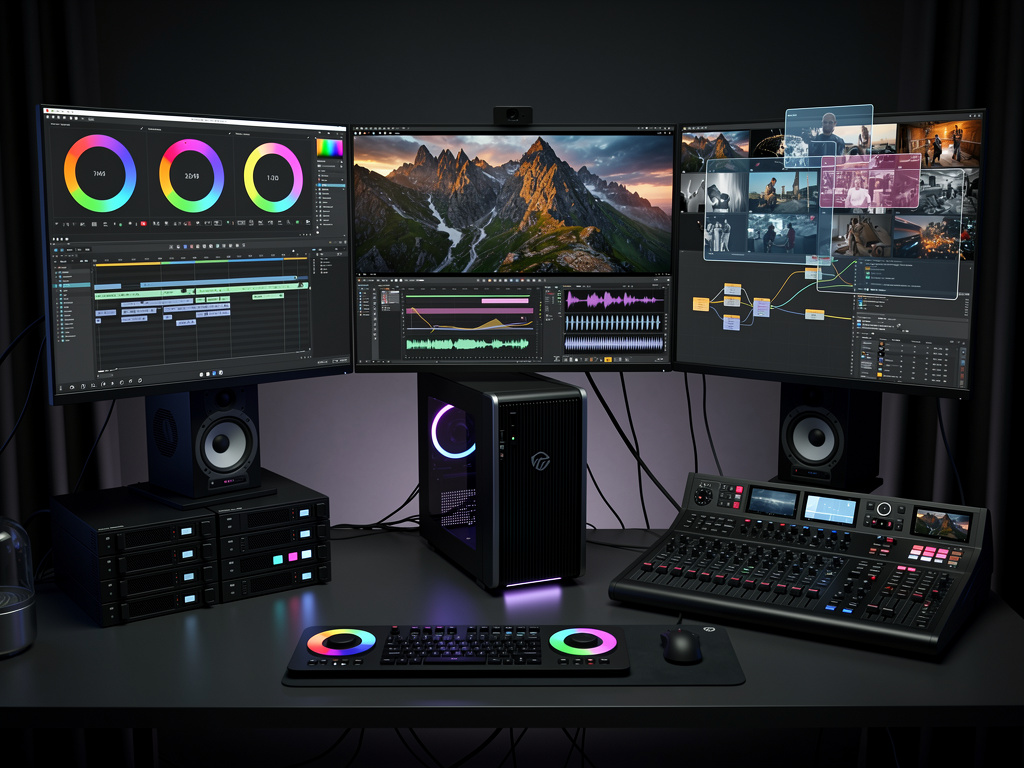
Blackmagic Design has released a significant update to its professional video editing and post-production software, introducing numerous enhancements across editing, color correction, visual effects, audio post-production, and collaboration features. The latest version of DaVinci Resolve builds upon its established foundation as an all-in-one application that combines tools previously spread across multiple specialized programs. Users can access these improvements through both the free edition and the paid Studio version, with the latter unlocking higher resolutions, advanced noise reduction, and additional collaborative capabilities.
The update brings substantial refinements to the edit page, where timeline operations now feel more responsive thanks to accelerated playback and rendering optimizations. Editors will notice faster handling of high-resolution footage, including 8K and beyond, without requiring constant proxy generation. New trim tools allow for more precise adjustments to clip boundaries while maintaining sync across multiple tracks. The introduction of adaptive trimming behaviors helps maintain rhythmic flow during complex sequence building, particularly useful when working with dialogue-heavy or music-driven content. Source viewer improvements include enhanced waveform displays and faster clip navigation, which streamlines the process of locating specific takes during assembly.
Color grading receives particular attention in this release with expanded node-based workflows that offer greater flexibility for complex corrections. The color page now supports additional layer compositing modes that integrate more naturally with power windows and qualifiers. Film emulation tools have been expanded with new presets modeled after classic motion picture stocks, allowing colorists to achieve authentic analog looks with minimal manual adjustment. The HDR grading palette includes refined tone mapping controls that preserve highlight detail while delivering accurate shadow recovery across various display standards. These tools prove especially valuable when preparing content for multiple delivery formats ranging from theatrical exhibition to streaming platforms with their specific color requirements.
Visual effects capabilities expand through improvements to the Fusion page, where the node graph now supports more efficient organization of complex composites. New particle system enhancements allow for realistic generation of environmental elements such as rain, snow, dust, and fire without requiring external plugins. The 3D environment gains better integration with planar tracking data, making it simpler to attach objects to moving surfaces within footage. Motion graphics designers benefit from updated text tools that offer more sophisticated animation controls and improved typography options. These additions position the application as a more complete alternative to dedicated compositing software for many common visual effects tasks.
Audio post-production tools have seen meaningful advancement with the Fairlight page receiving dedicated features for dialogue editing and sound design. The new voice isolation processor uses machine learning to separate spoken dialogue from background noise with remarkable accuracy, reducing the need for extensive manual cleanup. Multichannel audio handling now includes improved panning tools and more intuitive bus routing that simplifies complex mix setups. The ADR tools have been refined to offer better synchronization options and easier recording workflows within the timeline itself. These audio enhancements complement the existing mixing console simulation, providing professional-grade capabilities for everything from simple voiceovers to full feature film sound design.
One of the most significant additions involves enhanced collaboration features that allow multiple users to work simultaneously on the same project regardless of their physical location. The update improves project database performance, resulting in faster loading times and more reliable synchronization between team members. New markers and comment systems facilitate clearer communication between editors, colorists, and sound designers working on shared timelines. The proxy generation system has been optimized to create smaller files that maintain excellent quality for remote review sessions. These collaborative improvements address a common pain point in modern post-production workflows where teams are often distributed across different facilities or even countries.
Performance optimizations appear throughout the application, with particular attention paid to GPU acceleration for both NVIDIA and AMD graphics cards. Users working with the latest hardware will experience noticeably faster rendering times for effects-heavy sequences. The software now makes better use of system memory, reducing the frequency of cache clearing during long editing sessions. Blackmagic Design has also improved support for newer camera formats, ensuring native decoding of footage from recent professional and consumer devices without requiring intermediate conversion steps.
The update includes an extensive collection of new Resolve FX plugins that expand creative possibilities without necessitating third-party software. These include advanced beauty tools for skin smoothing and feature refinement that maintain natural skin texture while reducing unwanted blemishes. New stylistic effects allow for creative color treatments that can be animated over time to create dynamic looks. The artificial intelligence-powered tools have been expanded to include automatic object selection that accurately identifies and tracks people, vehicles, and other elements within complex scenes. These intelligent features significantly reduce the time required for rotoscoping and tracking tasks that traditionally demanded substantial manual effort.
Media management receives attention through improved database tools that make organizing large projects more manageable. The new smart bin system uses metadata to automatically categorize clips based on various criteria, including camera type, resolution, and content tags. Versioning capabilities have been enhanced to allow non-destructive experimentation with different edit approaches while maintaining clear organization of project iterations. These organizational improvements become increasingly valuable as productions scale up in both duration and complexity.
Integration with other Blackmagic Design hardware continues to strengthen, with the update offering better support for the company’s monitoring devices, control panels, and camera systems. Users of the DaVinci Resolve Mini Panel and Advanced Panel will find more responsive controls and additional customization options that match the software’s new capabilities. The hardware-software relationship creates a cohesive workflow that many professionals find preferable to mixing components from different manufacturers.
Training and learning resources have been updated alongside the software release, with Blackmagic Design providing comprehensive documentation of the new features through their official training materials. The company maintains its practice of offering free training videos that demonstrate practical applications of the updated tools. This educational support helps both new users and seasoned professionals quickly adapt to the changes and incorporate them into their existing workflows.
The free version of DaVinci Resolve continues to offer remarkable capabilities that exceed many paid alternatives, while the Studio version adds features essential for high-end professional work. These include support for resolutions above 4K, stereoscopic 3D tools, multiple GPU acceleration, and advanced noise reduction algorithms. The pricing structure remains notably accessible compared to competing professional applications, making sophisticated post-production tools available to a broader range of creators.
This update demonstrates Blackmagic Design’s commitment to continuous improvement based on feedback from working professionals across film, television, and digital content creation. The company has incorporated suggestions from colorists, editors, and sound designers to refine existing tools while introducing new capabilities that address evolving production requirements. The result is a more capable application that maintains the speed and stability that have become hallmarks of the software.
Users upgrading from previous versions will find the transition straightforward, with projects remaining fully compatible and familiar interface elements retaining their established functions. The learning curve for new features remains reasonable given the depth of functionality added. Many professionals report that the time saved through improved performance and intelligent tools quickly offsets any initial adjustment period.
The latest version of DaVinci Resolve solidifies its position as a comprehensive solution for modern post-production needs. By combining powerful editing tools with industry-leading color correction, sophisticated visual effects, professional audio capabilities, and efficient collaboration features, the application serves as a central hub for complete project finishing. Whether working on independent films, television episodes, corporate videos, or online content, users will discover tools specifically designed to enhance both creative expression and technical precision.
Blackmagic Design’s approach of regularly updating the software with substantial new features has created a loyal user base that continues to grow. The company’s transparent development process, which often incorporates direct input from industry professionals, results in practical improvements that address real-world production challenges. This latest release continues that tradition by delivering meaningful advancements across all aspects of the post-production workflow.
For those interested in exploring these updates in detail, the official information is available at the Blackmagic Design DaVinci Resolve What’s New page. The resource provides comprehensive notes on all modifications and additions included in this version. Professionals and enthusiasts alike will find valuable information about how these changes can be applied to their specific types of projects.
The improvements span from fundamental performance enhancements that benefit all users to specialized tools that address the needs of particular crafts within the post-production community. This balanced approach ensures the software remains relevant for solo creators while scaling effectively for large facility environments. The combination of accessibility and professional-grade capabilities continues to distinguish DaVinci Resolve from other applications in its category.
As production requirements continue shifting toward higher resolutions, more complex visual effects, and increasingly distributed workflows, this update provides solutions that address these changing demands. The software’s ability to handle diverse formats and delivery requirements makes it particularly well-suited for today’s varied content creation landscape. Teams working across different specialties can accomplish more within a single application, reducing the need for multiple specialized programs and the associated compatibility concerns.
The development team at Blackmagic Design has clearly focused on removing friction points in the creative process while simultaneously adding powerful new options for artistic expression. This dual approach of refinement and expansion creates an application that feels both familiar and freshly capable. The result is a tool that supports both efficient technical execution and creative exploration, qualities essential for successful post-production work across all types of media production.


 WebProNews is an iEntry Publication