
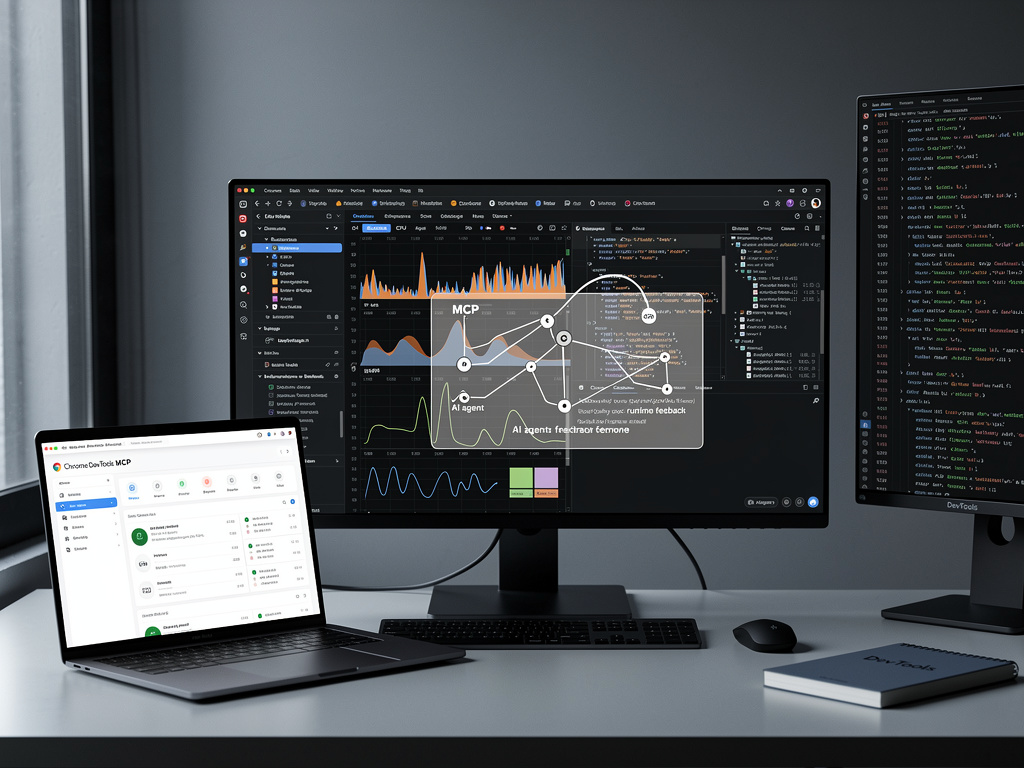
Google’s Chrome team has unleashed a tool that transforms AI coding assistants from blind code generators into sharp-eyed debuggers. The Chrome DevTools Model Context Protocol server, launched in public preview on September 23, 2025, connects large language models directly to Chrome’s debugging arsenal via the open-source MCP standard. This bridge allows agents to inspect live pages, trace performance, and simulate interactions, addressing a core flaw in AI-assisted development: the inability to observe runtime behavior.
Previously, tools like Cursor, Claude Code, and Gemini CLI could suggest fixes based on static analysis alone. Now, they command real Chrome instances through Puppeteer and the Chrome DevTools Protocol, capturing screenshots, DOM snapshots, network logs, and performance metrics. “AI coding assistants are able to debug web pages directly in Chrome, and benefit from DevTools debugging capabilities and performance insights,” the Chrome for Developers blog states. Early adopters report dramatic workflow gains, with agents verifying code changes on the fly.
The MCP protocol, introduced by Anthropic in late 2024, standardizes LLM connections to external systems. Chrome’s implementation exposes 26 tools across six categories: browser control, DOM inspection, performance tracing, network analysis, console logging, and user simulation. Setup is straightforward—developers add a JSON config to their MCP client: {“mcpServers”: {“chrome-devtools”: {“command”: “npx”, “args”: [“chrome-devtools-mcp@latest”]}}}, pulling the latest version from npm automatically.
From Code Guesses to Runtime Verification
Consider a typical scenario: an AI generates CSS for a layout fix. With MCP, it launches Chrome, navigates to localhost:8080, inspects the overflowing element via get_element_info, and proposes targeted styles based on computed values. “Generate a fix with your AI agent, and then automatically verify that the solution works as intended with Chrome DevTools MCP,” the Chrome blog advises. Tools like performance_start_trace further enable agents to measure Largest Contentful Paint (LCP) on sites like web.dev, returning summarized JSON traces under 4KB for analysis.
In performance debugging, Gemini CLI prompted with “Localhost:8080 is loading slowly. Make it load faster” used MCP to trace booking.com, identifying bottlenecks without manual intervention, as detailed in DebugBear. Network diagnostics shine too: agents list requests via list_network_requests, spotting CORS errors on failing images. Reddit users hail it as “like Playwright, but WAY smarter,” per a r/vibecoding thread.
Security remains paramount. Chrome M144 introduced remote debugging prompts, requiring user approval for session connections to prevent misuse. By default, MCP spins up isolated profiles, shielding personal data. “To avoid misuse by malicious actors, every time the Chrome DevTools MCP server requests a remote debugging session, Chrome will show a dialog,” notes a follow-up Chrome blog.
Tool Arsenal Powers Agentic Workflows
The server’s six tool categories unlock sophisticated automation. Browser tools (navigate_page, take_screenshot) handle navigation and visuals. DOM/CSS inspection (get_dom_snapshot, get_css_info) reveals layout realities. Performance suite (performance_start_trace, performance_stop_trace) delivers Core Web Vitals data. Network and console tools expose HAR files and errors, while interaction primitives (click, fill_form) simulate users. GitHub docs catalog all 26 for precise invocation.
Integration spans editors: VS Code via Copilot’s MCP registry, Cursor with one-click installs, Gemini CLI via gemini mcp add. Addy Osmani, Chrome engineer, describes it as giving AI “eyes” in the browser, leveraging CDP for reliability over raw scripts. “Chrome DevTools MCP is essentially an MCP server that exposes Chrome’s debugging and automation surface to AI assistants,” he writes on his blog.
Beyond coding, SEO firms automate SERP analysis. “Google’s Chrome DevTools MCP makes it possible to scale these core research functions through programmatic browser control,” reports Go Fish Digital, extracting features from search results in Cursor.
Competitors and Open Ecosystem Momentum
Microsoft’s Playwright MCP offers cross-browser automation, but Chrome’s native DevTools integration excels in Chrome-specific insights. Both advance agentic AI, with MCP as the unifying standard. Community lists like awesome-mcp-servers track 50+ servers, from GitHub Actions to databases.
Version 0.13.0 on npm supports Chrome 144’s auto-connection for shared manual-agent sessions. Feedback drives evolution: GitHub issues solicit feature requests. “We’re actively looking for feedback from you and the community about which capabilities we should add next,” Chrome urges.
Industry voices praise the shift. “The Chrome DevTools MCP server enables an AI agent to debug web pages directly in Chrome, utilizing the same powerful DevTools,” DEV Community explains in a setup guide. DataCamp highlights composability: pair with file systems for full-stack testing.
Road Ahead for Browser-AI Symbiosis
Public preview status signals iterative growth, with remote sessions and device emulation on deck. As MCP adoption surges—Replit, Sourcegraph already integrate—Chrome DevTools MCP positions Google at the forefront of AI-native development. Developers gain closed-loop workflows: code, test, debug, optimize—all agent-driven in real browsers.
This fusion promises fewer regressions, faster iterations, and performance-first web apps. For insiders, it’s not just a tool; it’s the protocol maturing AI from assistants to autonomous engineers, with Chrome’s debugging might as the killer app.


 WebProNews is an iEntry Publication