
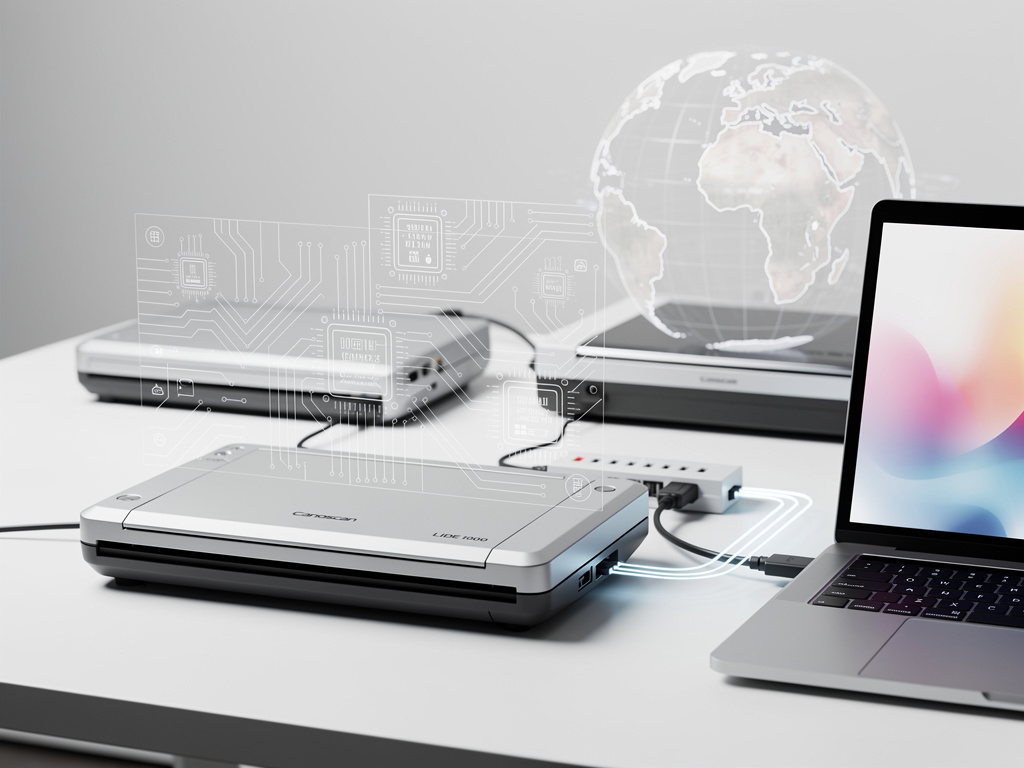
George MacKerron stared at an old Canon scanner gathering dust. Modern computers refused to acknowledge it. Drivers had vanished. Support ended years ago. So he fixed the problem himself.
The result is yes-we-scan.app. A web page that brings obsolete USB scanners back to life. No software installs. No driver downloads. Just open Chrome or Edge, plug in the device, and scan. The project builds directly on MacKerron’s earlier work with printervention.app, which performed similar magic for aging printers.
MacKerron detailed the creation process on the project’s explanation page. “Do you have an old USB scanner that your computer can’t talk to? If so, this is the web app for you,” he wrote (yes-we-scan.app/details). The site includes a video demonstration running at triple speed. It shows the scanner humming along, producing clear images without any local application.
But the real story lies underneath. This isn’t a simple wrapper. MacKerron runs a full x86 virtual machine inside the browser. That VM executes a stripped-down Alpine Linux distribution. Inside Linux lives SANE, the scanner access software familiar to open-source users. A custom C program bridges the gap between browser and virtual environment. Data flows through USB/IP and a library called tcpip.js that connects to the WebUSB API.
The approach sounds complex. It delivers simplicity. Users visit the site. Grant permission for the browser to access the USB device. The emulation layer handles everything else. Scans compress into JPEG or PNG formats. The process works on MacKerron’s CanoScan LiDE 100. He believes it will support hundreds of other models from manufacturers including Agfa, Epson, HP, Lexmark, Microtek, Mustek, Ricoh, Samsung, Trust and Xerox.
Technical Foundations Meet Practical Constraints
WebUSB provides the raw hardware access. Modern browsers support it, though with security restrictions. The v86 emulator powers the virtual x86 machine. It runs fast enough on contemporary laptops. Yet older hardware might struggle. The Alpine Linux instance stays minimal to reduce memory demands. SANE communicates with the physical scanner through the emulated environment. Results stream back to the browser for display and download.
And it works. Hackaday covered the launch. “He’s running a minimalist x86 computer in the browser, with just enough OS to support the device,” the publication explained. “The resulting software takes a WebAssembly x86 emulator and adds a bit of glue software allowing it to use WebUSB to talk to the real-world hardware” (hackaday.com/2026/05/20/bring-back-that-aged-scanner-in-your-browser/).
The project appeared on Hacker News. Users familiar with MacKerron’s printervention.app recognized the pattern. One discussion thread linked back to the earlier project’s reception. Interest focused on the clever bridging of browser APIs with full operating system emulation. Some developers probed performance details. Others asked about supported scanner protocols. MacKerron has not open-sourced the code yet. That decision limits immediate community contributions but protects the delicate integration.
Old hardware accumulates in offices and homes. Manufacturers drop support. Operating systems change. USB scanners from the 2000s and early 2010s often sit unused. Windows no longer ships drivers. macOS never did. Linux users could install SANE directly. Everyone else faced barriers. Yes We Scan removes those barriers. The web app runs wherever a capable browser exists.
But challenges remain. WebUSB requires HTTPS. Permission prompts appear each session. The virtual machine consumes significant browser resources during scans. Complex scanners with automatic document feeders may behave unpredictably. Not every model will work perfectly. MacKerron tested his own device thoroughly. Broader compatibility will emerge through user reports.
The technique points toward larger possibilities. Emulation in the browser has matured. WebAssembly delivers near-native speeds. Libraries like v86 handle x86 binaries effectively. Combine those elements with direct hardware access and new applications appear. Printers. Scanners. Perhaps other legacy peripherals. The barrier between web and native hardware narrows.
MacKerron built this for one specific frustration. The solution scaled. It demonstrates what determined individual developers can achieve with modern web standards. No corporate backing. No venture funding. Just code, experimentation and a working scanner.
Recent coverage confirms the project’s novelty. Hackaday highlighted its potential to extend hardware lifespans at a time when electronic waste grows. The story resonates with engineers who maintain mixed environments or resist upgrading functional equipment. For IT departments managing fleets of older machines, the tool offers immediate value. For hobbyists digitizing archives, it removes friction.
So the next time an old scanner fails to appear in your device list, try a different approach. Open your browser. Visit the site. Let a Linux virtual machine handle the conversation. The scanner might just respond again. MacKerron’s creation proves that some problems yield to creative persistence and clever code.


 WebProNews is an iEntry Publication