
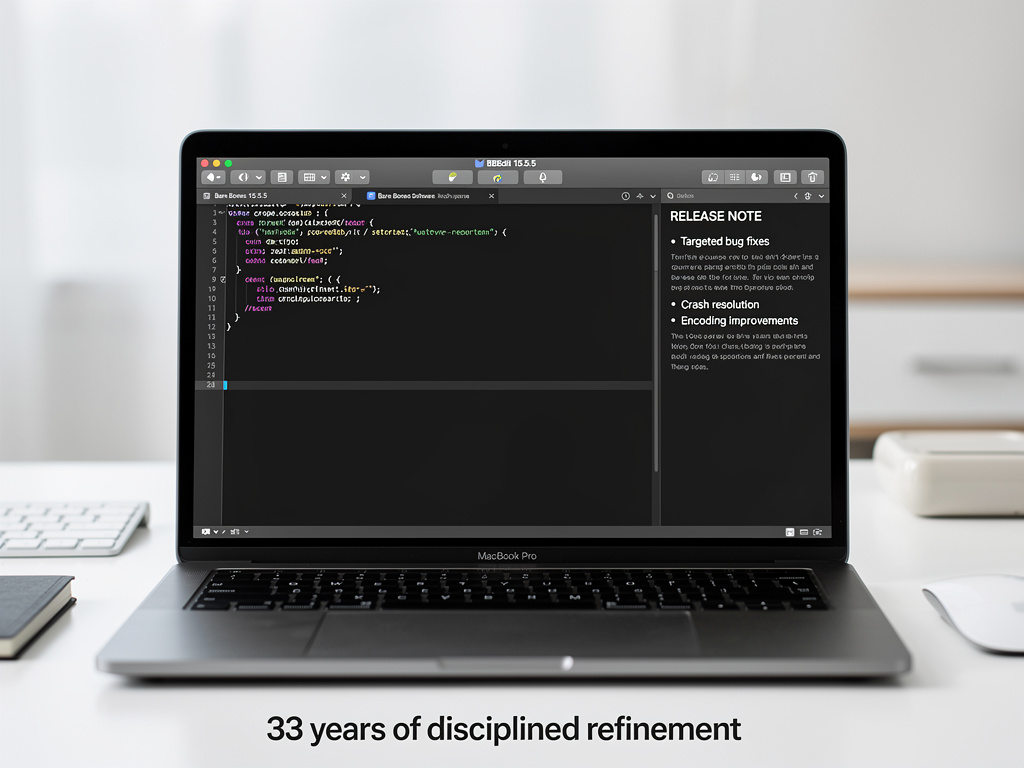
For more than three decades, BBEdit has occupied a peculiar and enduring position in the software world — a professional-grade text editor for macOS that has outlasted countless competitors, platform shifts, and the rise and fall of entire programming paradigms. The latest maintenance release, BBEdit 15.5.5, arrived on July 14, 2025, and while it lacks the headline-grabbing features of a major version update, it represents exactly the kind of disciplined, incremental refinement that has kept Bare Bones Software’s flagship product relevant to developers, writers, and system administrators who depend on it daily.
The update, first noted by TidBITS in its software watchlist, is a free maintenance update for all BBEdit 15 license holders. It weighs in at 24.3 MB and requires macOS 14.6 or later to run. The version number — 15.5.5 — signals that this is a point release focused on stability and correctness rather than new functionality, a pattern Bare Bones Software has followed consistently throughout BBEdit’s long history.
What Changed: A Surgical Approach to Software Maintenance
According to the official release notes and the TidBITS report, BBEdit 15.5.5 addresses a focused set of issues. The update fixes a crash that could occur when using the “Open File by Name” command — a core feature that experienced users rely on constantly to quickly locate and open files within large project directories. Crashes in frequently used commands are particularly disruptive to professional workflows, and squashing this kind of bug is precisely the sort of work that separates well-maintained software from abandonware.
The release also resolves problems related to text encoding handling, an area where BBEdit has historically distinguished itself from simpler text editors. Proper encoding support matters enormously to developers working with internationalized content, legacy codebases, or files that move between different operating systems. Additionally, the update includes fixes for the editor’s syntax coloring engine and addresses several issues with the application’s handling of large files — another area where BBEdit has long differentiated itself from competitors that choke on files exceeding a few hundred megabytes.
Why Maintenance Releases Matter More Than Most Users Realize
In a software industry that frequently prioritizes flashy new features and AI-powered additions, the humble maintenance release is often overlooked. But for professional users whose livelihoods depend on their tools working correctly and predictably, these updates are arguably more valuable than major feature additions. A text editor that crashes during a critical file operation or mishandles character encoding can cost hours of lost work and introduce subtle data corruption that may not be discovered until much later.
Bare Bones Software, founded by Rich Siegel in 1993, has built its reputation on exactly this kind of attention to detail. BBEdit first appeared in 1992, making it one of the longest-continuously-developed commercial applications on the Macintosh platform. The company’s tagline — “It doesn’t suck” — has become one of the most recognizable slogans in Mac software, a wry understatement that reflects the product’s philosophy of doing fundamental things exceptionally well rather than chasing trends.
BBEdit’s Position in the Modern Mac Development Landscape
The text editor market on macOS in 2025 looks dramatically different from the one BBEdit entered more than 30 years ago. Microsoft’s Visual Studio Code, which is free and open-source, has captured enormous market share among developers. JetBrains’ suite of IDEs dominates in language-specific development environments. Sublime Text remains a popular choice for those who want speed without the overhead of a full IDE. And Apple’s own Xcode is the mandatory tool for iOS and macOS app development.
Against this backdrop, BBEdit continues to carve out its niche by focusing on what it does best: raw text manipulation, grep-powered search and replace, multi-file processing, and deep integration with macOS. It is not trying to be an IDE. It does not bundle a debugger, a visual interface builder, or a package manager. What it offers instead is an extraordinarily refined set of tools for working with text as text — a capability that remains essential for web developers, system administrators, technical writers, and anyone who regularly works with configuration files, log files, scripts, and markup languages.
The Subscription Question and Bare Bones’ Business Model
BBEdit 15 operates on a licensing model that has evolved over the years. The application is available through the Mac App Store and directly from Bare Bones Software, with pricing that reflects its professional orientation. Bare Bones has experimented with different monetization approaches over the years, including a period where a free version with reduced features was available. The current model offers a free version with basic editing capabilities and a paid license that unlocks the full feature set, including advanced grep pattern matching, multi-file search, code folding, and extensive language support.
This approach stands in contrast to the subscription-only models adopted by many software companies, and it has earned Bare Bones considerable goodwill among its user base. Professional users who purchase a BBEdit 15 license receive all 15.x updates — including maintenance releases like 15.5.5 — at no additional cost. This means that bug fixes, stability improvements, and minor feature additions are delivered as part of the original purchase price, a model that aligns the developer’s incentives with the user’s interests in a way that subscription models sometimes do not.
The macOS 14.6 Requirement and Apple’s Platform Evolution
One detail worth examining is BBEdit 15.5.5’s requirement for macOS 14.6 (Sonoma) or later. This minimum system requirement means that users running older versions of macOS are locked out of the latest updates, a trade-off that allows Bare Bones to take advantage of newer system APIs and frameworks while reducing the testing burden associated with supporting older operating systems. With macOS 26 Tahoe announced at WWDC 2025, the requirement for Sonoma as a baseline seems reasonable and forward-looking, ensuring that BBEdit can adopt new platform capabilities as they become available.
Apple’s ongoing evolution of macOS presents both opportunities and challenges for long-standing third-party applications like BBEdit. Each major macOS release can introduce changes to text rendering, file system behavior, sandboxing requirements, and other system-level components that a text editor must interact with intimately. Maintaining compatibility across these changes while preserving the application’s performance characteristics and feature set requires sustained engineering effort — the kind of effort that maintenance releases like 15.5.5 represent.
The Broader Significance of Long-Lived Software
BBEdit’s continued vitality at age 33 raises interesting questions about software longevity and the conditions that enable it. In an industry where applications routinely rise and fall within a few years, BBEdit’s persistence is remarkable. Several factors contribute to this longevity: a focused feature set that resists bloat, a loyal and vocal user community, a business model that sustains ongoing development without requiring explosive growth, and a developer who has remained committed to the product for its entire lifespan.
Rich Siegel has spoken publicly about his philosophy of software development on numerous occasions, emphasizing the importance of getting the fundamentals right and resisting the temptation to add features simply because competitors have them. This philosophy is evident in BBEdit’s design, which has grown more capable over the years without losing its essential character as a fast, reliable text editor that stays out of the user’s way.
What Professional Users Should Know
For existing BBEdit 15 users, the upgrade to 15.5.5 is straightforward and recommended. The crash fix for “Open File by Name” alone justifies the update for anyone who uses that feature regularly. The encoding and syntax coloring fixes address issues that, while perhaps less dramatic than a crash, can introduce subtle problems in professional workflows. Users can update through BBEdit’s built-in update mechanism or by downloading the latest version directly from the Bare Bones Software website, as noted by TidBITS.
For those evaluating text editors in 2025, BBEdit 15.5.5 is a reminder that the most important quality in a professional tool is not novelty but reliability. The fact that Bare Bones Software continues to invest in maintenance releases — fixing crashes, improving encoding handling, and refining syntax coloring — speaks to a commitment to quality that transcends the hype cycles of the broader software industry. In a world where many applications are racing to integrate AI features and chase the latest trends, there is something quietly reassuring about a text editor that simply works, and keeps working, release after release.


 WebProNews is an iEntry Publication