
Apple placed the power button on the underside of its latest Mac mini. Users immediately noticed. They had to flip the compact machine or grope blindly underneath to turn it on. The design drew quick criticism. It felt like an afterthought on an otherwise impressive piece of hardware.
Now macOS 26.5 offers a practical workaround. Owners can configure the system to start automatically whenever power returns. No more hunting for that elusive button. The change arrives at a moment when many professionals keep desktops running for days. Yet for those who do shut down, the update removes a persistent annoyance.
The M4 Mac mini debuted in late 2024 with the button tucked on its bottom surface. Reviewers called the placement odd. TechRadar labeled it “not one of Apple’s better design choices” in its five-star review (TechRadar). Forums lit up with complaints and homemade fixes. Some users 3D-printed levers. Others stacked risers or attached bumpers. YouTube channels filled with videos demonstrating everything from plywood platforms to external switches routed through the power cord.
Apple had an explanation. Company officials told reporters that most people “hardly use” the power button. They pointed to sleep modes and always-on expectations. The rationale didn’t quiet every critic. Reddit threads captured the mood. One user summed it up as “low key hilarious.” Another noted he had powered down his previous MacBook Pro fewer than 20 times over years of daily use. The divide was clear. Power users who restart frequently felt the pinch. Others shrugged.
The button’s location created real friction in certain setups. Place the Mac mini under a monitor or in a tight media cabinet. Reaching underneath becomes awkward. Force a restart after a freeze? The same clumsy motion applies. Professional environments with multiple units or restricted physical access faced repeated inconvenience. And the jokes kept coming. Memes showed fingers fumbling like they were trying to find a light switch in the dark.
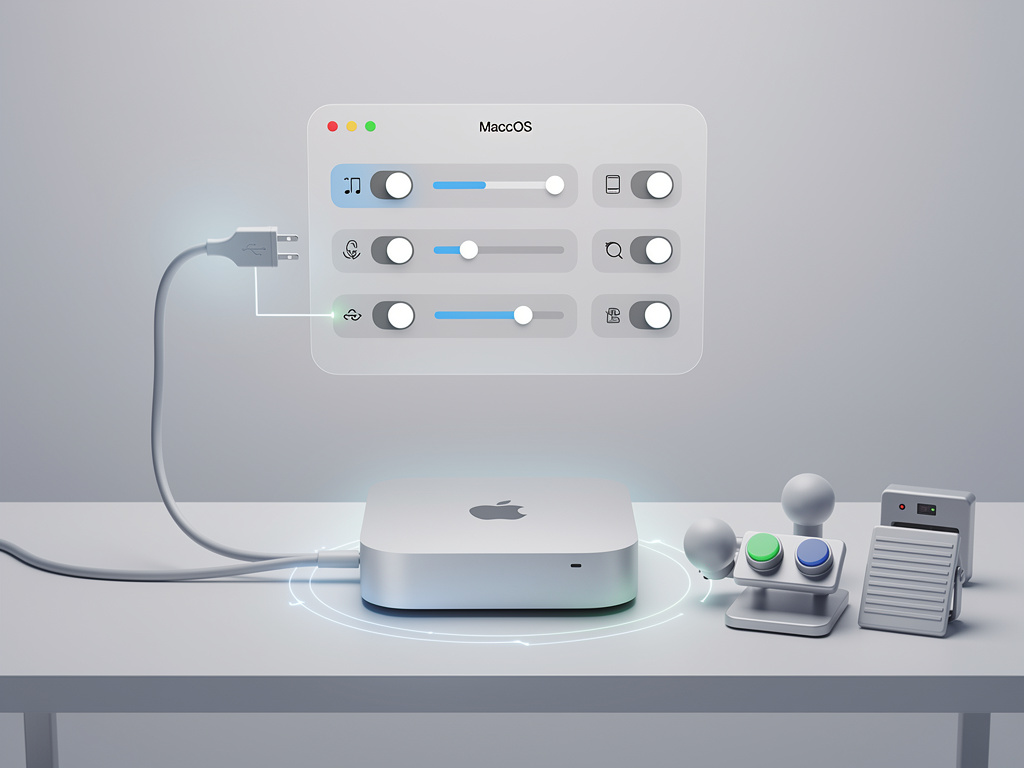
macOS 26.5 changes the equation. Released on May 11, 2026, the update introduces a new option in System Settings. Users go to the Energy pane. There they find a menu labeled “Start up when power is connected.” Select Always. The Mac mini, or compatible iMac or Mac Studio, now boots the moment electricity flows. Apple’s support document spells it out clearly. The feature helps “when you don’t have easy access to the computer’s power button” (Apple Support).
Compatibility stays narrow for now. The setting works on Mac mini models from 2024 onward, iMacs from the same year, and Mac Studio machines introduced in 2025. Older hardware misses out. A small wait time applies too. Apple recommends pausing 30 seconds between shutdown and power reconnection. That gives the internal supply time to discharge. Skip it and the machine may stay dark.
But the update delivers more than automatic startup. Release notes describe a fresh Power control setting in the same Energy section. It lets users power off or restart the Mac through assistive accessories. Think external switches or accessibility devices. The addition targets users who already rely on such tools. It also expands options for anyone tired of the physical button. 9to5Mac first highlighted how these controls directly address long-running complaints about the M4 Mac mini’s design (9to5Mac).
Industry observers see this as smart incrementalism. Apple rarely redesigns hardware just to relocate a button. The next Mac mini, possibly with an M5 chip, isn’t expected to change form anytime soon. Software bridges the gap instead. And the timing feels intentional. macOS 26.5 landed as a modest release focused on refinement rather than flashy additions. These power tweaks stand out precisely because the rest of the update stays quiet.
Enterprise IT teams may welcome the news. Managed fleets of Mac minis often sit in data centers or under desks where physical access is limited. Automatic power-on after outages simplifies recovery. Accessibility users gain another reliable method to control their machines. Even home users tired of crawling under furniture stand to benefit.
Of course not everyone will flip the switch to Always. Many professionals prefer the security of a full shutdown. Others run their systems 24/7 and treat sleep as sufficient. The option remains just that. An option. Yet its existence acknowledges a design decision that didn’t land perfectly. Apple listened without admitting fault.
Look back and the pattern holds. The company has adjusted power behavior before. Remember how older Macs handled sudden power loss. Or the way sleep settings evolved across macOS versions. This latest move fits the same pragmatic tradition. Give users control. Reduce friction. Let the hardware shine without small irritations getting in the way.
DIY solutions won’t disappear overnight. Some enthusiasts already prefer their custom levers and risers. The YouTube tutorials will keep circulating. But for the majority, a simple setting in Energy preferences solves the problem without extra hardware or 3D printing filament. That’s progress in its quietest form.
The Mac mini remains one of Apple’s strongest values. Strong performance. Tiny footprint. Attractive price. The power button debate never threatened those strengths. Still, it’s satisfying to see the company close the loop. A low-key complaint met with a low-key fix. No fanfare. Just a menu choice that makes daily use smoother.
Professionals who deploy these machines at scale will test the new behavior first. They’ll measure boot times after power cycles. They’ll check stability across different power strips and UPS units. Early reports suggest the feature behaves predictably. Connect the cable. Wait if needed. The system starts. Simple as that.
And for the rest of us? We can finally stop laughing at the button’s location. We can just turn the machine on. Or let it turn itself on. Either way works now.


 WebProNews is an iEntry Publication