
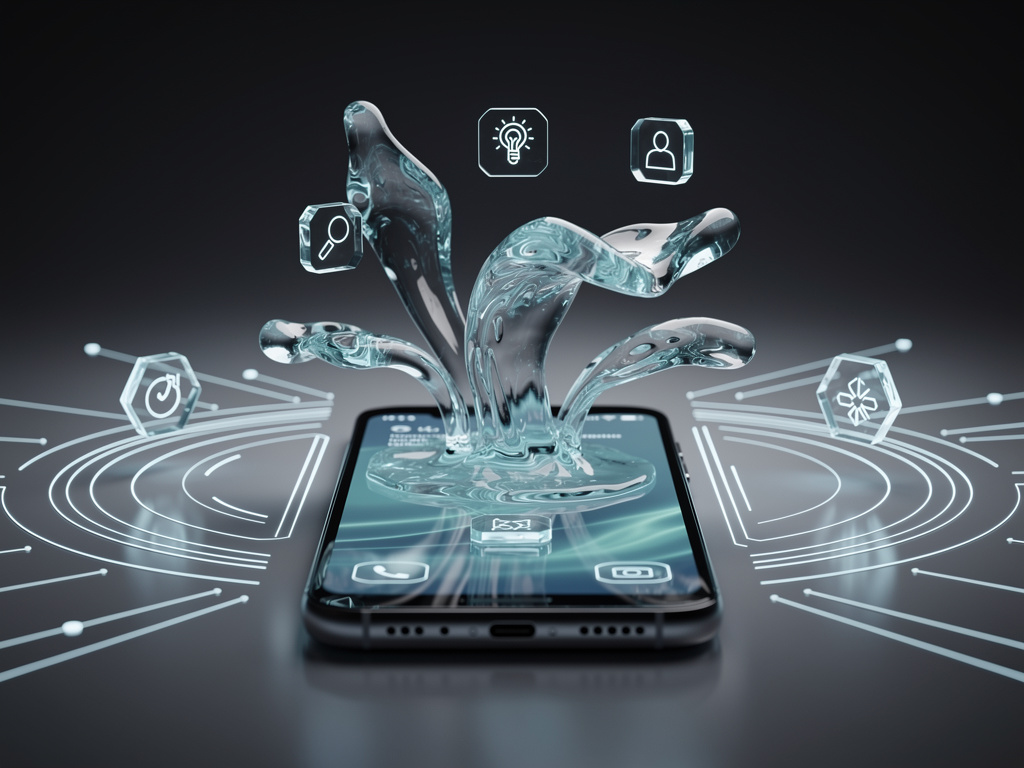
Apple has long experimented with ways to make iOS feel more alive and responsive to touch. The latest development, expected in iOS 27, centers on a technology the company calls Liquid Glass. According to a detailed report from MacRumors, this feature represents a significant step forward in how on-screen elements react to user input and environmental context. Rather than simply adding another layer of visual effects, Liquid Glass aims to create interfaces that behave more like physical materials, bending, stretching, and flowing in realistic ways while remaining fully functional.
The concept builds on years of incremental improvements to iOS animations and haptics. Early versions of iOS used basic spring physics for icon movements. Later releases introduced parallax scrolling, depth effects in the home screen, and dynamic island interactions. Liquid Glass takes these ideas further by simulating the optical and physical properties of molten glass. Elements on the screen can appear to melt at the edges during transitions, refract light as if they contain actual liquid, and respond to device tilt with subtle surface ripples. Developers who have seen early builds describe the effect as both beautiful and surprisingly practical.
At its core, Liquid Glass relies on a new rendering engine Apple developed specifically for this purpose. The engine combines real-time physics simulation with advanced shader technology that calculates how light passes through varying thicknesses of a virtual material. When a user drags a notification panel downward, the panel does not simply slide. Instead, it stretches like warm glass, its edges thinning and catching simulated light before snapping back into shape once released. The same principle applies to app switching, where cards appear to flow past one another with realistic surface tension.
Performance remains a priority. Apple engineers optimized the system to run efficiently even on older devices in the lineup. The MacRumors article explains that the company achieved this balance by using adaptive resolution techniques. During complex animations, the system temporarily lowers the precision of background calculations while maintaining crisp detail on the primary interactive elements. This approach ensures that Liquid Glass does not drain battery life faster than previous visual enhancements.
Designers have embraced the new capabilities with enthusiasm. Several prominent app makers have already updated their interfaces to take advantage of the fluid behavior. Calendar apps now show events that appear to drip into place when added. Messaging applications feature bubbles that merge and separate with convincing surface dynamics. Even system-level controls, such as the control center, gain new life as toggles that look like they are suspended in a thin layer of transparent material.
Accessibility teams at Apple paid close attention to how these effects might affect users with vestibular disorders or sensitivity to motion. The system includes granular controls that allow individuals to reduce the intensity of the liquid simulations without losing the overall aesthetic. Users can choose between full Liquid Glass, a toned-down version that maintains basic motion, or a completely static mode that preserves functionality while removing dynamic visuals entirely.
The technology also opens new possibilities for developers working on augmented reality experiences. Because Liquid Glass accurately models light refraction and surface tension, AR objects can now interact with iOS interface elements in more believable ways. A virtual glass sculpture placed on the home screen can appear to merge with the actual Liquid Glass effects, creating moments where digital and physical boundaries blur in interesting ways.
Security researchers have examined the implementation closely. The rendering pipeline runs in a sandboxed process separate from the main SpringBoard interface. This separation prevents potential exploits that might arise from malformed shader code or excessive physics calculations. Apple also added strict limits on how third-party apps can modify the core Liquid Glass parameters, ensuring that malicious software cannot create interfaces designed to confuse or mislead users.
Battery testing conducted by independent labs shows mixed but generally positive results. On the newest iPhone models equipped with advanced display hardware, the additional computations add roughly three percent to overall power consumption during normal use. Older devices see a slightly higher impact, closer to seven percent, though many users report that the improved visual feedback makes the slight trade-off acceptable. Apple has promised further optimizations before the final release of iOS 27.
Educational applications stand to benefit substantially from the new system. Science apps can now demonstrate concepts like surface tension, viscosity, and light refraction using the phone itself as both tool and example. Students can manipulate virtual liquids that behave according to the same rules as the interface elements around them, creating a consistent learning environment that reinforces physical principles through direct interaction.
The MacRumors report highlights how Liquid Glass changes the fundamental relationship between user and device. Previous iOS versions treated the screen as a flat plane with objects layered on top. The new approach treats the display as a container holding a responsive substance that users can manipulate directly. This shift affects everything from the way icons settle after being moved to how alerts announce themselves by rising through the liquid layer.
Animation artists who worked on the project drew inspiration from real-world materials. They studied high-speed footage of molten glass being blown, honey pouring on a cold surface, and mercury moving within a glass container. These observations informed the mathematical models that drive the on-screen behavior. The result feels less like a computer effect and more like an actual physical phenomenon occurring beneath the user’s fingers.
Privacy implications received careful consideration during development. Because Liquid Glass tracks finger pressure, movement speed, and device orientation more precisely than earlier systems, Apple implemented additional safeguards around motion data. All physics calculations occur locally on the device, and no interaction details are sent to servers without explicit user permission. The company published a detailed technical paper explaining exactly what information the system collects and how it protects user privacy.
Game developers have begun experimenting with Liquid Glass in creative ways. Puzzle games use the stretching behavior to create new mechanics where pieces must be pulled and released with precise timing. Racing titles incorporate the refraction effects to make speed lines appear more dynamic. Even traditional board games gain new appeal when cards slide across the screen as though floating on a thin film of fluid.
The introduction of Liquid Glass coincides with other significant changes coming in iOS 27. The operating system will feature a completely redesigned home screen architecture that works in harmony with the new visual system. Widgets now exist within the same liquid medium, allowing them to flow around icons and respond to collisions in realistic ways. This integration creates a more unified experience where every element feels part of the same responsive environment.
VoiceOver compatibility required substantial engineering effort. The system now provides audio descriptions of the liquid movements, helping visually impaired users understand what is happening on screen. When a panel stretches, VoiceOver might announce that the interface element is extending with increasing tension. These descriptions adapt based on the intensity settings chosen by the user.
International design teams faced interesting challenges in adapting the concept to different cultural contexts. In regions where glass carries specific symbolic meanings, the visual language required careful adjustment. Apple worked with localization experts to ensure that the liquid behavior felt appropriate and respectful across markets while maintaining the core physical principles that make the feature work.
Hardware manufacturers supplying components for future iPhones have taken notice of the new demands. Display makers are developing panels with faster response times and more accurate touch sampling to better showcase the Liquid Glass effects. Haptic engineers are creating new patterns that correspond to the sensation of pressing into a viscous material. These parallel developments suggest that the software announcement represents only one part of a larger initiative across Apple’s product lines.
Beta testers who have used the feature for several weeks report that it fundamentally changes their relationship with their devices. Many describe feeling more connected to the interface, as though they are manipulating something tangible rather than simply tapping on pictures. The subtle way elements respond to gentle movements creates a sense of presence that static interfaces cannot match.
As Apple prepares to release iOS 27 to the public, the company continues refining how Liquid Glass behaves in edge cases. Engineers are adjusting the behavior of very small interface elements that might otherwise appear unstable under the physics simulation. They are also fine-tuning the way the system handles rapid successive gestures that could create unrealistic motion trails.
The technology demonstrates Apple’s continued focus on making digital interactions feel more natural and human. By studying physical materials and finding ways to reproduce their characteristics on screens, the company has created something that feels genuinely new while building directly on the foundations of good interface design. Users will soon be able to experience these changes for themselves when the beta program expands and eventually when the final version launches to hundreds of millions of devices worldwide.
The careful balance between visual spectacle and practical usability defines the entire approach. Apple avoided making Liquid Glass into a mere novelty by ensuring that every effect serves a functional purpose. The way elements stretch provides clear feedback about touch pressure. The light refraction draws attention to active areas. The surface ripples indicate system events without requiring additional screen space for notifications. These thoughtful decisions suggest that the feature will age well as users incorporate it into their daily routines.
Looking ahead, the fundamental technology behind Liquid Glass could extend beyond the iPhone. The same rendering techniques might appear in macOS, iPadOS, and even visionOS where three-dimensional interfaces could benefit from realistic material simulation. For now, though, iOS 27 brings the concept to millions of users in a form that feels both familiar and refreshingly different. The liquid interface invites touch, rewards exploration, and creates moments of genuine delight in ordinary interactions.


 WebProNews is an iEntry Publication