
Unlocking the iPhone’s Secret Weapon: How iOS 26’s Preview App is Redefining Mobile Document Mastery
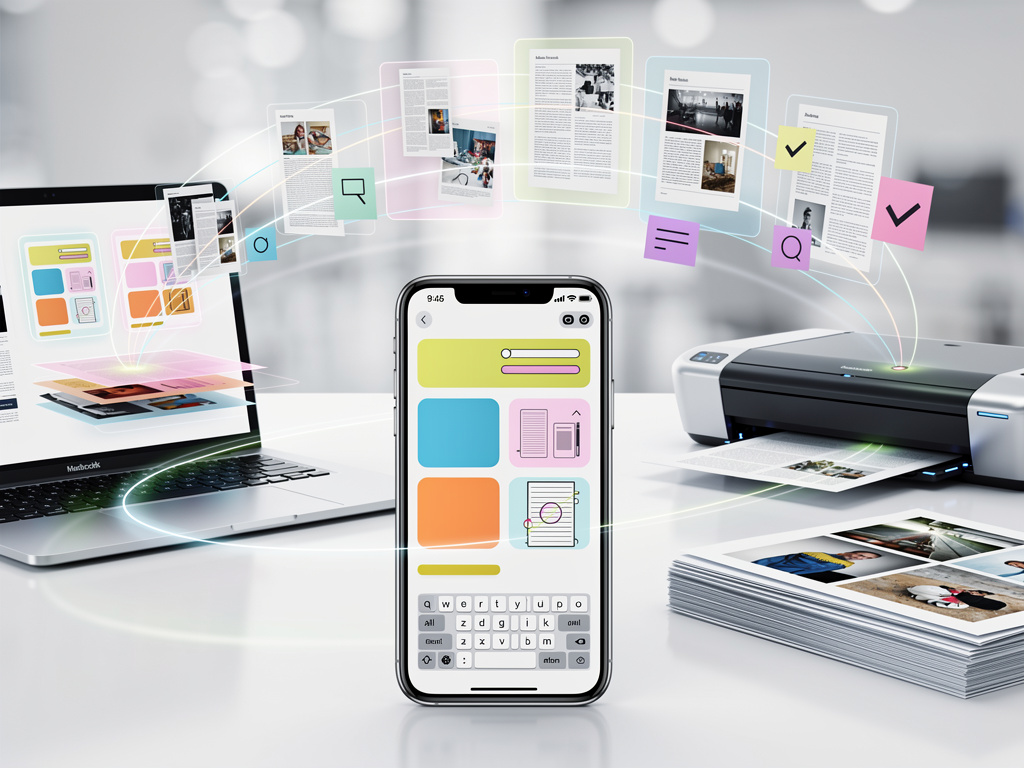
Apple’s latest operating system update, iOS 26, has introduced a slew of enhancements that promise to elevate the iPhone experience, but one addition stands out for its potential to transform everyday workflows: the new Preview app. This isn’t just another icon cluttering your home screen; it’s a robust tool designed to handle PDFs and images with a level of sophistication previously reserved for desktop environments. Drawing from insights shared in a recent piece by 9to5Mac, users are discovering how this app bridges the gap between casual viewing and professional editing, all within the palm of their hand.
At its core, Preview allows iPhone owners to open, annotate, and manage documents seamlessly, integrating deeply with Apple’s ecosystem. For industry professionals who juggle contracts, reports, and creative assets on the go, this means no more relying on third-party apps that often come with subscription fees or privacy concerns. The app’s interface leverages iOS 26’s Liquid Glass design, offering a fluid, transparent aesthetic that makes navigation intuitive. Early adopters report that features like markup tools and form filling are game-changers for quick reviews during commutes or meetings.
Beyond basic functionality, Preview’s integration with Apple Intelligence adds a layer of smart automation. Imagine scanning a physical document with your iPhone’s camera, and the app automatically enhances it, removes shadows, and converts it to a searchable PDF. This isn’t speculative; it’s a direct evolution from macOS’s longstanding Preview app, now miniaturized and optimized for touch interactions. Professionals in fields like legal, design, and education are already incorporating it into their routines, citing time savings that add up significantly over a workday.
The Evolution of Document Handling in iOS
The rollout of iOS 26, as detailed on Apple Support, emphasizes responsiveness and intelligent features across the board. Preview fits into this by providing tools that were once scattered across apps like Files or Photos. Users can now merge multiple PDFs, add signatures electronically, and even redact sensitive information with a few taps. This consolidation reduces app-switching fatigue, a common complaint among power users.
In practical terms, consider a scenario where a marketing executive needs to approve a campaign brief. With Preview, they can pull up the document, highlight key sections, add comments, and share it back—all without leaving the app. Feedback from tech enthusiasts on platforms like X highlights how this streamlines collaboration, with posts praising its compatibility with iCloud for real-time syncing across devices. One common sentiment is that it feels like having a portable scanner and editor in your pocket.
Moreover, the app’s security features ensure that edits are tracked and documents can be password-protected, aligning with enterprise needs for compliance. This is particularly relevant in regulated industries where data integrity is paramount. As iOS 26 continues to receive point updates, such as those outlined in Apple’s update notes, Preview is expected to gain even more capabilities, like advanced OCR for non-Latin scripts.
User Adoption and Real-World Applications
Diving deeper into user experiences, a piece from Popular Science explores how Preview is being used for everything from annotating recipes to editing academic papers. One writer describes using it to mark up blueprints during site visits, appreciating the precision of the Apple Pencil support on compatible iPhones. This versatility extends to creative professionals who layer annotations over images, turning static files into interactive canvases.
On the productivity front, integration with Shortcuts in iOS 26 allows for automated workflows. For instance, you could set up a shortcut to scan receipts and categorize them in Preview, then export to expense tracking apps. Industry insiders note that this level of customization is drawing comparisons to professional software like Adobe Acrobat, but without the hefty price tag. Posts on X from developers suggest that third-party apps might soon build extensions around Preview, expanding its ecosystem further.
For educators, Preview’s form-filling tools are a boon for grading assignments digitally. Imagine receiving student submissions as PDFs, adding feedback inline, and returning them securely. This mirrors features in macOS but optimized for mobile, reducing the need for laptops in fieldwork or travel scenarios. As MacRumors points out in their comprehensive roundup, iOS 26’s design philosophy prioritizes such seamless transitions, making Preview a natural fit.
Enhancements Through Updates and Intelligence Integration
Recent updates like iOS 26.2, as covered by 9to5Mac in a separate article, have bolstered Preview with enhancements in six core apps, including better image cropping and text recognition. These tweaks make the app more responsive, with faster load times even on older supported devices. Apple Intelligence plays a pivotal role here, suggesting edits based on context—for example, auto-filling forms with data from your contacts or calendar.
Looking ahead, the beta for iOS 26.3, detailed in another 9to5Mac report, promises features like collaborative editing in Preview, akin to Google Docs but with end-to-end encryption. This could revolutionize team-based document work, especially in remote setups. Sentiment on X is buzzing with anticipation, as users share tips on beta testing and early impressions of these additions.
Critically, Preview’s accessibility features deserve mention. VoiceOver support allows visually impaired users to navigate documents audibly, while dynamic type scaling ensures readability. This inclusivity aligns with Apple’s broader push in iOS 26, as noted in Wirecutter’s review, which highlights useful additions like live translation that could extend to document languages in future updates.
Competitive Edge and Market Implications
In a crowded field of mobile productivity tools, Preview sets itself apart by being native and free, potentially disrupting paid alternatives. Analysts suggest this could pressure competitors to innovate, much like how iMessage influenced messaging apps. For businesses, adopting Preview means tighter integration with Apple’s hardware, from iPhones to iPads, fostering loyalty in corporate environments.
User stories abound: A freelance journalist might use Preview to annotate interview transcripts on the fly, while a real estate agent could mark up property listings with virtual tours embedded as links. These anecdotes, echoed in Tom’s Guide, illustrate how the app adapts to diverse professions, enhancing efficiency without overwhelming complexity.
Furthermore, as iOS 26 evolves, Preview’s role in CarPlay and Wallet integrations could expand. Imagine previewing boarding passes or contracts directly from your car’s dashboard— a feature hinted at in Gadget Hacks. This convergence points to a future where document management is omnipresent across Apple’s platforms.
Challenges and Future Prospects
Despite its strengths, Preview isn’t without hurdles. Some users report occasional glitches in merging large files, though updates are addressing these swiftly. Privacy-conscious professionals appreciate the on-device processing, minimizing data exposure compared to cloud-based rivals. As discussions on X reveal, community feedback is shaping rapid iterations, with Apple responding to calls for more export options.
Looking broader, iOS 26’s emphasis on intelligent experiences, as per Apple’s official page, positions Preview as a cornerstone for AI-driven productivity. Future enhancements might include predictive text for annotations or integration with augmented reality for 3D document visualization.
For industry insiders, the app’s potential lies in its extensibility. Developers are already exploring APIs to build upon it, potentially creating specialized tools for sectors like healthcare or finance. This openness could lead to a thriving sub-ecosystem, much like how Notes evolved into a powerhouse.
Strategic Insights for Power Users
To maximize Preview, start by customizing its toolbar for frequent tasks like highlighting or signing. Pair it with iCloud Drive for seamless access, and use Siri shortcuts for voice-activated commands. Professionals recommend backing up edited documents regularly, leveraging the app’s version history to track changes.
In comparison to predecessors, Preview in iOS 26 feels like a maturation of iPhone capabilities, echoing the depth of macOS tools. As CNET lists in their feature roundup, it’s one of many under-the-radar gems that reward exploration.
Ultimately, as iOS 26 cements its place, Preview emerges as a testament to Apple’s focus on empowering users with tools that blend simplicity and power. For those in tech-savvy circles, mastering it could redefine mobile efficiency, turning the iPhone into an indispensable ally in professional pursuits. With ongoing updates and community-driven evolution, its impact is only beginning to unfold, promising even greater innovations ahead.


 WebProNews is an iEntry Publication