
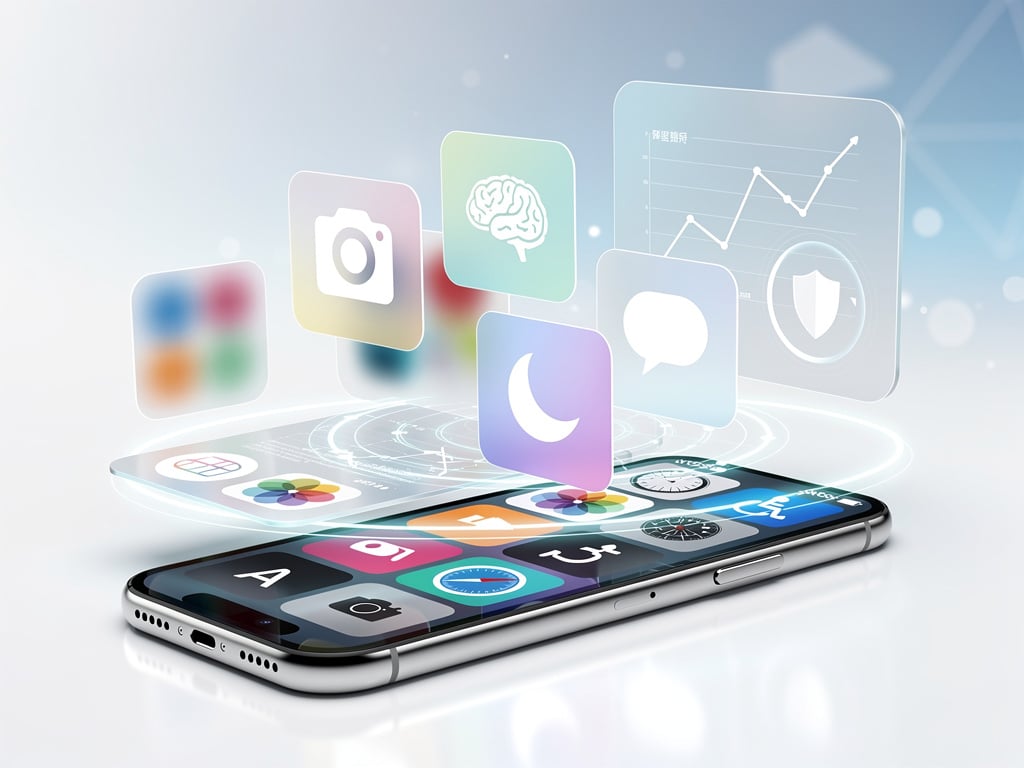
Apple has released the second developer beta of iOS 27, bringing a collection of refinements and new capabilities to its mobile operating system. The update arrives shortly after the first beta debuted at WWDC, giving developers an opportunity to test fresh additions before a wider public release later this year. Those who have installed the software report noticeable improvements across several areas, from visual design tweaks to functional enhancements that address long-standing user requests.
One of the most visible changes centers on the Control Center. Apple has expanded customization options, allowing users to rearrange toggles with greater freedom and add new shortcuts that were previously limited to the main Settings app. The interface now supports multiple pages that users can swipe between, each dedicated to specific categories such as media playback, home automation, or connectivity tools. This modular approach gives iPhone owners the ability to create personalized layouts that match their daily routines more closely. According to reporting from Digital Trends, testers have praised the increased flexibility, noting that the changes make quick access to essential functions feel more intuitive than before.
The Photos app receives several meaningful updates in this beta. Apple has introduced smarter organization tools that automatically group images based on subtle visual themes, such as color palettes or recurring objects. A new search filter lets users narrow results by combining multiple criteria, for instance locating pictures taken on a specific date that also contain particular people or landmarks. The editing interface has been adjusted with larger preview thumbnails and more prominent undo controls, making it easier to experiment without fear of permanent mistakes. These adjustments reflect Apple’s continued focus on helping users manage growing photo libraries without becoming overwhelmed by the volume of content.
Apple Intelligence features see further refinement in beta two. The on-device language model now responds more quickly to follow-up questions within the same conversation thread. Summarization tools applied to long articles or email chains produce more concise results while retaining key details. Users can also direct the system to generate images with greater precision by adding descriptive style parameters, such as requesting a particular artistic medium or color grading. Although these capabilities still carry the experimental label, the performance gains suggest Apple is making steady progress toward delivering a reliable AI assistant that respects user privacy by handling most processing locally.
Notification management has been expanded with additional Focus mode templates. Beyond the standard work, sleep, and driving options, the beta includes presets tailored for fitness activities, studying, and even creative work sessions. Each template can automatically adjust which apps are allowed to interrupt and can trigger corresponding changes in home screen layouts. The system also learns from user behavior over time, suggesting new Focus profiles based on recurring patterns such as frequent evening reading sessions or weekend hiking excursions. This adaptive approach aims to reduce the mental effort required to maintain productive digital boundaries.
Safari receives attention as well. The browser now offers improved tab grouping suggestions that analyze browsing history and propose logical categories without requiring manual setup. A new reader mode setting lets users choose from a wider selection of fonts and background colors, including several high-contrast combinations designed for extended reading sessions. Password management within Safari has been enhanced with automatic detection of reused credentials across different sites, complete with one-tap options to generate and replace weak passwords. These browser-level improvements align with Apple’s broader privacy emphasis, giving users stronger tools to protect their online activity.
The Messages app gains several communication enhancements. Users can now schedule messages to send at a later time, a feature that has been requested for years. The implementation allows previewing the exact delivery moment and includes an option to cancel or edit the scheduled text before it leaves the device. Audio message transcription has become more accurate, with better handling of background noise and multiple speakers. The ability to react to individual messages within a group thread using custom stickers adds another layer of expressiveness to conversations. These changes make the iMessage experience feel more complete while maintaining the encryption standards that distinguish it from competing platforms.
Accessibility options expand in meaningful ways. A new Magnifier mode integrates more deeply with the camera system, offering real-time object recognition that can announce the denomination of paper currency or identify common household items. Voice Control receives additional command refinements that reduce the need for precise phrasing, making the feature more practical for users with motor limitations. Color filters for photos and videos can now be applied system-wide or limited to specific apps, giving users greater control over visual presentation based on individual needs. These updates demonstrate Apple’s ongoing commitment to creating technology that works for everyone regardless of ability.
Performance metrics shared by early testers indicate that iOS 27 beta 2 runs more efficiently than the initial release. Battery consumption during typical tasks has decreased, particularly when using apps that rely on background refresh. App launch times feel slightly quicker on older devices, suggesting that Apple has continued optimizing code paths even as the software adds new capabilities. Heat management during extended video playback or gaming sessions also shows improvement, with devices maintaining lower surface temperatures than in the first beta. Such gains matter because they extend the useful life of existing hardware and reduce the urgency for users to upgrade their phones.
Developers working with the beta have access to new APIs that allow deeper integration with Apple’s on-device intelligence framework. The updated SDK includes tools for creating custom image generation styles that match brand guidelines, as well as enhanced text analysis functions that can extract structured data from unstructured documents. Health-related APIs now support more granular workout metrics, opening possibilities for fitness applications that provide richer coaching experiences. These programming additions suggest that the final version of iOS 27 will arrive with a healthy selection of third-party applications ready to take advantage of its new features on day one.
Security enhancements appear throughout the beta. Apple has tightened restrictions on how applications can access location data in the background, requiring developers to provide clearer explanations of why continuous tracking is necessary. The system now prompts users more frequently to review permissions for apps that have not been opened recently. Passkeys receive additional support across more websites through an updated WebAuthn implementation, potentially accelerating the move away from traditional passwords. These measures add layers of protection without creating noticeable friction during normal use, striking a balance between security and convenience.
Visual design receives subtle but effective polish. System icons have been adjusted with slightly thinner outlines that improve clarity at small sizes, particularly on the new iPhone models with higher resolution displays. The animation curves for opening and closing apps feel more natural, avoiding the abrupt transitions that sometimes appeared in earlier betas. Dark mode compatibility has been expanded to additional system components, ensuring that third-party widgets maintain consistent appearance regardless of the selected theme. These refinements may seem minor on paper, but they contribute to an overall sense of quality that users notice even if they cannot immediately identify the source.
HomeKit receives attention through improved automation suggestions based on seasonal patterns and local weather data. The system can now propose routines such as adjusting thermostat settings when outdoor temperatures cross certain thresholds or activating outdoor lights earlier during winter months. Integration with the new robot vacuum accessories announced alongside iOS 27 allows users to include cleaning schedules within broader smart home scenes. These additions make HomeKit feel less like a collection of individual devices and more like a coordinated environment that anticipates daily needs.
The beta does come with the usual caveats. Some features remain incomplete, and certain Apple Intelligence tools still display placeholder text indicating they are not yet fully functional. Battery life on a small percentage of devices has shown unexpected drain under specific conditions involving heavy use of the new Control Center pages. Developers are encouraged to report these issues through the feedback assistant so Apple can address them before the public beta phase begins. Despite these rough edges, the overall stability appears higher than many previous second betas, suggesting the company has invested significant testing resources into this release cycle.
Looking ahead, the changes introduced in developer beta two point toward a version of iOS that prioritizes practical improvements over flashy demonstrations. Rather than introducing entirely new apps or dramatic interface overhauls, Apple has chosen to strengthen existing tools and address accumulated user feedback. The enhanced customization options, smarter photo management, and refined notification controls all serve to make the iPhone more adaptable to individual preferences and working styles. As additional betas arrive in the coming weeks, further adjustments will likely appear, but the foundation established in this release already shows considerable promise for the finished product expected this fall.
Users enrolled in the developer program can download the update immediately through the Settings app, though they should ensure they have backed up their devices first. Those without developer accounts will need to wait for the public beta, which typically follows several weeks later. For anyone curious about the specific changes, the Digital Trends article provides an extensive breakdown complete with screenshots that illustrate how the new features appear in practice. The steady pace of improvements suggests Apple is methodically shaping iOS 27 into a release that will feel both familiar and noticeably more capable once it reaches millions of devices worldwide.


 WebProNews is an iEntry Publication