
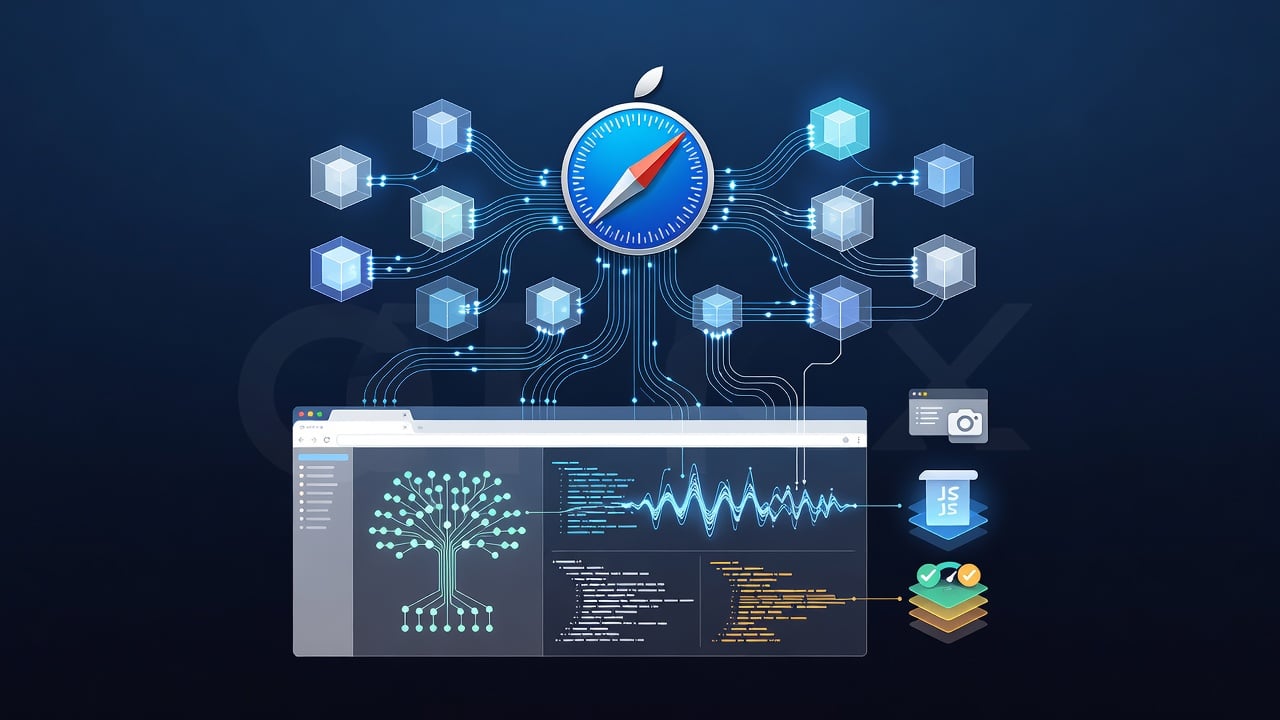
Apple just dropped a tool that changes how developers work with AI coding assistants. The company embedded a Model Context Protocol server directly into Safari. Now agents from Claude, Cursor and similar systems can open a live Safari window, read the actual rendered page and fix problems without developers shuttling screenshots or vague descriptions back and forth.
The move comes at a moment when AI agents already write code but often stumble when asked to verify how that code behaves inside a specific browser. Google shipped something similar for Chrome months ago. Apple answered with native integration. The timing feels deliberate.
WebKit published the announcement on July 1. Author Saron Yitbarek laid out the frustration every front-end engineer knows. “You see something wrong with your site in the browser. You open the console to hunt it down. You click into the styles tab. You see what’s broken. You go back to your code to fix it.” The cycle repeats. Agents make it worse when they lack direct access to the browser state.
But with the new server, the agent connects to a Safari Technology Preview instance. It pulls the real DOM. It reads console messages. It lists every network request with headers, timing and response bodies. It grabs screenshots. It runs JavaScript in the page context. The list of available tools runs nearly twenty deep. Short names like page_interactions let the agent click, type, scroll or hover. evaluate_javascript surfaces performance numbers such as navigation timing. get_page_content returns the page in markdown, HTML or structured JSON.
Developers stay inside their terminal or editor. No more alt-tabbing between code and browser. The agent figures out Safari-specific layout bugs, accessibility failures or slow resource loads on its own. One prompt — “Find bugs on my site in Safari” — can trigger a full inspection.
Setup takes minutes. Install Safari Technology Preview 247. Turn on Advanced features for web developers. Enable remote automation. Then register the server with your agent. For Claude users the command looks like this: claude mcp add safari-mcp-stp -- "/Applications/Safari Technology Preview.app/Contents/MacOS/safaridriver" --mcp. Similar one-liners work for other tools. A JSON config entry handles everything else. The server runs locally. It makes no outbound calls. Apple stresses that captured page data travels only to the agent model the developer already trusts.
9to5Mac reported the news the same day and noted that MCP itself began at Anthropic before the company donated the standard to the Linux Foundation’s Agentic AI Foundation. The protocol now lets agents talk to GitHub, databases, local files and browser tools in a consistent way. Safari’s implementation joins a growing family that already includes Chrome DevTools MCP servers.
Industry chatter on X lit up quickly. One post captured the significance: “The browser becomes a first-class MCP server. The agent builds, Safari shows what the user sees, in the real runtime. No Playwright shim, no headless chromium abstraction.” Another developer highlighted the advantage for authenticated flows. Agents can now inspect pages where the user stays logged in, something headless browsers often break.
The practical wins stack up. Teams that ship to multiple browsers gain confidence their code works in Safari without extra manual checks. Performance hawks can ask agents to surface exact bottlenecks. Accessibility auditors get automated contrast and ARIA reports. Even checkout flows can be exercised across different user states without constant human intervention.
Yet questions remain. How deeply will agents expose sensitive session data? The documentation insists personal information such as AutoFill stays off limits, but any tool that reads live pages demands care. Security teams inside enterprises will review the exposure model before wide adoption. And while the server works with any MCP-compatible client today, the quality of agent reasoning still determines results. A weak model might misinterpret console errors even with perfect data.
Apple positioned the feature as an enhancement for those already using agents, not a requirement for everyone. “If AI is a part of your workflow, we think this tool will help make it even more productive,” the WebKit post states. The company also invited feedback through WebKit bug reports and social channels of its engineers.
Third-party projects already existed. GitHub repositories offered AppleScript-based Safari automation for agents months before the official server. Some provided eighty tools and ran silently in the background. Apple’s version benefits from tighter integration with Safari’s own engine and official support. It avoids the overhead those earlier bridges carried.
The larger pattern is clear. Browser makers now treat AI agents as first-class users of their developer tools. Chrome led. Safari followed with deeper hooks into its own rendering and debugging surface. Expect Firefox to weigh in before long. The gap between code and rendered output shrinks. Agents move from suggestion engines to active participants that can observe, diagnose and repair across the actual browser the end user will open.
For web professionals the change arrives at the right moment. Frontend complexity keeps rising. Performance budgets tighten. Accessibility standards grow stricter. Manual verification cannot scale. Giving agents direct, accurate vision inside Safari hands developers a faster way to meet those demands without adding headcount.
Early testers already report fewer debugging loops. One agent conversation quoted in the WebKit post shows the flow: the agent identifies two bugs on a flight booking page, offers to fix them, then flags two more issues the developer had not noticed. The exchange feels closer to pair programming than to prompting a distant chatbot.
Apple built this because it believes agents will only grow more central to software creation. The Safari MCP server represents a small but concrete step toward that future. It gives agents what they lacked — real eyes inside the browser that millions of users rely on every day. The rest is up to the models, the developers and the quality of prompts that tie them together.


 WebProNews is an iEntry Publication