
Android users know the drill. Storage warnings flash. Photos pile up. Downloads linger. Space vanishes faster than expected. Google spots the pain—and now offers a fix without subscriptions.
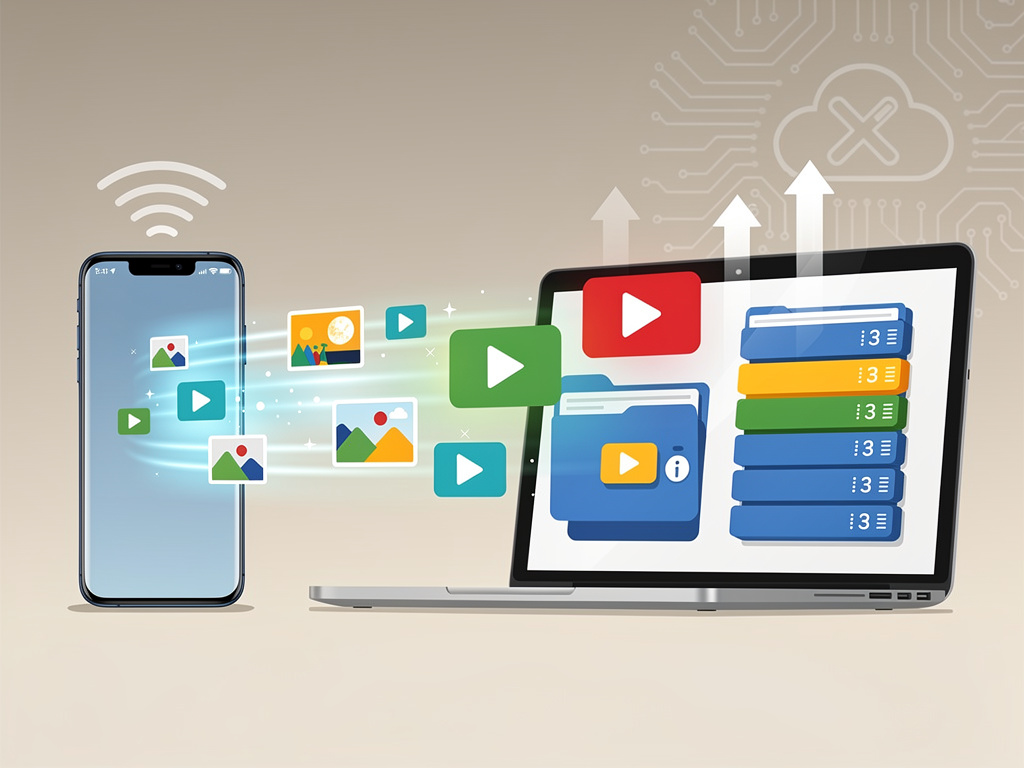
In a beta version of Google Play Services (v26.15.31), code reveals ‘Automatic backup.’ This tool copies files straight from your phone to a Windows PC. No cloud required. No monthly bills. Just local transfers via Quick Share.
Connect your phone to the PC. Sign in with the same Google account on both. Head to Quick Share settings. Toggle on the feature. Select photos, camera videos, or audio files. Hit ‘Back up now’ for manual runs—or let it sync automatically when devices pair in your household.
The UI spells it out clearly: “Backup your photos with devices in your household.” Files land safely on the PC. Delete them from your phone? They stay put on the computer. “The files you select on your phone will be automatically copied and stored directly on your PC without the need for any cloud backup and at no extra cost,” the strings explain. Instead of relying on services like Google Photos, your files stay local and sync between your phone and your computer automatically.
This lands amid rising cloud costs and tighter device storage.
Google Photos ended unlimited free backups years ago. Now T-Mobile users lose their ‘unlimited photos & videos’ plans after March 31, 2026, forcing switches to paid Google One tiers, as 9to5Google reports. Device makers skimp on base storage to hit price points. Base Pixels stick at 128GB. RAM and NAND prices surge—up 25% for budget phones per Counterpoint Research—pushing costs higher, notes Android Authority.
Current Android storage tools fall short. Settings show breakdowns: apps, photos, videos. Cache clears help. But hidden junk—thumbnails, WhatsApp media, gallery trash—eats gigabytes. Users reclaim 15-30GB manually, as X posts from @Nas_tech_AI detail. Google Play Services updates tweak storage alerts and management, like November 2025’s improved Storage section (9to5Google). Yet no full auto-offload until now.
Quick Share powers the magic. Google’s cross-platform sharing—formerly Nearby Share—handles peer-to-peer transfers. No Wi-Fi needed for nearby devices. The beta nests backups here, targeting household PCs. Assembled by APK teardown expert AssembleDebug (Adamya Sharma), the find surfaced April 10, 2026, in Android Authority. Talk Android echoed it April 22, calling it a free cloud alternative for low-storage phones.
But questions linger. Windows only so far—flags show PC placeholders. Mac support? Linux? Unclear. Rollout ties to Play Services, so broad Android reach: 12 and up, likely. No Android 16 mandate. Google stays mum; no announcements. Beta code could shift or shelve.
Users cheer the idea. X buzz highlights manual hacks: empty Recently Deleted (30-day holds), nuke .thumbnails, clear app ghosts. @Phonomobile1 warns deleted files haunt space. Yet auto-backup elevates that. Free your 64GB budget phone. Offload bursts, screenshots, media. Pair with existing cleaners.
Apple edges ahead with Finder backups, but those dump full device images—not selective files. Android’s pitch: granular, ongoing sync. No iTunes baggage.
Expect tests soon. Play Services betas hit fast. If live, it slots into Settings > Quick Share > Automatic backup. Toggle categories. Watch space grow.
For insiders: Watch Play Services changelogs. March 2026 system updates boosted Device Storage stability (9to5Google). February tuned battery and storage (same). Pattern points to iterative wins. This PC sync fits: local, cheap, smart.
Storage wars heat up. Google bets local over cloud. Phones slim down. Users gain control. Finally.


 WebProNews is an iEntry Publication