
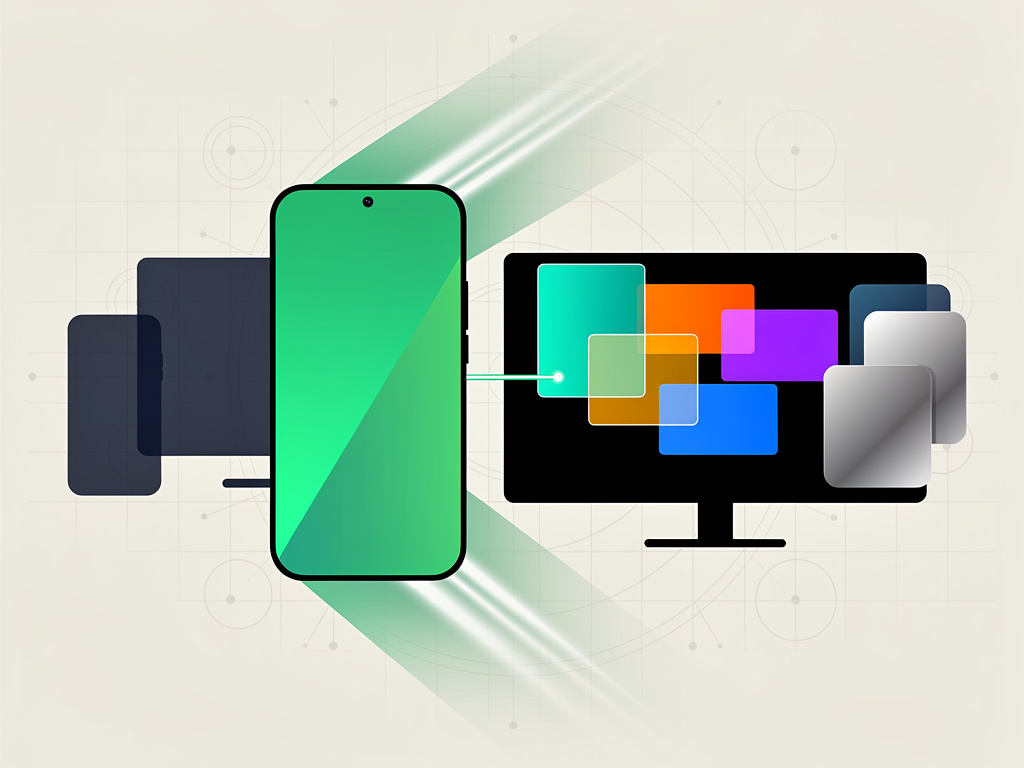
Google is preparing to ship a feature that the Android community has whispered about for years: a full desktop mode that transforms a phone into a workstation the moment it connects to an external display. The capability, expected to arrive with Android 16, would let users run apps in resizable, overlapping windows on a monitor while their phone continues to operate independently — a dual-screen experience that blurs the line between mobile device and personal computer.
The implications are significant. Not just for consumers who want to travel lighter, but for enterprise IT departments, for Samsung’s DeX platform, and for the competitive dynamics between Android and Apple’s iOS, which offers nothing comparable.
According to Android Police, the desktop mode in Android 16 will allow users to plug their phone into a monitor via USB-C and interact with a traditional desktop-style interface — complete with a taskbar, freeform window management, and independent operation from the phone’s own screen. That last detail matters enormously. Unlike some earlier implementations that simply mirrored the phone display, this approach lets the phone remain a phone. You can text on the handset while a spreadsheet sits open on the monitor. Two experiences, one device.
Google has been quietly building toward this for several Android releases. Traces of desktop mode code appeared as far back as Android 10 in 2019, but the feature remained hidden, incomplete, and largely unusable without developer workarounds. Android 14 and 15 brought incremental progress. Android 16 appears to be the version where Google finally commits.
And commit it must. Samsung has operated its own desktop mode, DeX, since 2017. DeX lets Galaxy phone owners connect to monitors and use a desktop-like interface with resizable windows, a system tray, and keyboard-and-mouse support. It works. It’s polished enough that Samsung markets it to enterprise customers as a laptop replacement for certain workflows. But DeX is a Samsung-only affair, layered on top of Android through Samsung’s custom software. A native Android desktop mode from Google would democratize the concept across every Android OEM — Pixel, OnePlus, Motorola, Xiaomi, all of them.
That’s a problem for Samsung, which has used DeX as a differentiator. If Google bakes equivalent functionality into the base operating system, Samsung loses a selling point. Or it’s forced to innovate further on top of Google’s foundation, which is arguably the healthier competitive outcome for users.
The technical architecture of Android 16’s desktop mode, as reported by Android Police, supports freeform windowing on the external display. Apps can be resized, repositioned, and layered — behaviors familiar to anyone who has used Windows, macOS, or ChromeOS. The phone screen doesn’t go dark or lock into a mirroring state. It remains fully functional, running its own apps independently. This dual-display model is critical for real-world usability. Nobody wants to sacrifice their phone for the duration of a desktop session.
There’s a broader strategic context here that deserves attention.
Google has spent years trying to figure out the relationship between Android and ChromeOS, its desktop-oriented operating system built around the Chrome browser. In 2024, Google confirmed it was working to bring elements of Android more deeply into ChromeOS, and vice versa. A capable desktop mode in Android doesn’t replace ChromeOS — Chromebooks serve a different market segment, particularly in education — but it does raise questions about how much overlap Google is willing to tolerate between its two platforms.
Consider the user who owns a Pixel phone and a Chromebook. If the Pixel can drive a full desktop experience on any USB-C monitor, the Chromebook becomes harder to justify for someone whose computing needs are modest. Email, documents, web browsing, video calls — a phone connected to a display can handle all of it, assuming the software is mature enough.
That’s the key qualifier. Maturity.
Desktop modes on phones have a long, uneven history. Microsoft tried it with Continuum on Windows Phone. The hardware wasn’t powerful enough, the app library was thin, and the experience felt like a compromise in every direction. Samsung’s DeX succeeded where Microsoft failed partly because Android’s app catalog is enormous and partly because modern phone processors — Qualcomm’s Snapdragon 8 series, Samsung’s Exynos chips, MediaTek’s Dimensity line — are genuinely powerful. Today’s flagship phones pack more computing muscle than mainstream laptops did a decade ago. The silicon isn’t the bottleneck anymore.
The bottleneck is software. Most Android apps are designed for phone-sized screens. Some scale gracefully to tablets. Very few are optimized for a desktop-class display with mouse and keyboard input. Google has pushed developers toward responsive design with its large-screen guidelines, and the growing popularity of foldable phones and Android tablets has helped. But a 27-inch monitor is a different animal than a 7.6-inch foldable. Apps that don’t handle window resizing well, or that lack keyboard shortcuts, or that assume touch as the only input method — those apps will feel clumsy in desktop mode.
Google knows this. The company has been tightening its large-screen app requirements for the Play Store, and Android 16 includes additional APIs for developers to detect and adapt to desktop-mode contexts. Whether the developer community responds quickly enough to make the launch experience feel polished is an open question. History suggests it will be uneven. Some apps — Google’s own Workspace suite, Microsoft Office, Slack — will likely work well. Others won’t.
For enterprise buyers, the proposition is tantalizing. A single device policy where employees carry a phone that doubles as their desktop workstation could simplify procurement, reduce hardware costs, and shrink the attack surface for IT security teams. One device to manage, one device to secure, one device to replace when it breaks. Companies like VMware (now part of Broadcom) and Citrix have built entire businesses around virtual desktop infrastructure precisely because organizations want to centralize computing. A phone-as-desktop model achieves something similar through a different mechanism.
But enterprise adoption requires reliability, management tools, and peripheral support. Docking stations, monitor compatibility, Bluetooth keyboard and mouse pairing — all of it needs to work without friction. Samsung understood this when it built DeX and partnered with accessory makers to certify docks and cables. Google will need to match that effort or rely on OEM partners to fill the gap.
Apple, for its part, has shown no interest in turning the iPhone into a desktop device. Stage Manager on iPadOS offers windowed multitasking on iPad, and Apple sells the Mac for desktop computing. The company’s strategy depends on customers buying multiple devices — iPhone, iPad, Mac — each optimized for its form factor. A converged device that replaces two or three Apple products isn’t a story Apple wants to tell. That philosophical divide gives Android an opening with users who prefer convergence over specialization.
So what should we expect when Android 16 ships? The initial release will likely be functional but rough around the edges. First-party Google apps will support desktop mode well. Third-party app support will vary. The experience on Pixel phones will probably be the most polished, with other OEMs catching up over subsequent months. Power users and enthusiasts will embrace it immediately. Mainstream consumers may not even know the feature exists until a carrier or OEM markets it aggressively.
The real test comes in the second and third iterations. If Google treats desktop mode the way it treated tablet optimization — with sporadic attention and long periods of neglect — the feature will languish. If it treats it the way it has treated Pixel camera software — with sustained investment and visible improvement each year — it could become a defining capability of the Android platform.
One thing is clear. The era of the phone as a single-purpose pocket device is ending. Android 16’s desktop mode is Google’s most direct acknowledgment yet that the phone in your pocket has the power to be your primary computer. Whether it will be is up to the software, the developers, and ultimately, the users who decide whether to buy a dock instead of a laptop.


 WebProNews is an iEntry Publication