
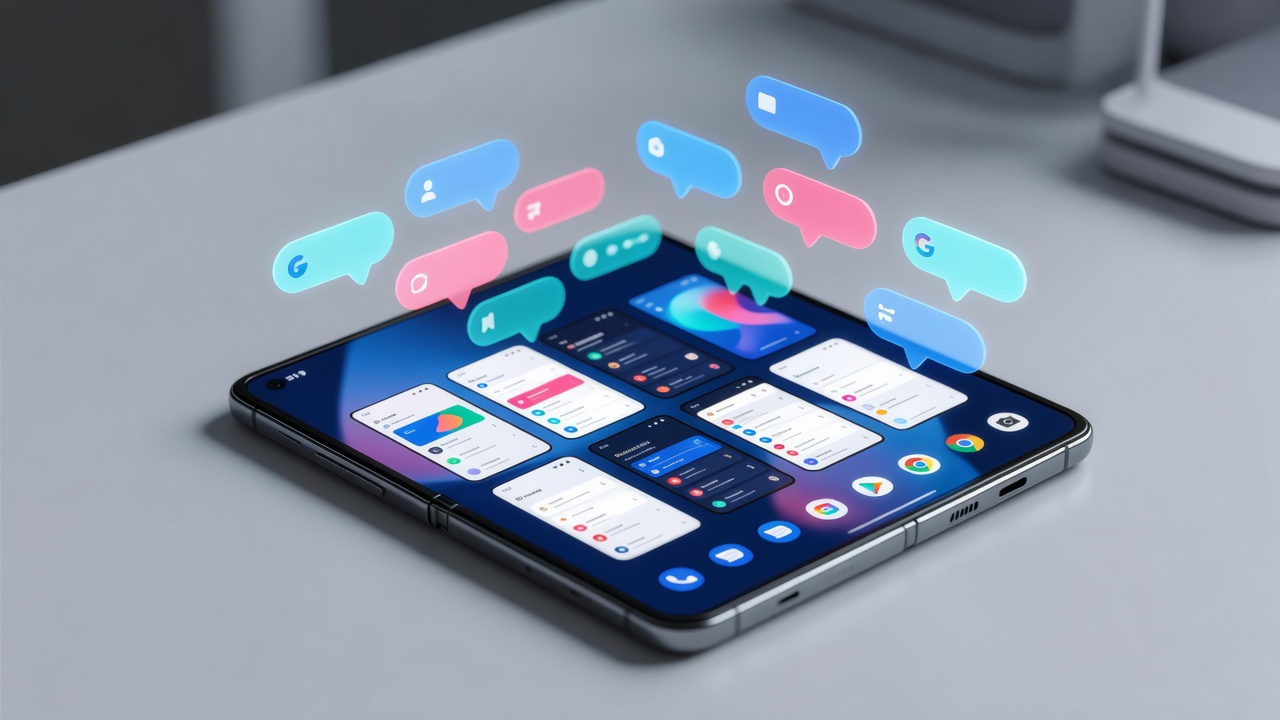
Google shipped Android 17 in mid-June. The update arrived first on Pixel phones. It brought a wave of changes. Yet one feature stood out for those who juggle apps all day. App bubbles turn almost any program into a compact floating window. Long-press an icon. Tap the new bubble button. The app collapses into a small orb that hovers or docks. On phones it floats freely. On tablets and foldables it slides into a dedicated bubble bar inside the taskbar.
From conversation aid to system-wide tool
The concept didn’t appear overnight. Bubbles began years ago as a shortcut for chat notifications. Android 17 expands the idea dramatically. Any app qualifies. Maps stay visible while you draft an email. Notes remain open during a call. Up to five bubbles stack at once. Switch between them with a tap. The system handles layout automatically. No more frantic swipes through the recents screen. The result feels closer to desktop behavior than previous Android releases ever managed.
Brady Snyder tested the software on both standard Pixels and foldable devices for MakeUseOf. “I used app bubbles on my Google Pixel 9 Pro Fold review unit, and it changed how I multitasked,” he wrote. On a regular phone the orbs often cluttered the view. On foldables they tuck neatly into the taskbar. Swipe up from the bottom. The bar appears. Bubbles sit ready in the corner. Dismiss the bar and they vanish from sight. The distinction matters. Foldables finally gain a practical way to run two split-screen apps plus five additional floating ones. Seven programs accessible without closing anything. That count beats what most users needed in daily work.
Google detailed the architecture in its official release notes. “Android 17 introduces powerful new windowing capabilities,” the company stated in the Android Developers Blog. Developers must now support flexible layouts. Apps that once assumed full screen or simple split view face new demands. The payoff comes in smoother workflows across phones, tablets and foldables alike.
Recent testing shows further refinement. Android 17 QPR1 Beta 6 lets picture-in-picture windows float anywhere instead of snapping to edges. The taskbar itself can move. These tweaks arrived just days ago. Android Authority called the changes a step toward “desktop windowing feel more like a real PC.” Users on X echo the sentiment. One developer posted that bubbles remove the need to open the recents menu during heavy sessions. Quick switches keep momentum alive.
Yet limits remain. Only one bubble displays fully at a time. Windows resist resizing in most cases. Creation happens only from the home screen or app drawer. You cannot drag an open app into bubble form from the overview. Samsung’s One UI still permits multiple independent floating windows that users can scale freely. Motorola and OnePlus offer similar flexibility on their foldables. Pixel owners gain ground with Android 17 but trail those established alternatives.
The timing feels deliberate. Google pushes foldables harder each year. The Pixel 9 Pro Fold and its successors need software parity with Galaxy Z Fold models. App bubbles deliver part of that parity. They also hint at broader ambitions. Desktop mode improvements continue in quarterly updates. Freeform windows grow more capable. Interactive picture-in-picture now works alongside bubbles. The combination points toward a future where Pixels on external displays behave like lightweight laptops.
Screen recording received its own overhaul. A floating toolbar now captures reactions and system audio together. Partial screenshots work on large displays. These additions complement the multitasking focus. Productivity sits at the center of Android 17’s message. Seang Chau, vice president and general manager of Android platform, highlighted the changes in Google’s official feature roundup. Faster context switching. Better large-screen support. The features address long-standing complaints from power users.
Early adopters report mixed results on phones. Bubbles occasionally block important controls. The five-bubble limit forces choices. On foldables the experience improves sharply. The inner screen offers real estate for both split view and the taskbar. Bubbles stay out of the way until summoned. That design choice transforms the Pixel Fold from a novelty into a credible workstation. Snyder noted the shift directly. “Android 17’s addition of app bubbles seriously improves the multitasking chops of Pixel foldables.”
Developers face extra work. Apps must adapt to constant layout changes. Some already break when forced into floating mode. Others ignore resize events. Google urges updates before wider rollout. The platform stability milestone passed in beta three. Most apps on the Play Store should behave by now. Still, niche tools lag. Users who rely on specialized software may wait for patches.
Look further ahead. Android 17 QPR1 betas keep adding polish. Taskbar repositioning. Freer PiP placement. Health Connect now tracks distance and calories automatically in some modes. The steady march suggests Google treats multitasking as an ongoing project rather than a single release checkbox. Foldable sales keep climbing. Tablets hold steady. The operating system must meet those form factors where they live. Bubbles represent one concrete answer.
Critics point out that true desktop parity remains distant. No universal keyboard shortcuts yet. Window snapping feels basic compared with Windows 11 or macOS. External display support still carries beta roughness. But progress shows. What felt experimental in Android 16 now feels practical. The bubble bar gives large-screen devices a persistent multitasking hub. Users no longer fight the OS to stay productive.
TechCrunch covered the launch alongside Gemini expansions. “Android 17 launches with new multitasking tools as Google expands Gemini features,” wrote Sarah Perez. The article placed bubbles alongside parental controls and security upgrades. All point to a platform maturing beyond phones. That coverage captured the bigger picture. Multitasking sits at the core of how professionals use their devices. Small conveniences compound into hours saved each week.
Real-world tests confirm the gains. Reference a spreadsheet while answering Slack messages. Keep a calendar visible during video calls. The bubbles stay lightweight. They don’t drain battery noticeably more than normal background apps. Performance holds steady even with five active. That reliability matters for daily adoption.
Google didn’t stop at bubbles. Split-screen now offers quick 10-percent adjustment toggles. Drag the divider or tap arrows. Reach the edge and the smaller app can close with one tap. These micro-improvements reduce friction. They make the entire system feel more considered. Android 17 doesn’t claim to solve every productivity problem. It does remove several long-standing annoyances.
The road ahead looks iterative. Future quarterly updates will expand freeform capabilities. Desktop mode should gain more shortcuts and better external monitor handling. Foldable-specific gestures may arrive. For now the foundation exists. Users who own a Pixel Fold or a large tablet notice the difference immediately. Those on standard phones gain a handy new shortcut for quick reference tasks.
One limitation stands out in reviews. You cannot turn a running full-screen app into a bubble without restarting it. The workflow forces planning. Open the apps you need first. Bubble what stays in background. The extra step prevents seamless transitions that Samsung users enjoy. Google likely views this as a safety measure. Abrupt state changes could crash poorly coded applications. Future updates might relax the restriction once compatibility improves.
Industry watchers see Android 17 as evidence of renewed focus. After years of letting OEMs carry the multitasking banner, Google now leads with system-level tools. The bubble bar feels native. It integrates with the existing taskbar rather than fighting it. That cohesion separates the feature from third-party launchers or hacks. Reliability follows.
Early X posts from developers praise the speed. No more digging through recents. Tap the bubble. The window expands. Tap again to collapse. The muscle memory builds fast. For anyone who switches between messaging, notes, browsers and calendars dozens of times daily, the change feels significant. Not flashy. Simply effective.
Android 17 won’t convert every skeptic. Power users with complex workflows still eye Samsung or Chinese OEM skins for ultimate flexibility. Yet the gap narrowed. Pixel foldables now offer a coherent story. Hardware that folds. Software that supports real parallel work. The combination arrives at an opportune moment. Remote and hybrid work remain standard. Devices that handle multiple information streams win attention.
Google promises more. The QPR program continues. Beta users already test desktop windowing upgrades that let PiP float freely and taskbars shift position. Those refinements build on the bubble foundation. The operating system inches closer to a unified experience across screen sizes. Phones, tablets, foldables and external monitors all benefit from the same windowing logic.
Snyder captured the sentiment well. On foldables the bubbles disappear when unused and reappear exactly where needed. The interface stays clean. The functionality stays powerful. That balance matters most. Android 17 doesn’t overwhelm with options. It adds targeted tools that solve concrete problems. For many users that approach works better than an explosion of settings.
The feature set also signals where Google sees future growth. Large screens keep expanding their share. Foldables sell at premium prices and demand premium software. Meeting that demand with system bubbles rather than proprietary skins keeps the core Android experience consistent. Developers write once. Users benefit everywhere. The strategy looks sound.
Two years ago such multitasking felt like a distant dream for stock Android. Today it ships on millions of Pixels. The pace of change accelerated. Quarterly updates deliver meaningful enhancements instead of bug fixes alone. Users notice. Reviewers notice. The conversation shifted from “when will Google catch up” to “what comes next.”
App bubbles won’t replace every floating window solution on the market. They do provide a clean, integrated starting point. For Pixel owners the upgrade feels substantial. For the industry it sets a new baseline. Multitasking no longer requires custom skins. The operating system itself now delivers a credible answer. And that answer keeps getting better with each beta.


 WebProNews is an iEntry Publication