
Android 17 QPR1 Beta 4 introduces a fresh set of features that enhance how users interact with their devices, particularly through new screen reactions that add expressive elements to video calls and shared screens. This latest beta build from Google continues the steady refinement of the Android 17 platform, bringing polish to existing tools while adding capabilities that make communication feel more natural and engaging.
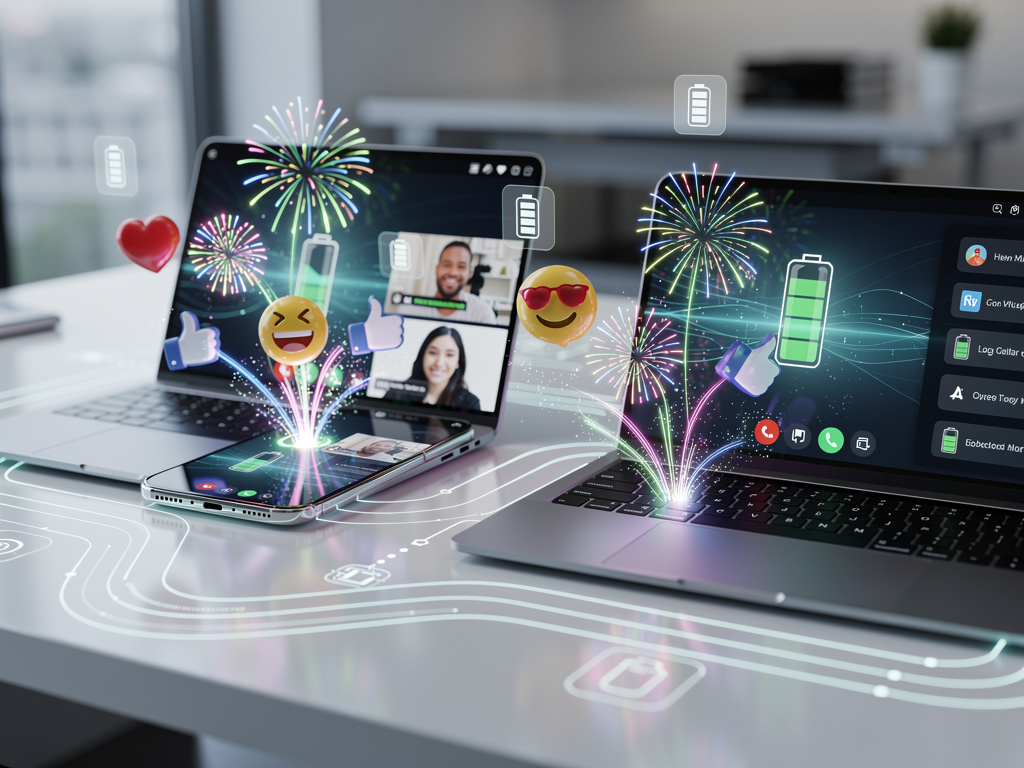
The standout addition in this beta centers on screen reactions, a system that lets users send quick visual responses during video calls or when sharing their display. Instead of typing a message or interrupting with voice, participants can trigger animated effects that appear on the shared screen. These reactions range from hearts and thumbs-up to laughter bursts and celebratory fireworks. The system detects gestures or button presses and translates them into on-screen animations visible to everyone in the session.
This feature builds on similar concepts already present in some video conferencing applications, but Android 17 integrates the reactions at the system level. That means supported apps can tap into the framework without each developer building their own version from scratch. During testing, the reactions appeared crisp and timed well with the flow of conversations, avoiding the lag that sometimes plagues third-party implementations. Users activate the reactions through a floating toolbar that appears when screen sharing is active, or they can assign specific gestures to trigger them hands-free.
Beyond the reactions themselves, Android 17 QPR1 Beta 4 includes several stability improvements and bug fixes that address issues reported in earlier betas. Battery performance shows noticeable gains in standby situations, with background processes better optimized to reduce drain. The update also refines the notification shade behavior, making it easier to access quick settings without accidental triggers. Visual glitches that affected some foldable devices have been corrected, ensuring smoother animations when unfolding or rotating the screen.
Developers following the Android Central report on this beta release highlight how the screen reactions integrate with Google’s own apps first. Google Meet benefits most immediately, with reactions appearing consistently across different device types. The animations scale appropriately whether users share on a phone, tablet, or connected to a larger display through wireless casting. Third-party apps like Zoom and Microsoft Teams are expected to add support in upcoming updates, though exact timelines remain unclear.
The technical foundation for these reactions relies on improvements to Android’s surface composition engine. By handling the overlay animations at a lower system level, Google achieves better performance and consistency across hardware from various manufacturers. This approach also allows the reactions to persist even when users switch between apps or adjust their camera settings mid-call. The system intelligently detects the active sharing context and only displays relevant reaction options, keeping the interface uncluttered.
Privacy considerations received attention in this beta as well. Users maintain full control over who can see their reactions and can disable the feature entirely if preferred. The settings menu now includes a dedicated section for communication enhancements where users can customize reaction styles, adjust animation intensity, and select which gestures trigger specific responses. Some testers appreciated the ability to create custom reaction packs, though this functionality remains limited in the current beta.
Performance metrics from the beta show positive trends. Devices running the update report smoother multitasking when video calls run alongside other applications. The reactions themselves use minimal additional resources, with memory overhead staying below noticeable thresholds even on mid-range hardware. Google appears to have optimized the animation assets to load quickly while maintaining high visual quality.
This QPR1 update follows the main Android 17 release and focuses on quarterly platform refinements rather than major new user-facing features. The screen reactions stand out as the most visible change, but numerous smaller adjustments improve daily use. The always-on display now responds more accurately to ambient light changes, preventing the screen from staying too bright in dark rooms. Haptic feedback patterns have been tuned across system interfaces, giving interactions a more refined feel without becoming distracting.
Security patches included in Beta 4 address several vulnerabilities discovered since the previous release. These updates follow Google’s regular schedule for protecting user data and maintaining system integrity. The beta also prepares the groundwork for future artificial intelligence features that may build upon the same gesture recognition technology used for reactions.
Users interested in trying the beta can enroll through the Android Beta Program portal. The process requires accepting potential instability, as these preview builds sometimes contain unexpected behaviors. Google encourages feedback through the dedicated beta app, which has been updated to make reporting specific issues easier. Many participants in earlier Android 17 betas report that the experience has grown increasingly stable with each release.
The screen reactions feature particularly benefits educational settings and remote work environments. Teachers can receive instant visual feedback from students during virtual lessons without disrupting the flow of instruction. Team members collaborating on shared documents can express approval or request clarification through quick reactions rather than breaking concentration to type messages. These small improvements accumulate to create more fluid interactions in situations where clear communication matters most.
Hardware compatibility extends across recent Pixel devices and several partner manufacturer phones that meet the requirements for Android 17. The feature performs especially well on devices with higher refresh rate displays, where the animations appear exceptionally smooth. Older devices that receive the update may experience slightly reduced animation quality to maintain performance, though core functionality remains intact.
Looking at the broader context of this beta, Google continues its pattern of adding communication tools that mirror popular features from competing platforms while integrating them more deeply into Android itself. Rather than simply copying existing ideas, the company adapts concepts to work consistently across the diverse range of Android hardware. This approach helps maintain the platform’s flexibility while providing modern capabilities that users expect.
The reactions system includes accessibility options that make it usable for people with different needs. Voice commands can trigger reactions for those unable to use gestures, and the animations include subtle audio cues that work with screen readers. Color contrast adjustments ensure the visual effects remain visible for users with color vision differences. These considerations demonstrate attention to inclusive design in what might otherwise seem like a purely decorative feature.
Testing the beta revealed some limitations that Google will likely address before the final QPR1 release. Certain applications still conflict with the reaction overlay, causing temporary display issues that resolve after restarting the app. The gesture recognition occasionally misinterprets intentional movements during active screen sharing, though accuracy improves with continued use as the system learns user patterns.
Battery testing conducted on multiple devices showed that enabling reactions during extended video calls increased power consumption by roughly three percent compared to calls without reactions. While not dramatic, users conscious of battery life might choose to disable the feature during important meetings or travel. The system includes an automatic battery saver mode that can temporarily suspend reaction animations when power levels drop below a certain threshold.
Developers receive new APIs through this beta that allow deeper integration of reaction systems into their applications. The documentation suggests possibilities for custom reaction sets tied to specific app contexts, such as different animation styles for gaming applications versus productivity tools. Early feedback from the developer community indicates enthusiasm for these capabilities, with several popular apps already planning updates to take advantage of the new framework.
The visual design of the reactions strikes a balance between playful and professional. Users can choose between subtle effects suitable for workplace environments and more energetic animations for personal calls with friends and family. This flexibility helps the feature feel appropriate across different contexts rather than forcing one style for all situations.
Android 17 QPR1 Beta 4 represents another step in Google’s ongoing effort to make the operating system feel more responsive to human communication needs. The screen reactions provide a simple yet effective way to add emotional context to digital interactions that often lack the nonverbal cues present in face-to-face conversations. As video calling becomes increasingly central to both work and personal life, features like these help bridge the gap between physical presence and remote connection.
Users who install this beta should expect a generally stable experience with occasional quirks typical of preview software. The addition of screen reactions brings an element of expressiveness that many will find welcome, while the accompanying improvements to battery life, security, and system smoothness provide practical benefits that extend beyond the novelty of animated responses. As Google continues refining Android 17 through these quarterly updates, the platform demonstrates steady progress toward more intuitive and engaging mobile experiences.
The beta also adjusts how Android handles multiple simultaneous video streams, improving quality when users join calls from different applications. Background processes related to media encoding receive optimization that reduces heat generation during prolonged use. These technical enhancements support the new reaction features while benefiting all video-related activities on the device.
Overall, Android 17 QPR1 Beta 4 delivers meaningful enhancements that address both specific user requests and broader platform needs. The screen reactions stand as the highlight, offering a fresh way to interact during shared moments that feels both fun and functional. With continued testing and developer adoption, this feature could become a standard part of how people connect through their Android devices in the months ahead.


 WebProNews is an iEntry Publication