
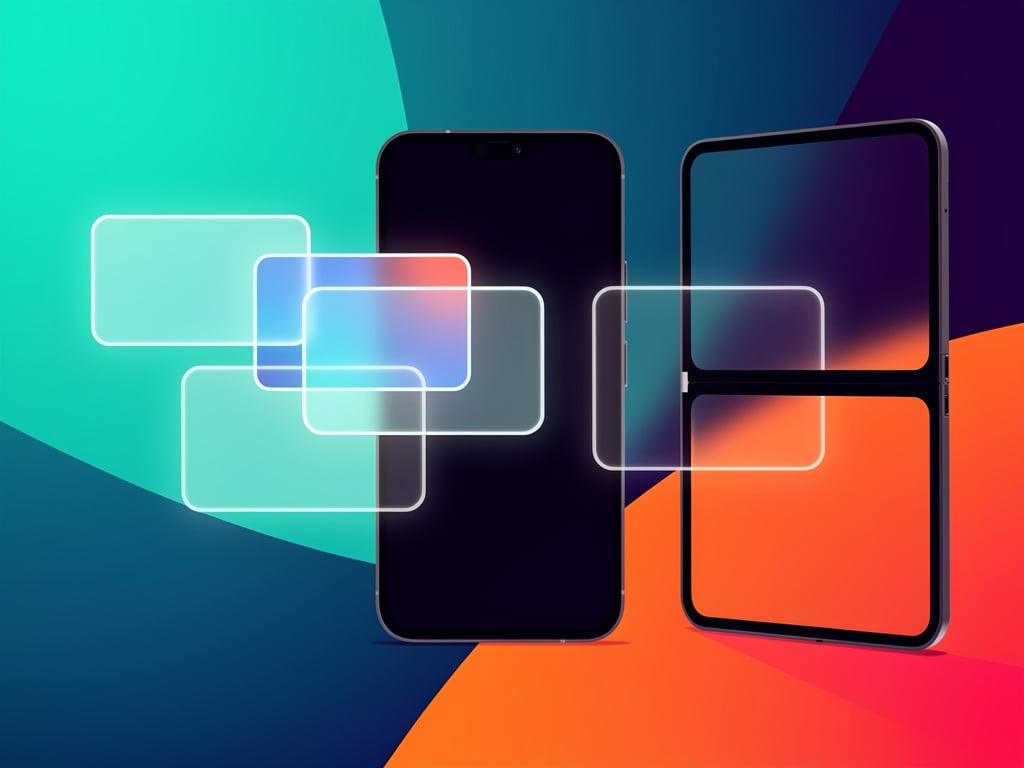
Google pushed Android 17 to Pixel phones this month. The stable release arrived June 16 with a multitasking tool that changes how users switch between apps on slab-style devices. Called Bubbles, it lets anyone turn nearly any application into a compact floating window that hovers above other content. No more constant returns to the home screen or app drawer. Tap once. The window appears. Work continues without interruption.
Brady Snyder tested the system for Android Central. He admitted past chat bubbles from Android 11 felt annoying. “I only activated conversation bubbles by accident and never saw the value in them,” Snyder wrote. “After trying the upgraded Bubbles experience for apps and multitasking in Android 17, I’m a believer.”
Shimul Sood reached a similar conclusion at Android Authority. After a month on a Pixel 10a he said he could not recall a single day without using the feature. “The bubbles popped my app-hunting habit for good.” Sood keeps Slack, Gmail, YouTube, Instagram and WhatsApp in his set. The arrangement evolved naturally from daily habits rather than deliberate planning. Slack handles urgent messages. Gmail collects press releases and updates. YouTube supplies background music. The rest fill gaps between focused tasks.
Prakhar Khanna installed the update on a Pixel 10 Pro and declared the change immediate. Writing for CNET, he called Bubbles “a smoother, more intuitive way to multitask on Pixel phones, and I’m loving it already.” Khanna uses the windows for fact-checking while scrolling Instagram Reels or managing invoices across Google Sheets, Docs and Calculator. The system remembers recent choices and surfaces them for one-tap access. That memory alone removes friction that once made split-screen feel clumsy on smaller displays.
Google itself frames the addition as part of broader windowing improvements. In its official overview, the company states that users can now “turn any app into a floating window for easier multitasking.” Seang Chau, vice president and general manager of the Android platform, said the update delivers “new multitasking tools like floating Bubbles” alongside better screen recording and foldable gaming modes. The post appears on the Google Blog.
Creation takes almost no effort. Open the app drawer or home screen. Long-press an icon. A menu appears. Tap the Bubble option, shown as a small window icon with an arrow pointing to a dot. The app opens in a floating panel that occupies most of the screen at first. Additional apps join the same group. Up to five fit at once. Exceeding that limit replaces the oldest entry. A plus sign lets users pull in recent bubbles or browse for others. The group collapses to a single movable dot when dismissed. Drag the dot to close everything or open one window at a time to dismiss individually.
Tap any bubble icon to expand its content. The panel floats above whatever sits in the background. Switch between grouped apps with a single tap on their icons at the top. The order updates automatically based on recent use. Minimize again by tapping outside the window. The dot returns to its last position and can be dragged anywhere on screen. On foldables such as the Pixel 10 Pro Fold the behavior adapts. Bubbles dock inside the taskbar on the inner display. They stay hidden until the user swipes up from the bottom. The floating window then opens on one half of the large screen while other apps occupy the rest.
Real-world patterns already show how professionals adopt the system.
Sood splits his bubbles between work and personal flows. One set stays focused on communication and research. Another handles lighter distractions that still require quick checks. Khanna discovered the tool shines during layered tasks. He might keep notes open in one bubble while verifying facts in a browser and monitoring a spreadsheet. The floating nature prevents the cramped feel of traditional split-screen on a 6.3-inch display. Android Authority contributors who switched from Samsung foldables noted that slab phones once felt limiting. Bubbles narrow that gap without requiring a larger device.
Limitations remain. Bubbles do not yet offer free resizing or arbitrary placement like Samsung’s One UI pop-up windows. Users must start from the launcher or drawer rather than the recent-apps screen. Some testers wish for multiple independent groups that could live on the home screen like folders. Snyder observed that Pixel implementation trails the flexibility found on Galaxy devices but still marks “a great step in the right direction.”
Developers received early signals through Android 17 release notes. The system expands beyond the old messaging-only Bubbles API introduced years ago. Any app can now participate provided it respects basic windowing rules. Google’s Android developer blog confirmed that the feature demands greater layout flexibility from applications. Early beta testers reported smooth performance across Pixel 8, 9 and 10 series devices. The June 2026 Pixel Drop made the tool available in all regions and languages for compatible hardware.
Recent coverage reinforces the momentum. A Android Authority piece from May described how the feature fixed long-standing frustrations for former foldable users now on slab phones. Another report detailed how the bubble bar on larger screens organizes floating instances into a dedicated taskbar section for faster switching. Coverage from Engadget and Lifehacker echoed the same core steps and praised the speed of expansion and collapse animations.
So what does this mean for daily workflows? Users who once tolerated split-screen or rapid app switching now keep reference material, communication tools and media players visible at once. The dot sits unobtrusively until needed. No full-screen context switch. No loss of place in the primary application. That persistent availability matters for researchers, writers, support staff and anyone juggling multiple information streams.
Google continues to refine window management. Later updates may add folder-like organization or improved resize handles. For now the system delivers immediate productivity gains on hardware already in millions of pockets. Android 17 reached stable status without major reported bugs tied to Bubbles. Early adopters describe the experience as fun, fast and strangely satisfying once muscle memory forms.
One detail stands out across every test. The feature requires no settings toggle or special permission beyond the standard update. Long-press. Tap Bubble. Start working. The simplicity explains why reviewers keep returning to it weeks later. Sood captured the feeling best: once the habit forms, the most-used apps remain “always right there, floating within reach.”
Pixel owners updating this month will discover the change without fanfare. Yet many will find their phone suddenly feels more capable. Bubbles do not replace every multitasking scenario. They do eliminate the friction that once made phones feel smaller than their potential. And that shift arrives at exactly the moment when professionals demand more from compact hardware.


 WebProNews is an iEntry Publication