
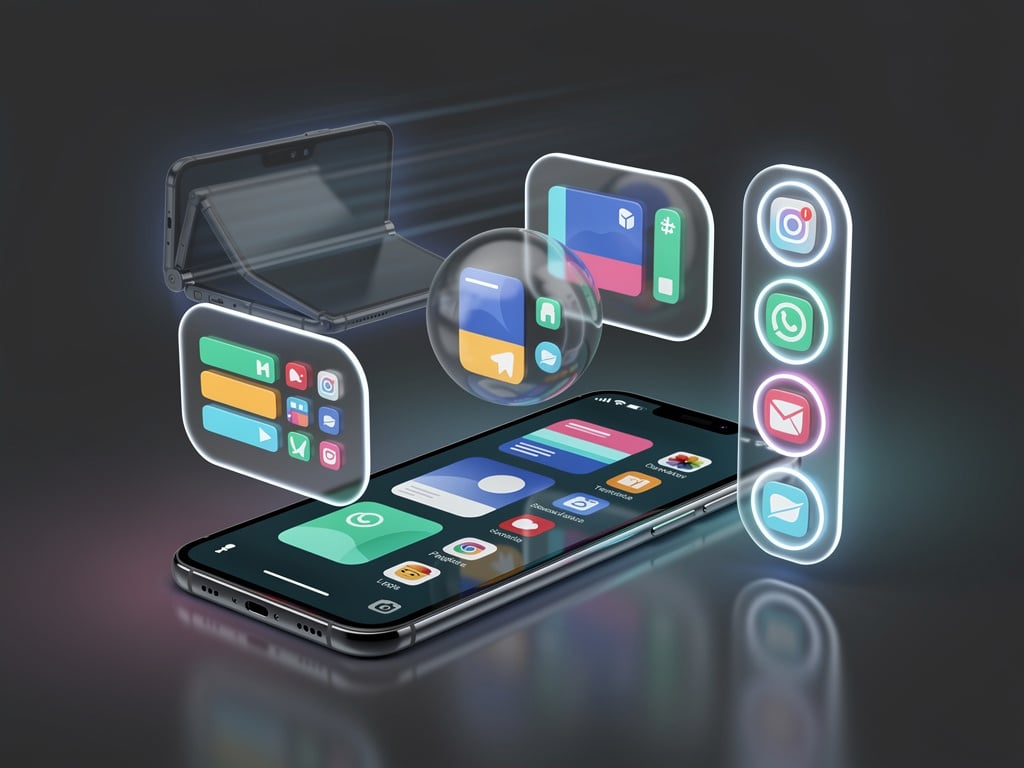
Google just shipped Android 17 to Pixel phones. Among the headline additions sits a multitasking system called Bubbles that finally delivers on a promise first sketched out years ago. Users long-press any app icon on the home screen or in the app drawer. The app opens as a compact floating window that sits above whatever else runs on the display. Tap it again and it expands. Drag the bubble aside and it shrinks back to an icon. The whole interaction feels borrowed from desktop windowing yet tuned for touch.
But the real shift appears on foldables and tablets. There a dedicated Bubble Bar docks along the bottom taskbar. Up to five apps can sit anchored there ready for one-tap access. Switch between them without pulling up the recents menu or fighting split-screen dividers. The experience echoes iPadOS stage manager or a lightweight macOS setup. XDA Developers called it the multitasking upgrade its author had waited years to see.
On slab phones the advantage still registers. One tester moved from a Samsung Galaxy Z Fold 7 to a Pixel 10a. The foldable had spoiled him with side-by-side apps. Returning to a single screen meant constant trips through the recents carousel. Bubbles changed that rhythm. He pinned Instagram, WhatsApp, Chrome, Slack and YouTube Music. A tap jumps straight into the app. A swipe shifts to the next. Flow stays intact. “I hated multitasking on my Pixel — until I tried Android 17’s app bubbles,” he wrote for Android Authority.
Practical examples pile up fast. Fact-check an Instagram Reel while keeping Chrome and Google Keep open in separate bubbles. Handle invoicing by floating multiple Google Sheets alongside a Doc and Calculator. The system remembers combinations. Next time those same apps surface with a single long-press and tap. No need to rebuild the set every session. When finished swipe up from the bottom. The bubbles collapse into a small grouped icon that can be dragged around or dismissed to an X at the screen base.
Google’s own blog frames the change plainly. “Use Bubbles to turn any app into a floating window for easier multitasking,” the company states in its feature roundup. The update rolled out starting June 16 2026 first to Pixels with other makers scheduled through the rest of the year. Google’s Android 17 announcement lists the feature alongside screen reactions for recordings and gaming optimizations for foldables.
Developers face new expectations. Android 17 drops legacy opt-outs for screen orientation and resizability on large displays. Apps targeting the new SDK must handle any window size and respect device posture. Free-form windowing becomes the baseline. The Android Developers Blog notes that the system now treats bubbles as a specialized windowing mode aligned with standard multi-window support. Games stay exempt. Android Developers Blog spells out the layout demands in detail.
CNET’s hands-on test drove the point home. Writer Prakhar Khanna ran three Sheets a Doc and Calculator without closing his main app. He found the interface faster than repeated bottom swipes. The bubbles remember context and bundle apps together. Drag the group around the home screen for fun before collapsing it. Khanna wished for multiple saved groups the way folders organize icons yet still declared the feature fast intuitive and fun. CNET published the review the same day the update landed.
Limitations exist. Five pinned bubbles max. That cap prevents chaos but some users want more. On small phones the floating windows can feel cramped at first. Yet once muscle memory kicks in the compact size becomes an asset for quick replies data lookups or background audio control. Samsung’s pop-up windows offered something similar but many testers say Android 17’s version feels more polished and system-wide.
The timing matters. Google pours resources into Gemini intelligence features yet Bubbles and the accompanying windowing overhaul prove the company still sweats the fundamentals. Productivity on phones has always lagged tablets and laptops. This update narrows the gap without demanding new hardware. Early reactions on X echo the reviews. Users post screenshots of four or five bubbles hovering over email or maps. The consensus calls it surprisingly useful.
Long-press. Bubble. Tap to expand. The verbs sound simple. Their effect compounds. A phone no longer forces serial task switching. Apps coexist. Context survives. For professionals who live in Slack and Sheets or researchers juggling browser tabs and note apps the change registers as immediate relief. Android 17 does not reinvent the phone. It simply stops pretending the screen must hold only one thing at a time.
Developers will spend the next months updating layouts. Users will spend the next weeks retraining their thumbs. Both groups stand to gain. The bubbles float above the apps. They also float above the usual complaints about mobile multitasking. For once the praise feels earned.


 WebProNews is an iEntry Publication