
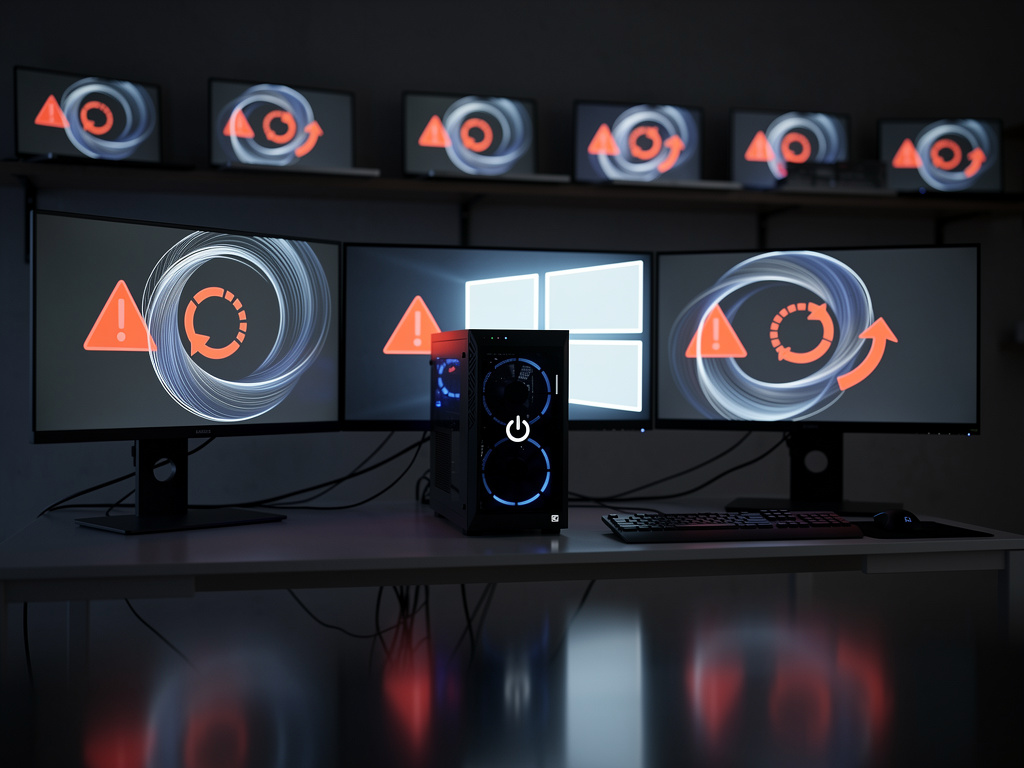
For an untold number of Windows 11 users, the morning of June 11th began a cycle of digital purgatory. After installing what was meant to be a routine monthly security update, their computers began to crash, displaying the dreaded blue screen and a cryptic error message before restarting, only to crash again. This endless, frustrating loop effectively turned their essential devices into expensive paperweights, a situation stemming from Microsoft Corp.’s latest cumulative update, designated KB5039212.
The update, part of the company’s monthly “Patch Tuesday” cycle, was designed to bolster security and fix bugs. Instead, for some, it introduced a catastrophic failure. Reports quickly began to surface across social media and technical forums, with users describing a boot loop that rendered their systems unusable. The problem was significant enough that Microsoft was compelled to issue an official warning. On its Windows release health portal, the company formally acknowledged the issue, stating, “After installing this update, you might face an issue where your device gets stuck in a boot loop.”
The Scope of a System-Breaking Flaw
While Microsoft has not released figures on the number of users affected, the problem appears targeted at PCs running Windows 11 versions 23H2 and 22H2. The Redmond, Washington-based software giant has been keen to manage perceptions, with some outlets noting the company’s emphasis on the limited number of reports. As detailed by a report from TechRadar, the official acknowledgment came after a growing chorus of user complaints became impossible to ignore. For the individuals and businesses impacted, the “limited” nature of the problem provides little comfort as they grapple with lost productivity and the unnerving reality of a locked-out system.
The technical culprit appears to be a conflict introduced by the update, leading to a critical system failure during the boot-up process. Users are typically met with a blue screen error message stating, “Your PC ran into a problem and needs to restart,” often accompanied by the stop code 0xC000021A. This error indicates a severe issue at the core of the operating system, preventing Windows from loading properly and initiating the reboot cycle. The frustration is palpable in online communities, where users have shared their struggles to regain access to their data and machines.
An Unenviable Choice: Recovery or Reinstallation
Microsoft’s prescribed solution is far from a simple click-to-fix. It requires users to venture into the Windows Recovery Environment (WinRE), a diagnostic mode that runs outside of the main operating system. From there, the company instructs users to navigate a series of menus to uninstall the problematic update. This process, while effective for those with a degree of technical proficiency, can be daunting for the average user, who may not be comfortable navigating command prompts or advanced startup options. The alternative—a full system reinstallation—is a drastic measure that risks the loss of personal data not backed up to the cloud or an external drive.
To automate the fix for the majority of its user base, Microsoft has initiated its Known Issue Rollback (KIR) feature. This powerful tool allows the company to remotely disable a specific, non-security-related change delivered in an update that is found to be causing problems. According to Microsoft, the KIR “will propagate automatically to consumer devices and non-managed business devices” within 24 to 48 hours, effectively removing the faulty code without any user intervention. This represents a significant evolution in how Microsoft handles post-release bugs, allowing for a targeted reversal of a specific change rather than a full rollback of an entire security patch.
The Enterprise Lag and a Pattern of Problems
The situation is more complex for corporate environments. The automatic KIR propagation does not apply to enterprise-managed devices. Instead, IT administrators must download and install a special Group Policy to resolve the issue across their fleet of machines. This delay highlights a persistent challenge in the Windows ecosystem: ensuring that fixes are deployed as rapidly in tightly controlled business settings as they are in the consumer space. For a system administrator managing hundreds or thousands of devices, a boot loop issue can quickly escalate from a minor annoyance to a full-blown operational crisis, as noted in various threads on forums frequented by IT professionals.
This incident is not an isolated event but part of a troubling pattern of quality control issues with Windows updates. In recent months, users have reported a slew of problems following patches, including broken VPN connections, malfunctioning Start Menus, and performance degradation. Each occurrence chips away at user confidence in the automated update process, a cornerstone of Microsoft’s “Windows as a Service” model. The promise of a continuously improving and secure operating system is undermined when the very updates meant to deliver on that promise become a source of instability, forcing users and IT departments into a reactive, defensive posture.
Navigating the Path to Restored Confidence
The KB5039212 fiasco serves as a stark reminder of the immense complexity involved in servicing an operating system that runs on billions of devices with near-infinite hardware and software configurations. While tools like the Known Issue Rollback are a testament to Microsoft’s engineering prowess in mitigating disasters, the frequency of such disasters is becoming a central concern. The core challenge for the company is not just fixing the bugs themselves, but addressing the systemic issues in its development and testing pipeline that allow them to reach the public in the first place.
As Microsoft works to contain the fallout from this latest misstep, the broader questions for the industry concern trust and reliability. For enterprise customers, the calculus of when and how to deploy updates becomes fraught with risk, potentially delaying the adoption of critical security patches. For individual users, the fear that the next update could incapacitate their machine erodes the seamless experience that modern computing is supposed to offer. Rebuilding that trust will require more than just a quick fix; it will demand a demonstrable commitment to stability that makes a system-breaking update a true anomaly, not a recurring chapter in the Windows story.


 WebProNews is an iEntry Publication