
Dodging the Digital Quicksand: UI Missteps Mobile Apps Must Evade in 2026
In the ever-evolving realm of mobile app development, where user expectations shift as swiftly as software updates, designers and developers face a constant challenge: distinguishing fleeting fads from enduring principles. As we step into 2026, a year marked by advancements in AI integration and immersive interfaces, it’s crucial to reflect on the design elements that have overstayed their welcome. Drawing from insights across industry publications, this exploration uncovers the UI trends that risk alienating users, bloating app performance, and ultimately leading to higher abandonment rates. By examining these pitfalls, app creators can refine their approaches to foster more intuitive, efficient experiences.
One persistent offender is the overuse of complex gestures that prioritize novelty over usability. In an era where accessibility is paramount, gestures like intricate swipes or multi-finger interactions can frustrate a broad user base, including those with motor impairments. According to a recent analysis in Natively, emphasizing simple, inclusive interactions—such as alternatives to complex gestures—is essential for broader adoption. This aligns with broader calls for lightweight designs that favor fast loading and intuitive navigation, reducing the cognitive load on users who demand seamless interactions.
Equally problematic are outdated navigation patterns, such as the infamous hamburger menu, which hides options behind a collapsible icon. This design, once hailed for its minimalism, now often buries critical features, leading to user confusion and increased drop-off. Industry observers note that as screens grow larger and apps become more feature-rich, visible, persistent navigation bars are regaining favor. Posts on X from designers like Denislav Jeliazkov highlight how recycled trends from platforms like Dribbble can disrupt real-world functionality, urging a shift toward semantic zoom and other intuitive shifts.
The Perils of Over-Animation and Visual Clutter
Excessive animations, while engaging in moderation, can transform an app into a sluggish spectacle. Microinteractions—those subtle animations for actions like pull-to-refresh—have their place, as noted in the same Natively piece, but when overdone, they contribute to performance lags on mid-range devices. In 2026, with users expecting instantaneous responses amid rising data costs, apps laden with gratuitous motion risk being uninstalled. This is particularly evident in emerging markets where lightweight designs are not just preferred but necessary for retention.
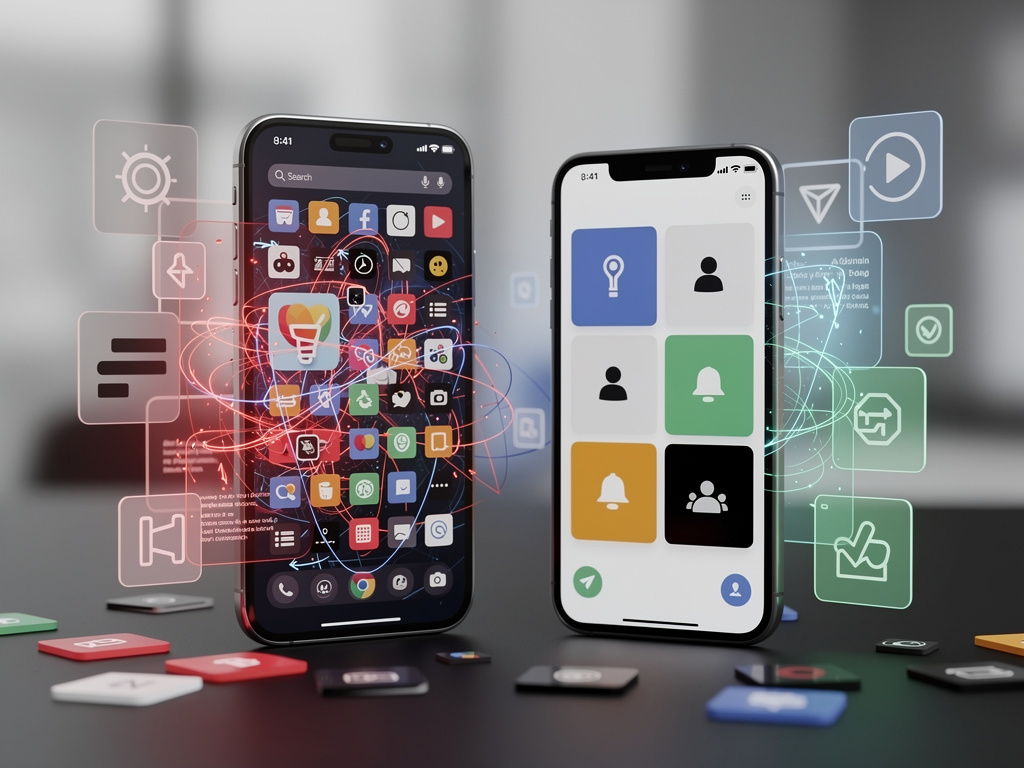
Visual clutter, another trend to eschew, manifests in overloaded interfaces crammed with icons, badges, and notifications. The “clean design” aesthetic of the early 2020s is fading, as detailed in a Medium article by Tanmay Vatsa on 2026 UX/UI Design Trends. Instead, there’s a push toward bento grid structures with rounded cards that organize content without overwhelming the senses. Yet, designers must avoid the trap of mimicking these without purpose, as cluttered screens can paralyze users, echoing sentiments from X posts about apps with endless settings that bombard users with options.
Forging ahead without ethical personalization is a misstep that’s gaining scrutiny. AI-driven interfaces promise tailored experiences, but when they veer into invasive territory—tracking without consent or pushing irrelevant content—they erode trust. A blog post from Tubik Studio warns of the need for ethical personalization in 2026, emphasizing transparency to prevent backlash. This is underscored by recent X discussions criticizing iOS updates for adding unnecessary layers, like extra animations that complicate basic tasks.
Navigating the Minefield of Outdated Aesthetics
Flat design, once revolutionary, now feels archaic in a world embracing depth and materiality. Posts on X, including those from Ice Universe, declare the flat era over, predicting a global shift toward more dimensional interfaces akin to iOS evolutions. This resonates with critiques of Samsung’s UI as outdated, suggesting that clinging to flat aesthetics ignores user desires for tactile, immersive elements. Developers ignoring this could see their apps labeled as relics in a market favoring soft spatial UI.
The reliance on dark modes without proper implementation is another pitfall. While popular for reducing eye strain, poorly executed dark themes—with insufficient contrast or inconsistent elements—can hinder readability. Insights from UXpilot on 2026 trends stress the importance of dynamic font sizes and color contrast for accessibility, warning against trends that sacrifice usability for style. This is especially relevant as apps integrate more AI chatbots, which demand clear, legible interfaces to maintain engagement.
Over-dependence on pre-installed bloatware and junk notifications further alienates users. As observed in older X posts from figures like Ranjit, the trend of stuffing apps with unnecessary features and ads persists, despite growing user frustration. In 2026, with smarter chatbots proliferating, as per Natively, apps must prioritize minimalism to avoid churn. This ties into broader development trends outlined in Xminds, which advocate for low-code tools that streamline without adding fluff.
Accessibility Oversights and Performance Drags
Ignoring inclusive design remains a critical error, particularly as regulations tighten around accessibility. Features like screen reader support and alternatives to gestures are non-negotiable, yet some apps still fall short. The Elinext Blog on key mobile app UI/UX trends for 2026 emphasizes creating experiences usable by everyone, highlighting how neglecting this can limit market reach. X users have voiced annoyance with interfaces that require excessive swipes or hidden menus, reinforcing the need for straightforward navigation.
Performance drags from heavyweight assets are equally detrimental. Prioritizing simple visuals and white space, as recommended in various sources, ensures faster load times crucial for user retention. A Medium post by Focotik on top UX/UI trends praises bento grids for suiting short attention spans, but warns against overloading them. This is vital in an age of AI-powered apps, where delays can break immersion.
The temptation to chase immersive 3D interfaces without optimization is a growing concern. While exciting, as explored in UIDesignz, these can drain batteries and alienate users on older devices. Balancing innovation with practicality is key, avoiding the pitfalls of trends that sound cutting-edge but fail in execution.
Ethical AI Integration and User-Centric Shifts
Pushing AI chatbots without seamless integration can disrupt flows. In 2026, these tools are ubiquitous, but forcing them into every interaction feels intrusive. Natively’s blog underscores their intelligence, yet X posts criticize apps for needy, unpredictable interfaces that pull focus from content. Designers must ensure AI enhances rather than hinders the core experience.
Social engineering through deceptive UI—such as misleading buttons or hidden opt-outs—erodes credibility. This ties into broader ethical UX standards discussed in Zumeirah, which calls for transparency in AI-driven designs. Avoiding these tactics preserves user trust in an increasingly skeptical environment.
Finally, the shift away from static dashboards toward agentic UX, as noted in recent X posts by Anjali Singh, signals a move from cumbersome interfaces to proactive, intelligent systems. Apps clinging to outdated multi-step processes risk obsolescence, emphasizing the need for designs that anticipate user needs without overwhelming them.
Strategic Avoidance for Future-Proof Designs
To sidestep these trends, developers should audit apps for hidden frictions, like buried share options in Safari, as critiqued on X. Embracing tools like Figma for iterative testing can help, ensuring designs evolve with user feedback.
Industry insiders, per a Medium article on iOS trends, predict a surge in personalized yet ethical experiences, urging avoidance of over-customization that feels creepy.
Reflecting on past cycles, as James on X observes, the rewind to familiar patterns after bold experiments underscores the cyclical nature of design. By learning from these, 2026 can mark a renaissance in mobile UI, prioritizing user delight over fleeting trends.
Embracing Minimalism Amid Innovation
Minimalism doesn’t mean barren; it’s about purposeful simplicity. Chop Dawg’s insights on 2025 trends, still relevant into 2026, stress intuitive experiences that connect immediately, warning against abandonment from poor UX.
Harsh borders and retro elements, predicted by James McDonald on X to return, should be approached cautiously to avoid clashing with modern aesthetics.
Ultimately, evading these trends requires vigilance, blending innovation with empathy. As Dev-Story’s blog on emerging trends suggests, focusing on user-centric enhancements will define successful apps in this dynamic field.
In drawing from these diverse sources, it’s clear that 2026 demands a recalibration: away from clutter and complexity, toward elegance and efficiency. By heeding these warnings, mobile app creators can craft experiences that not only survive but thrive in users’ daily lives.


 WebProNews is an iEntry Publication