
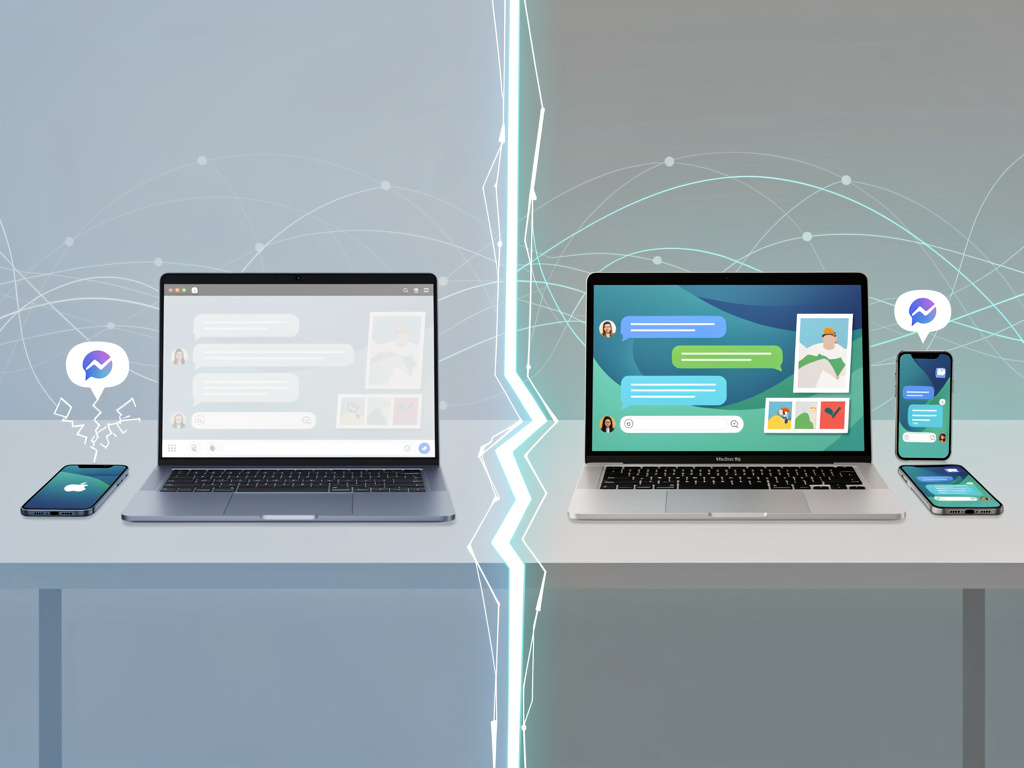
Three years after Microsoft rolled out Phone Link support for iPhones, Windows users still cannot access a full iMessage experience on their PCs. Apple has drawn a firm line. The company shows no interest in releasing an official app or opening its messaging service to competitors’ desktops.
That stance leaves millions who straddle both ecosystems hunting for workarounds. Some settle for basic notification mirroring. Others invest in always-on hardware or third-party servers. The gap persists. And it reveals deeper tensions between platform loyalty and practical productivity.
Phone Link Delivers the Official Path. Its Shortcomings Define the Problem.
Microsoft’s Phone Link app, preinstalled on Windows 11, pairs with an iPhone over Bluetooth. Users install the companion Link to Windows app on their phone, scan a QR code, and grant permissions for contacts, notifications, and messaging. Once connected, incoming iMessages appear on the PC. Replies can be typed there too. Blue bubbles remain intact. End-to-end encryption holds because the traffic never leaves Apple’s servers in an exposed way. (Lifehacker, June 5, 2026)
Yet the constraints bite hard. No full message history loads. Only recent conversations show up. Group chats stay off limits for both starting and replying. Attachments, photos, videos, and GIFs cannot be sent from the PC. Only text and emojis work. Sessions reset when the Bluetooth link drops or the PC restarts. Sent messages from the iPhone itself often fail to sync back to the desktop view. As one early hands-on report put it, “You don’t get a full message history here, which means you’ll only see messages from when your PC was on and paired to your iPhone.” (The Verge, March 2023)
Blake Stimac at CNET tested the setup extensively. He called the limitations “almost laughable” after years of personal frustration trying to make the two platforms coexist. Phone Link handles quick replies at a desk. It falls apart for anyone who lives in group threads or shares media regularly. (CNET, June 2024)
But the core issue runs deeper than one app. Apple does not expose the full Messages database to third-party Bluetooth connections. That decision preserves security and control. It also forces Windows users into awkward compromises. Recent updates have not changed the picture. As of mid-2026, Phone Link for iPhone remains notification-first with narrow reply capabilities. (Claw Messenger, April 2026)
Users on forums and social platforms echo the same complaint. They want to draft longer responses on a physical keyboard. They want conversation threads that persist across reboots. They want to attach files without grabbing their phone. Phone Link teases the possibility but stops short.
And so alternatives emerge. Some require extra hardware. Others trade convenience for features. None match the fluid integration Apple offers between iPhone and Mac.
One popular route involves keeping a Mac running in the background. Open-source projects such as BlueBubbles install a server on macOS that reads directly from the local Messages database. A Windows client then connects over the internet or local network. Full two-way sync arrives. Group chats work. Reactions, read receipts, attachments, typing indicators, all appear as they would on an Apple device.
Setup takes time. The Mac must stay powered on and connected to the internet. Permissions for full disk access and accessibility must be granted. After major macOS updates, tweaks often become necessary. Apple has revoked developer certificates in the past, forcing manual overrides. Still, for those who own a spare Mac Mini tucked in a closet, BlueBubbles delivers the closest thing to a native experience on Windows. The same principle applies to AirMessage, which adds its own layer of end-to-end encryption between the server and client.
Paid services and screen-mirroring tools fill other niches. Some mirror the entire iPhone display to the PC, allowing direct control of the Messages app. These solutions demand a constant connection and often carry subscription fees. They work. They also feel like a hack, draining phone battery and introducing latency.
Experimental projects that reverse-engineer Apple’s push notification protocol promise Mac-free access. Most remain incomplete or carry legal and reliability risks. Apple has moved quickly in the past to shut down such efforts, rotating keys and updating authentication. The message is consistent. iMessage belongs to the Apple ecosystem.
Even RCS adoption on iOS, which improved cross-platform texting with Android users, changes little for Windows. RCS operates between phones. No native RCS client exists on Windows that would let a PC send or receive those messages independently.
Industry observers see this standoff as strategic. iMessage has long served as a lock-in mechanism. Blue bubbles create social pressure. They signal premium status in group chats. They enable features that green-bubble Android users cannot match. Extending that service to Windows would erode one of Apple’s strongest differentiators. Microsoft, for its part, has pushed Phone Link as far as Apple allows. The company cannot force deeper integration.
Enterprise users feel the pinch too. Teams that standardize on Windows for security and management reasons still equip employees with iPhones for personal use. Those workers lose productivity when they must switch devices constantly to manage texts. Developers building automation or AI agents face similar barriers. A few services now offer API access to iMessage through hosted hardware, but these target programmatic use rather than everyday chat.
So the status quo holds. Casual users stick with Phone Link and accept its boundaries. Dedicated tinkerers run a Mac relay for fuller access. Most simply keep their iPhone nearby. The result is a fragmented experience that underscores how messaging has become another battleground in the platform wars.
Future shifts could come from regulation. European rules on interoperability have already forced Apple to open NFC and other services. Similar pressure on messaging remains possible but uncertain. Until then, Windows users will continue piecing together imperfect solutions. The perfect one does not exist. Apple prefers it that way.


 WebProNews is an iEntry Publication