
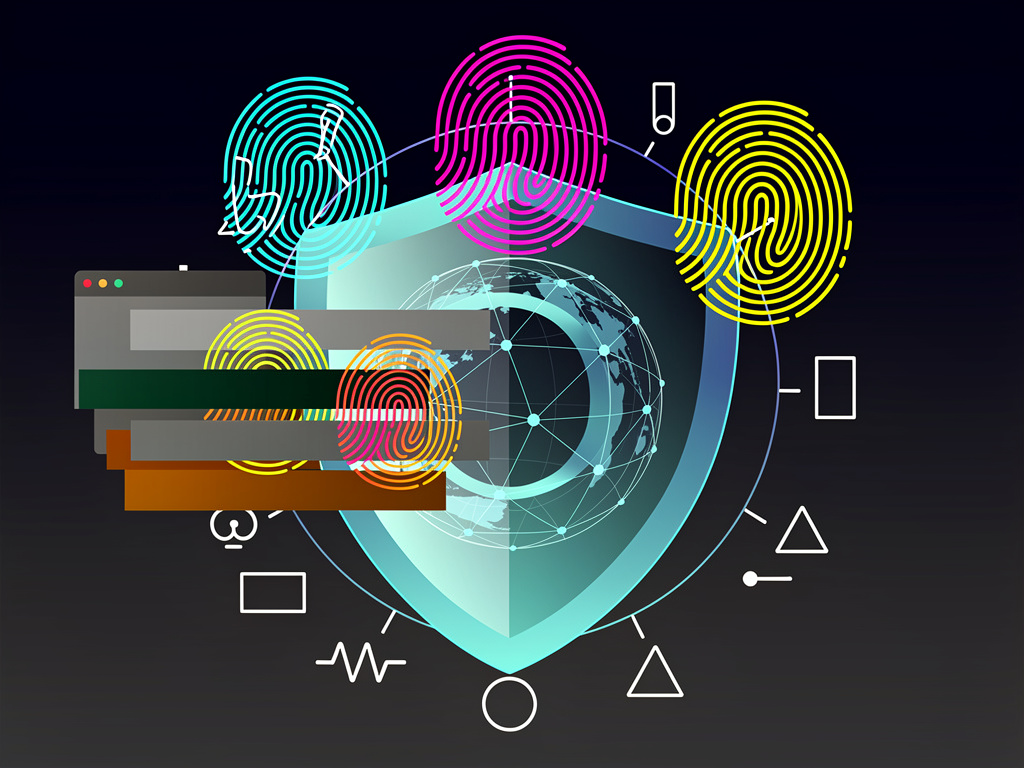
Security teams and privacy advocates long promoted VPNs as the essential tool for online anonymity. Connect, flip the switch, and your IP address vanishes behind an encrypted tunnel. Advertisers lose your trail. ISPs stop seeing your traffic. But that protection stops at the network layer.
Your browser keeps talking. Loudly. It shares screen dimensions, installed fonts, graphics rendering quirks, audio processing signatures, and hardware details that together form a profile stable enough to follow you from site to site. No cookies required. No IP address needed. And the numbers remain sobering.
The Electronic Frontier Foundation’s Cover Your Tracks tool has shown that roughly 84 percent of browsers produce fingerprints unique enough for tracking. MakeUseOf explained the mechanics in detail on June 16, 2026. A user running a VPN still watched the site report a nearly unique fingerprint in real time. The VPN changed the apparent location. Everything else stayed the same.
Researchers at RTINGS.com ran controlled tests in late 2025. They used identical Windows laptops and cycled through multiple commercial VPN services set to the same regional servers. The hashed fingerprint never changed. IP addresses shifted. Time zones sometimes adjusted. The core identifier stayed fixed. RTINGS documented the experiment with clear tables showing identical hashes across no-VPN and VPN sessions.
Canvas fingerprinting stands out as especially effective. Websites instruct the browser to draw hidden shapes or text using the HTML5 canvas API. Subtle differences in how graphics cards, drivers, and operating systems handle anti-aliasing, font smoothing, and floating-point math produce distinct outputs. AudioContext fingerprinting works on similar principles by measuring variations in how devices process sound waveforms.
These signals survive private browsing. They survive VPNs. They even survive many extensions marketed as privacy shields. Add too many custom extensions or tweak too many settings and the fingerprint grows more distinctive, not less. Customization often works against the user.
Defenses exist, yet they demand trade-offs that many organizations resist.
Brave Browser randomizes certain signals on each load, a technique the company calls farbling. PCMag’s May 2026 review of private browsers noted that Brave was the only major option where the EFF tool reported a randomized fingerprint. The publication highlighted Brave’s emphasis on blocking fingerprinting vectors while maintaining speed.
Mullvad Browser, developed with the Tor Project, takes the opposite approach. It makes every user’s configuration look as similar as possible. Fonts are limited. Canvas outputs are standardized. The goal is to blend into a large crowd rather than stand out through randomization. PCMag observed strong performance on both PrivacyTests.org and Cover Your Tracks when paired with a reputable VPN.
Yet even these browsers carry limits. Enterprise environments often require Chrome or Edge for compatibility with internal tools. Security teams must weigh fingerprint resistance against usability and support overhead. Disabling JavaScript removes many tracking vectors but breaks large parts of the modern web. Tracker blockers help but cannot rewrite how a browser renders graphics.
Recent coverage reinforces the gap between marketing and reality. Hackaday published a November 2025 piece that examined why VPNs fail to deliver full anonymity and warned against treating them as a complete solution. The article stressed that browser attestation techniques and hardware signals remain visible regardless of network routing.
ExpressVPN’s own 2025 guide acknowledged the issue while positioning its service as one layer in a larger stack. It recommended combining VPN encryption with browser hardening and careful extension management. PureVPN researchers claimed 99 percent identification accuracy even when IPs change, citing consistent Canvas, font, and AudioContext data.
So what should security leaders do? Treat VPNs as traffic protection, not identity protection. Layer them with browsers designed to minimize or normalize fingerprint surfaces. Test configurations regularly using public tools from the EFF and independent labs. Avoid the temptation to load every privacy extension available; the resulting profile may prove more identifiable than a stock setup.
And remember the human element. Employees who believe a VPN makes them invisible grow careless. They log into personal accounts, click sketchy links, or reuse credentials. The fingerprint follows anyway. Awareness training that explains these technical realities often proves more effective than another policy document.
The tracking industry adapted years ago. Advertisers, fraud detection systems, and even some state actors moved beyond simple IP logging. Browser fingerprinting now sits at the center of many attribution models because it is cheap, passive, and remarkably stable. Until browser vendors ship default configurations that prioritize uniformity over feature richness, users and organizations must actively manage their digital signatures.
That work is tedious. It requires ongoing attention. But it beats the alternative: the quiet confidence that a green lock icon and an encrypted tunnel provide complete cover. They don’t. The data leaking from your browser makes that clear every time a page loads.


 WebProNews is an iEntry Publication