
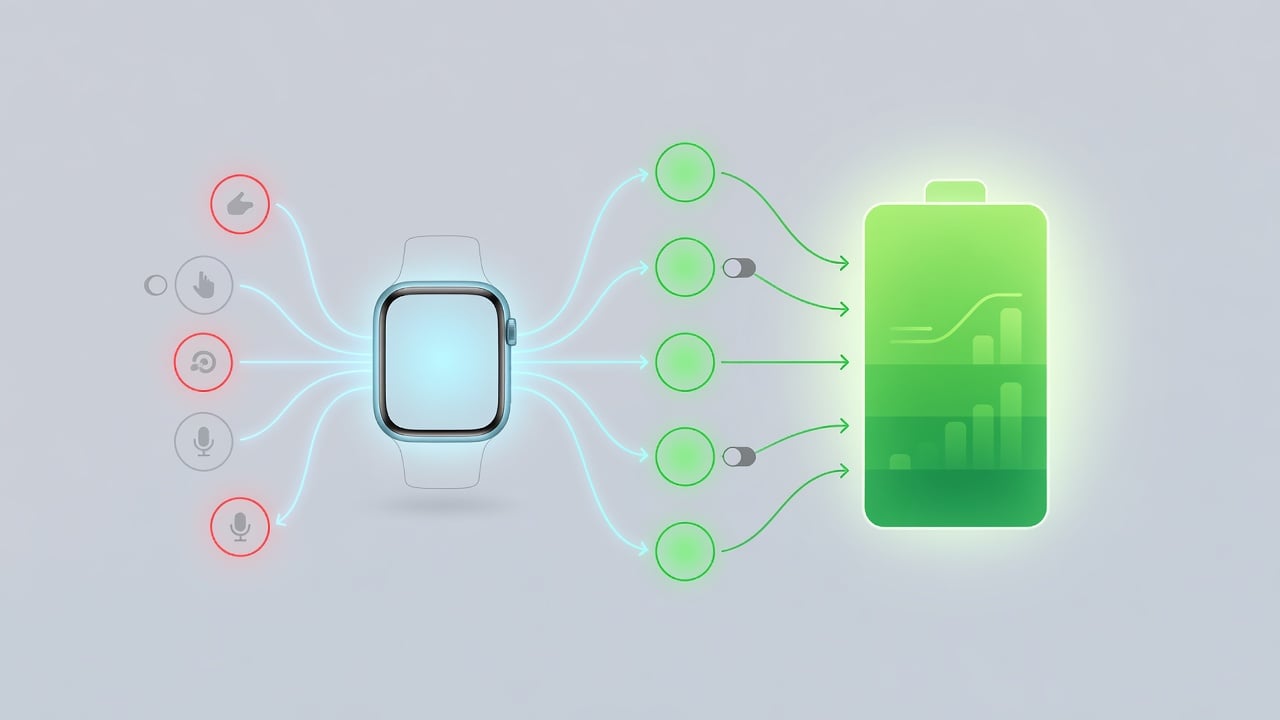
Apple has a habit of promising better battery life with each new version of its watch software. This time the company backs the claim with something more concrete than vague optimizations. WatchOS 27 will send proactive notifications that suggest disabling features users rarely touch. The move marks a shift toward smarter power management that learns from actual behavior instead of blanket system tweaks.
The feature arrives as part of a broader update unveiled at WWDC in June. 9to5Mac first detailed how these alerts work. They target background processes tied to gestures, Raise to Speak for Siri, and Start Workout reminders. When the system detects low usage it turns those processes off. A notification appears on the watch and iPhone. Owners can tap to override and keep the feature running.
Short. Direct. No more guessing why the battery drains faster on some days. But the notifications go further. They don’t just disable. They explain the trade-off. Turn off Raise to Speak and the watch saves power otherwise spent listening for the trigger phrase. Leave Start Workout reminders active and the system keeps polling sensors more often. Users decide. Apple steps back.
Analysts see this as part of a larger push to make older Apple Watches feel fresher. BGR reported that watchOS 27 drops support for several legacy models. The company removed outdated code. That cleanup contributes to faster app launches and smoother performance across the board. Battery gains follow naturally from less overhead. Yet the notification system adds a user-facing layer previous updates lacked.
Performance improvements listed by Apple include better Wi-Fi efficiency, more accurate step tracking, and quicker music playback. MacRumors outlined seven such gains. Battery efficiency sits at the top of that list. The company stopped short of promising specific hour increases. Real-world tests will tell. Early developer betas already show modest gains on Series 9 and Ultra 2 models according to users posting on X today.
And then there is the AI angle. WatchOS 27 brings a more capable Siri to the wrist. The assistant can now handle on-device tasks that previously required cloud calls. Fewer round trips mean less radio activity. Less radio activity drains the battery slower. Combine that with the new notifications and the watch starts to feel tuned to individual patterns rather than one-size-fits-all settings.
Developers received the first beta in June. Public betas followed in July. The final release lands this fall alongside iOS 27. Apple’s official newsroom post highlighted the update’s focus on intelligence and efficiency. It listed supported devices starting with Apple Watch Series 9, Ultra 2, and the newest SE model. Older hardware misses out on some AI features but still receives the battery suggestions.
Power users already tweak settings manually. They disable always-on display, limit complications, and turn off heart-rate notifications during workouts. The new system automates some of that labor. It watches usage over days or weeks. Then it makes recommendations. A fragment of code running unnecessarily in the background suddenly gets flagged. The watch lasts longer. The owner stays informed.
But questions remain. How aggressive will the suggestions become? Will frequent overrides train the system to stop recommending certain features? Apple has not published details on the learning algorithm. Privacy matters here. Usage data stays on device. The company emphasized that point in its WWDC presentation. No cloud analysis of personal habits.
Competitors watch closely. Samsung and Google have experimented with similar adaptive battery features on Wear OS. Results vary. Some users praise the hands-off approach. Others complain about unexpected feature changes. Apple’s version includes an easy override button. That small detail could make the difference between frustration and appreciation.
Recent tests shared on X show mixed early feedback. One user with a Series 10 reported an extra 90 minutes of use after accepting three notifications. Another said the alerts felt intrusive at first but grew useful after a week. These anecdotes match patterns seen in past iOS battery improvements. Initial skepticism gives way to quiet acceptance once the numbers improve.
The update also syncs step counts more accurately between the Fitness and Health apps. DC Rainmaker noted this alignment removes discrepancies that annoyed serious trackers. Faster media playback reduces the time the processor stays active. Each small win adds up. Together they create the conditions for the notification system to shine.
Industry insiders expect Apple to expand the feature in future releases. WatchOS 28 could tie suggestions to location or time of day. Running low in the evening? Disable always-on if you rarely check the watch at night. The foundation built in version 27 allows that kind of contextual intelligence without heavy privacy trade-offs.
Hardware still sets the upper limit. Newer watches with larger batteries and efficient chips benefit most. Yet software gains matter more for the millions wearing older models. By focusing on background tasks that deliver marginal value Apple extends useful life without forcing upgrades. Owners notice. They keep their devices longer. The company sells more services instead of hardware. Smart business wrapped in a simple notification.
So the real story isn’t just longer battery. It’s a subtle change in how users interact with their devices. Less fiddling with settings. More trust in the system to suggest helpful changes. Apple bets that people will appreciate the guidance once they see the results. Early signs suggest the wager pays off.


 WebProNews is an iEntry Publication