
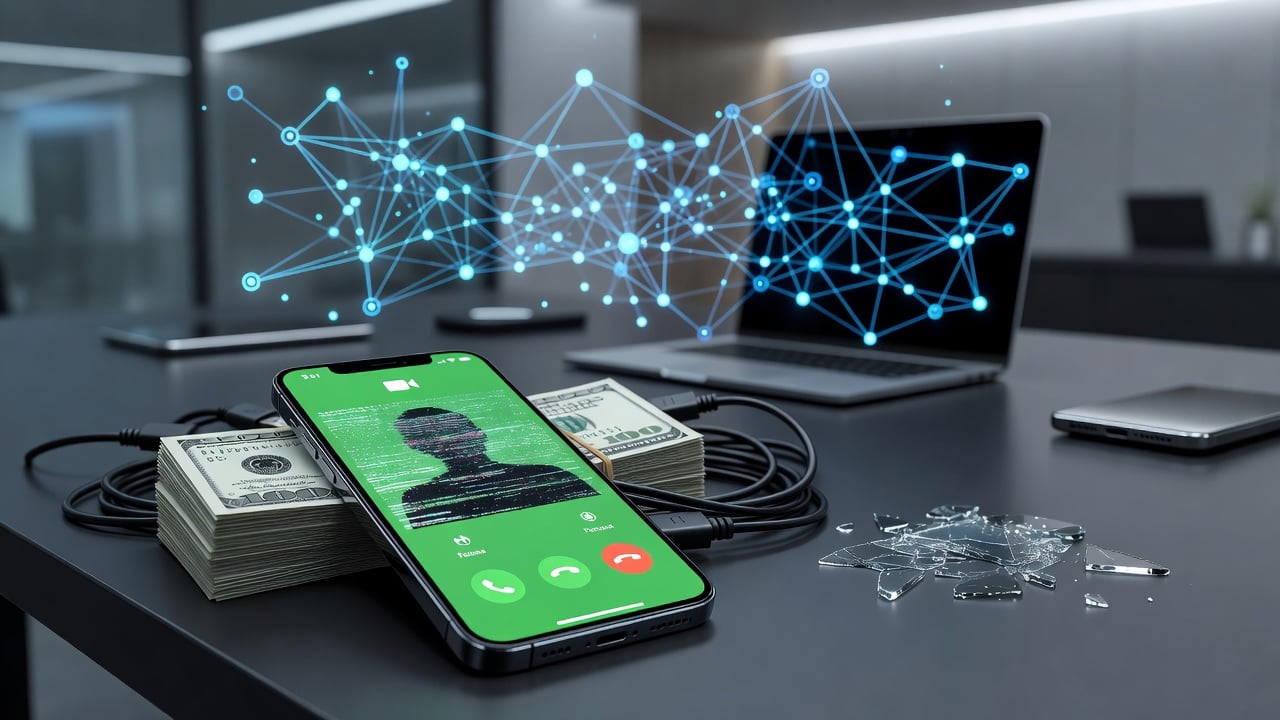
Scammers have found a new favorite tool. FaceTime. The video calling feature long praised for connecting families now serves as a convincing stage for fraudsters posing as bank officials or tech support.
Apple issued a pointed warning this month. It urges iPhone and iPad owners to treat any unexpected FaceTime call or link with deep suspicion. Especially those that mention payments, refunds, password changes or requests for personal details. The alert forms part of a larger support document from Apple that details social engineering attacks across calls, texts and emails.
But why FaceTime? Trust. Consumers see the familiar interface and assume safety. A caller appears on screen. They claim suspicious activity on your account. They sound official. Then comes the request to share your screen while you log into your banking app. The scammer watches in real time. Passwords. Account numbers. One-time codes. All captured. Yahoo Finance reported the tactic, quoting CBS News national consumer correspondent Ash-Har Quraishi: “The scammer watches in real-time while victims expose passwords.”
The scheme often begins with a text message. It warns of unusual charges or a security issue. A phone number follows. Call us back, it says. Or the contact arrives directly as a FaceTime invitation spoofed to look like it comes from your bank. Once connected, the fraudster builds credibility. They might reference your address or recent transactions pulled from data breaches. Urgency follows. Fix this now or lose everything.
And the losses add up. The Federal Trade Commission reported Americans lost $3.5 billion to imposter scams in 2025. Bank impersonators drove the largest share. PhoneArena covered the joint alerts from Apple, the FTC and law enforcement. Legitimate companies, the warnings stress, do not initiate unsolicited FaceTime conversations demanding passwords or immediate financial actions.
FaceTime itself remains secure. No breach of the app occurred. Scammers simply use it as a delivery mechanism for classic social engineering. They exploit the human tendency to trust video. A face on screen feels more real than a voice on the phone. Some even request screen sharing under the guise of walking the victim through a fix. Others push remote access tools. The result? Full account takeover.
Recent coverage shows the problem accelerating. Malwarebytes noted on July 14, 2026, that attackers pair these calls with known iOS vulnerabilities. Many users delay updates. That gap lets follow-on attacks succeed even after Apple patches flaws. The security firm highlighted campaigns that combine Apple-branded lures with technical exploits. No malware required on the victim’s device at first. The exploit is trust.
Help Net Security echoed the concerns days later. Its July 17, 2026, article described how scammers pose as trusted organizations to extract credentials, security codes and financial data. Help Net Security stressed the same core advice: treat unsolicited contact as hostile.
Apple’s guidance cuts through the noise. The company will never ask for your password, device passcode or two-factor authentication codes. It will never direct you to log into a website during a support call or ask you to disable security features like two-factor authentication or Stolen Device Protection. If a caller makes any of those requests, hang up.
Reporting matters. Apple created a dedicated channel. For suspicious FaceTime calls that appear to come from a bank or financial institution, users should open the FaceTime app, tap the More Info button next to the call, take a screenshot and email it to [email protected]. The same address handles suspicious FaceTime links received in Messages or Mail. Screenshots must show the originating phone number or email.
Broader protections extend beyond one app. Don’t answer unexpected calls claiming to be from Apple or your bank. Verify independently by calling the number on your physical card or official website. Never share screen access with strangers. Keep software updated. Enable two-factor authentication. Treat any request for gift cards or immediate wire transfers as fraud.
NDTV highlighted the video element’s power. Fraudsters exploit FaceTime’s visual nature to build instant credibility. A person in uniform or displaying a fake badge on camera can sway even cautious users. NDTV reported the impersonation of officials and the resulting data theft on July 14, 2026.
CBS News added vivid detail. Scammers don’t just call. They guide victims step by step through their own banking apps while watching every keystroke. The real-time nature removes the abstraction of traditional phishing. Victims literally hand over access under the illusion of receiving help.
So what does effective defense look like? Start with skepticism. Any unsolicited contact that creates urgency deserves immediate doubt. Cross-check the story through official channels only. If a bank truly needs to reach you, it will use established methods that don’t require sharing codes on a video call.
Industry observers note this represents an evolution rather than a revolution. Phone scams existed for decades. Email phishing remains common. Yet FaceTime adds a layer of perceived legitimacy that earlier vectors lacked. The FTC’s massive loss figures show the human cost. Billions transferred to criminals who prey on fear and confusion.
Apple’s updated support page lists multiple red flags. Scammers often spoof caller ID to match legitimate numbers. They drop personal details early to seem authentic. They insist problems will worsen if you hang up to verify. They direct you to fake login pages that harvest credentials in real time. Each tactic targets the same weakness: the impulse to act quickly when money seems at risk.
Users on X recently shared similar encounters. One post described repeated FaceTime attempts from unknown numbers while the phone was on Do Not Disturb. Others warned of AI-enhanced variants where voices mimic family members. Though Apple’s current alert focuses on financial impersonation, the platform’s flexibility invites creative abuse.
The best response combines vigilance with technology. Automatic updates reduce exposure to known flaws. Security software that flags suspicious links or behavior adds another barrier. But no tool replaces judgment. When a pleasant voice on video asks for your banking password, the correct answer is always no.
Apple continues to refine its warnings as tactics shift. The [email protected] inbox gathers evidence that helps track patterns and potentially disrupt operations. Law enforcement receives parallel reports through FTC channels. Coordination matters because these scams cross borders and platforms.
One fact stands clear. FaceTime scams succeed because they feel personal. A video call feels like a conversation with a real person trying to help. That perception is the product being sold. Reject it. Verify everything. Protect your accounts the old-fashioned way: by never surrendering control to a stranger on the other side of the screen.


 WebProNews is an iEntry Publication