
Arch Linux has long stood apart for its minimalism and flexibility. Users build systems from a bare command line. Yet that same approach deters many who want the distribution’s speed and customization without hours spent troubleshooting partitions and bootloaders. The project’s official text-based installer, Archinstall, has steadily narrowed that gap. Its latest update arrives at a moment when the community seeks both simplicity and power.
Version 4.4 landed on June 28, 2026. Phoronix reported the release just ahead of the July 2026.07.01 ISO refresh. The changes focus on clarity before any disk writes occur. They also expand desktop choices and correct long-standing pain points. The result feels less like an automation script and more like a thoughtful guide.
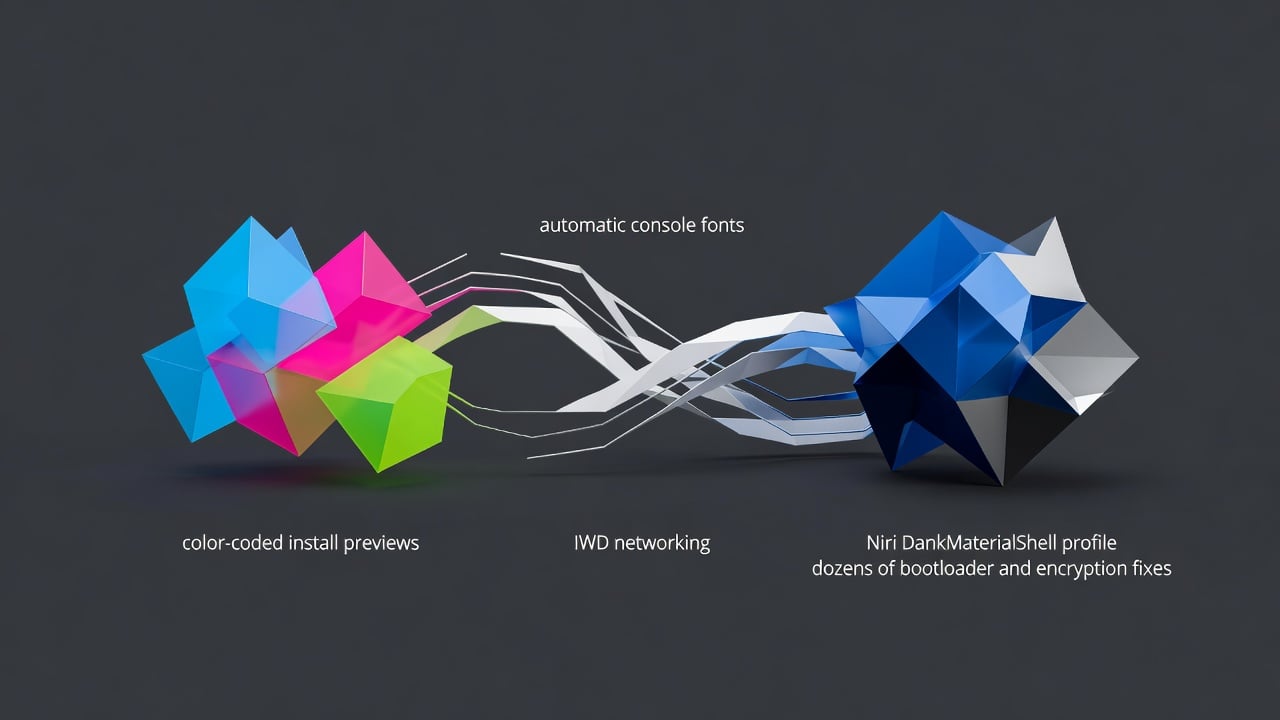
One of the most visible additions comes in the install preview screen. Previously a plain text dump, it now uses color coding. Red flags blocking errors. Yellow marks warnings. Green signals everything checks out and the system stands ready. XDA Developers highlighted how this preview surfaces problems early. No more discovering a missing bootloader after the fact. The feedback loop tightens. Users adjust configurations with confidence.
When the setup passes validation, Archinstall now displays a concise summary. It lists chosen options, packages and partitions. The overview helps confirm intent. Mistakes become obvious before the process begins. Such small additions accumulate. They reduce the mental load that once defined Arch installations.
Locale handling received attention too. Selecting a language now automatically sets an appropriate console font. Users can still override that choice in the Locales menu. The option sits right where it belongs. No more hunting through separate configuration steps or guessing which font renders special characters correctly. These details matter on servers, laptops and desktops alike.
Networking options grew. Administrators can pick IWD as a standalone wireless daemon without NetworkManager. The change suits minimal or custom setups. At the same time, Wi-Fi selection inside the text interface works more reliably. Earlier versions sometimes dropped connections or failed to list networks. Those bugs have been addressed.
Bootloader reliability improved across several fronts. Validation now catches UEFI-specific layout problems. EFI partition permissions receive stricter defaults with fmask and dmask set to 0077. The adjustments prevent common permission headaches on modern firmware. Limine installations succeed even when the EFI system partition mounts outside the traditional /boot path. GRUB-BTRFS users keep a standalone initramfs when unified kernel images are enabled. The list of targeted fixes reads like a veteran administrator’s wishlist.
Encryption feedback sharpened. When LUKS unlock fails, the actual cryptsetup error message now surfaces. Users no longer stare at generic failures. They see the precise reason. Plymouth configuration also entered the menu. A warning appears before enabling the boot splash so users understand the trade-offs. The addition brings graphical polish without forcing it on minimalists.
Logging received practical upgrades. A new share-log subcommand uploads the install.log file to paste.rs with one command. Support teams and forum helpers gain instant access to complete records. The feature alone could cut troubleshooting time in half for many users.
Desktop profiles expanded. The headline addition pairs the Niri Wayland compositor with DankMaterialShell. Phoronix noted that the combination has gained popularity for delivering an approachable yet highly configurable experience out of the box. Niri’s tiling approach pairs naturally with the shell’s material design aesthetics. The profile also works alongside Hyprland, Sway and other compositors, according to the project’s documentation. One pull request made the case that this pairing lowers the barrier for users seeking modern visuals without extensive post-install tuning.
Other desktop adjustments appear in the release. The Cutefish profile was removed after it became unmaintained. Budgie received updated display server settings, refreshed packages, a new terminal and file manager. Bspwm users should no longer encounter black screens thanks to proper provisioning and default configuration. Sway on NVIDIA setups displays its confirmation dialog correctly. These tweaks demonstrate steady housekeeping across the growing list of supported environments.
Translations saw significant work. Japanese, Spanish, French, Polish, Ukrainian, Finnish, Danish and others received updates or new contributions. The localization effort reflects Arch’s global user base. Many strings that once broke in previews now render properly.
Under the hood, code quality advanced. The user interface module moved up one level in the hierarchy. Configuration handling was refactored. Logging logic received a cleanup. Old curses-based TUI code was finally excised. These internal shifts prepare the codebase for future features while eliminating sources of subtle bugs.
The release also added mkosi support for building test images. That tool will help developers validate changes faster. Several new contributors made their first marks, from documentation fixes to complex validation logic. The project’s collaborative nature shows in the changelog.
Archinstall 4.4 will ship with the official July ISO. Those running older media can update immediately with a simple pacman command after booting the live environment. The package sits in the extra repository and pulls in cleanly.
Look at the broader picture. Arch Linux still requires users to make decisions. This installer does not hide complexity. It surfaces it clearly, flags problems early and offers sensible defaults. The color-coded preview, summary screen and improved validation turn what was once guesswork into structured choices. New desktop profiles keep pace with evolving Wayland compositors. Networking, bootloader and encryption fixes address real-world friction points that have frustrated users for years.
Some will argue the project drifts too far from the manual installation ritual. Others welcome tools that let more people experience Arch without weeks of trial and error. The tension has existed since the first Archinstall release. Version 4.4 does not resolve that debate. It simply makes the guided path more reliable and informative.
Future releases will likely build on these foundations. Better hardware detection, additional filesystem options or expanded secure boot support could follow. For now, the 4.4 update stands as a measured step forward. It respects Arch’s philosophy while lowering unnecessary obstacles. Administrators, developers and enthusiasts alike gain from the refinements.
The changes appear in the official GitHub release notes. They match reporting from Linuxiac, which cataloged the color coding, locale improvements, IWD support and Plymouth handling in detail. Community discussion on X and Reddit echoed the same themes: clearer previews reduce fear, the Niri profile excites tiling fans, and the bug fixes restore trust in automated paths.
Installation remains a deliberate act. With Archinstall 4.4, it also becomes a clearer one. That distinction matters.


 WebProNews is an iEntry Publication