
Dave Plummer once helped shape the lean ethos inside Microsoft. As the creator of Task Manager, he recalls a time when development teams followed strict boundaries. Notepad stayed simple. It handled plain text. WordPad took on the richer formats.
“We had some clear rules,” Plummer said on his YouTube channel Dave’s Garage. “Notepad was for plain text. WordPad was for RTF. And we were taught how important it was to never cross the streams. So, Notepad stayed lean.”
That discipline has faded. Today’s Notepad carries AI suggestions, Copilot prompts, and layers of features few asked for. The executable now exceeds 300KB. Some observers put the bloat factor above 100 times compared with Plummer’s creation.
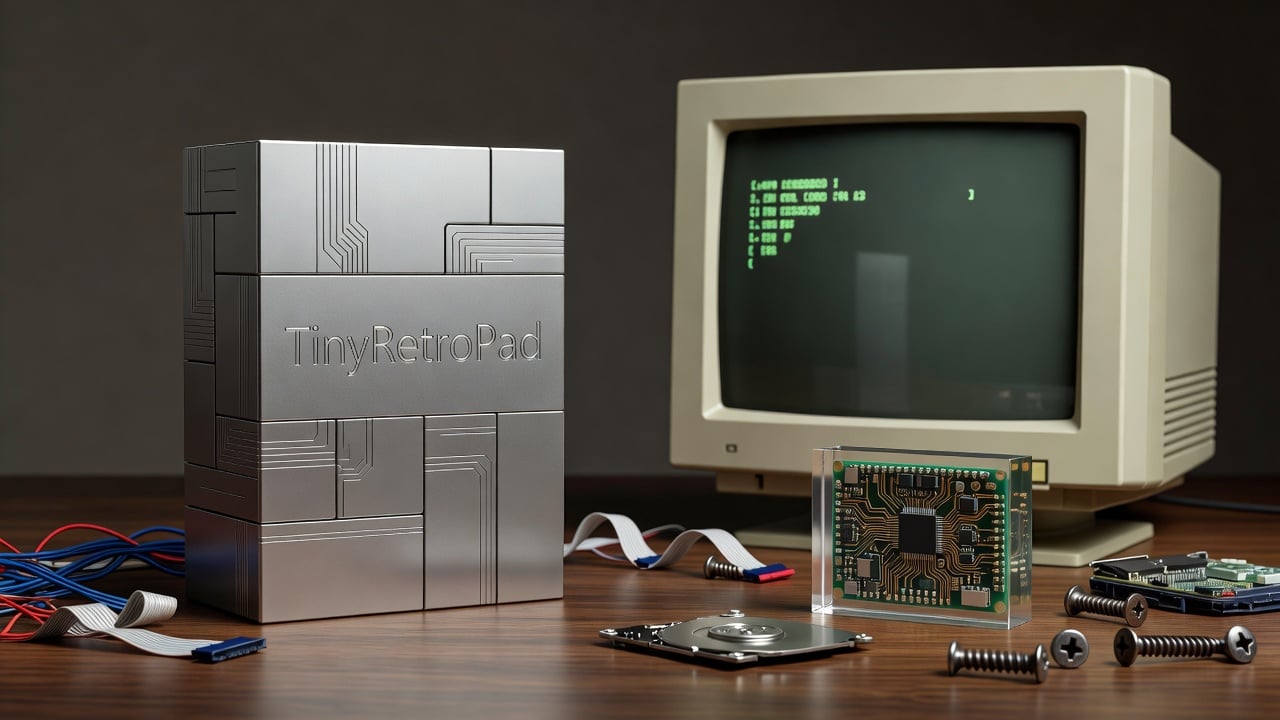
Plummer decided enough. He rebuilt the editor from scratch. The result fits in 2,686 bytes. He calls it TinyRetroPad. It looks like the Notepad from Windows XP days. No telemetry. No unnecessary code. Just the basics done in assembly language.
The project started as a fork of Matt Power’s Tiny Editor, known as DTE. Plummer posted the code on GitHub at PlummersSoftwareLLC/TinyRetroPad. The Register first reported the effort yesterday, highlighting how the binary compiles to 2,794 bytes yet occupies 4,096 bytes on disk because of cluster allocation. (The Register)
Printing support surprised even its author. “Printing in Windows is kind of spooky,” Plummer noted. “It’s one of those subsystems that feels like you’re opening a hatch in the floor and you discover a second operating system underneath.” The program leans on the RICHEDIT50W control already present in Windows. Open and save dialogs, font selection, basic editing all come from the operating system’s own components.
Memory use tells a different story. The tiny executable still demands more RAM at runtime than its file size suggests. That trade-off makes sense. The code demonstrates that Windows already contains capable pieces. Developers need not rebuild everything.
Plummer framed the work as more than nostalgia. “If Notepad was the canary in the coal mine that signaled our descent into mediocrity, then what’s the antidote?” He rebuilt it without the accumulated cruft of decades. The contrast with modern Notepad could not be sharper.
Microsoft has steadily added functions to the once-minimal editor. Recent updates brought AI writing assistance and fresh interface elements. A Windows Latest report from April outlined 18 new features headed to Windows 11 this year, including further refinements to apps like Notepad. (Windows Latest)
Critics have long complained about the direction. Hacker News threads from years past still resonate. Users noted how the modernized Notepad introduced visible lag when opening menus or scrolling text. One commenter observed that nobody needs Notepad to look pretty. Everyone needs it to work quickly.
Plummer’s version sidesteps those complaints. It avoids the modern UI overhaul. The interface stays classic. Speed comes naturally from the stripped-down design. Assembly code helps keep the footprint small. Reliance on built-in Windows controls avoids duplication.
Yet the project raises questions for software teams across the industry. How much code weight do applications actually need? Storage costs have dropped dramatically since the XP era. Memory prices followed. Still, the principle of restraint retains appeal. TinyRetroPad shows what remains possible when bloat is rejected outright.
Similar efforts have appeared before. Florian Balmer’s Notepad2 gained praise in the mid-2000s for delivering more capability without excess size. Older discussions on Coding Horror from 2005 debated replacing the stock notepad.exe with lighter alternatives. The pattern repeats. Every few years, developers rediscover the value of minimalism.
Plummer’s background adds weight to the statement. His time at Microsoft spanned an era when resource constraints shaped decisions. Task Manager itself began as a compact utility. It grew over time, but its original purpose stayed focused on system insight rather than visual flair.
The GitHub repository invites others to examine the code. Contributions could extend the concept. Some may adapt it for specialized uses where every byte counts. Embedded systems, recovery environments, or teaching tools come to mind. The assembly listing offers a window into efficient Windows programming techniques that many younger developers never encounter.
Microsoft itself has shown awareness of performance concerns. Internal benchmarks have used both File Explorer and Notepad to measure launch times in Windows 11 updates. Recent Instagram posts from Microsoft Design referenced these efforts. The company aims to improve responsiveness even as it layers new capabilities.
But Plummer’s experiment takes a different path. It discards the layers. The binary size speaks for itself. At under 3KB, TinyRetroPad forces a conversation about defaults. Why ship a text editor that large when far smaller options exist? The answer often involves compatibility, features, and the desire to present a consistent modern experience.
That consistency comes at a cost. Users who simply want to open a configuration file or jot a quick note encounter more than they need. Telemetry collection, update mechanisms, and AI hooks add overhead even when unused. Plummer removed all of it.
Reaction on technical forums has been largely positive. Developers appreciate the audacity. Some have compiled the project themselves to verify the reported sizes. Others point out that runtime memory demands remain higher than the disk footprint. The program still loads the rich edit control and supporting libraries. Perfection in size remains elusive.
Still, the achievement stands. A former insider took the original vision of Notepad and made it smaller than anyone expected. He proved the operating system contains the necessary pieces. No need to reinvent basic text handling.
The broader lesson may apply beyond Windows. Software across platforms has grown heavier. Web apps bundle frameworks. Mobile programs include analytics and advertising libraries. Each addition feels small in isolation. Together they slow devices and frustrate users.
Plummer offers a counterexample. Start with constraints. Use what the platform already provides. Avoid crossing streams. The resulting program may not win design awards. It probably will not attract venture funding. But it works. It stays out of the way. And at 2.5 kilobytes, it makes a point that larger teams sometimes forget.
Whether TinyRetroPad gains widespread use matters less than the discussion it sparks. In an age of ever-larger binaries and cloud-dependent tools, the sight of a functional text editor that fits in a few thousand bytes feels refreshing. It recalls an earlier era of computing. One where efficiency was a virtue rather than an afterthought.
Plummer has not stopped at Notepad. His YouTube channel explores other retro computing topics and critiques of modern development practices. The TinyRetroPad release fits neatly into that ongoing commentary. Sometimes the best way forward is to look back and ask what got lost along the way.


 WebProNews is an iEntry Publication