

Google Maps has been an invaluable resource for people who are either just finding a place to drive to leisurely or getting to a location for business. One of the reasons its so highly praised is because users can see typical traffic patterns for highways on Google Maps. That service is now coming to regular roads.
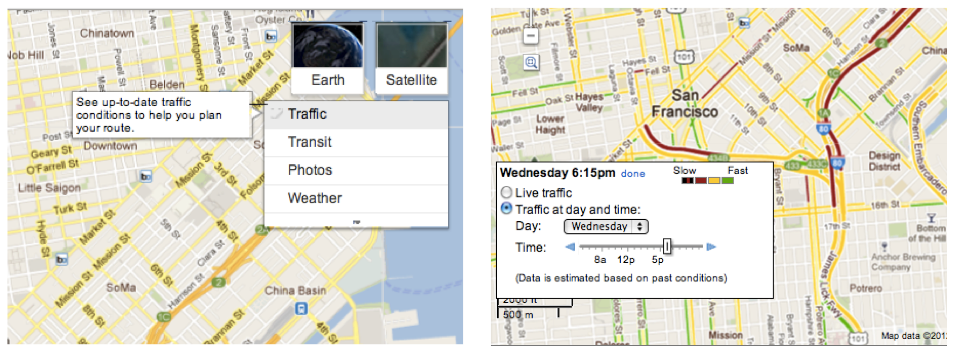
Szabolcs Payrits, software engineer for Google Maps, detailed the changes on the Lat Long Blog. Google+LatLong%29″>The good news is that it launches today and features the typical traffic patterns that you would find on normal roads throughout a city. It should make it especially useful for those people who have to drive through a major thru-traffic city like San Francisco.
To further illustrate the usefulness of the update, they show a before and after picture of London. Showing just the traffic density on highways is nice, but the change to roads within London is jarring. I didn’t even know there were so many roads within the city.

Like always, these kind of updates are made possible through users making contributions to the Google team to update them on traffic patterns in cities. You can do this by turning on the “My Location” feature on Google Maps for Android. That is, if you don’t mind Google knowing where you are at all hours of the day.


 WebProNews is an iEntry Publication